Check compatibility
See which vehicle details matter before asking for a quote.
Read the check guideBMW blog and guides
Helpful articles, compatibility checks and real proof pages for BMW owners looking at Apple CarPlay, Android Auto, screen upgrades, iDrive coding and retrofits.
Choose your path
The site now separates learning, proof and quote steps so you do not have to guess your BMW setup before contacting OEM Motion.
See which vehicle details matter before asking for a quote.
Read the check guideUnderstand activation, price, coding, wireless use and common connection problems.
Read CarPlay FAQsUse the checklist for model, VIN, iDrive photos and upgrade goals.
Open quote checklistUse screen, menu and controller clues before sending photos.
Open iDrive guideUnderstand activation, Android Auto and screen upgrade paths.
Compare upgrade optionsBrowse privacy-safe examples by BMW model and result.
View proof pagesCore guides
These are the main evergreen pages to send to customers when they are unsure what their BMW needs.
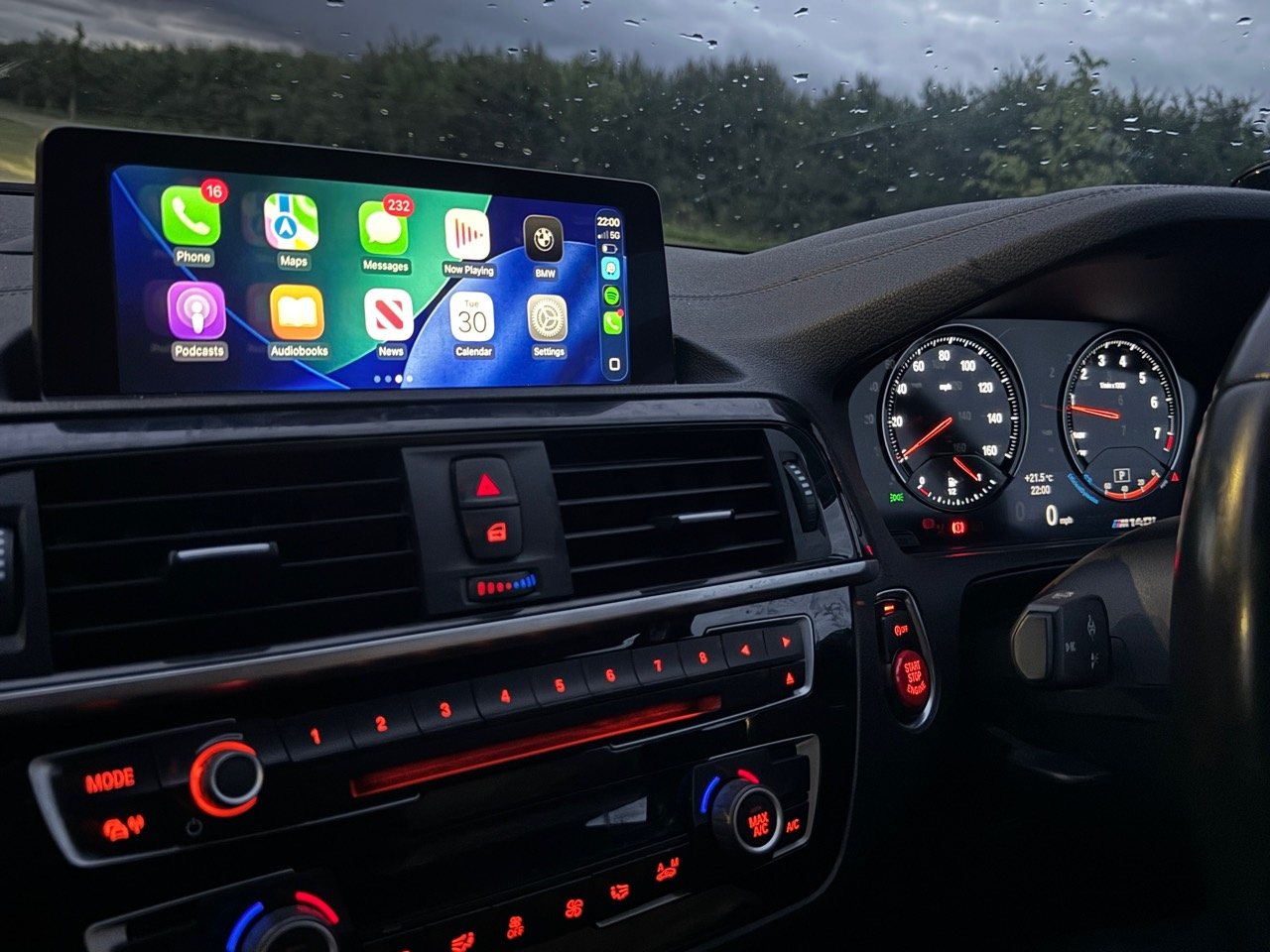
Straight answers about compatibility, £150 activation, coding, wireless use and support.
Read the answers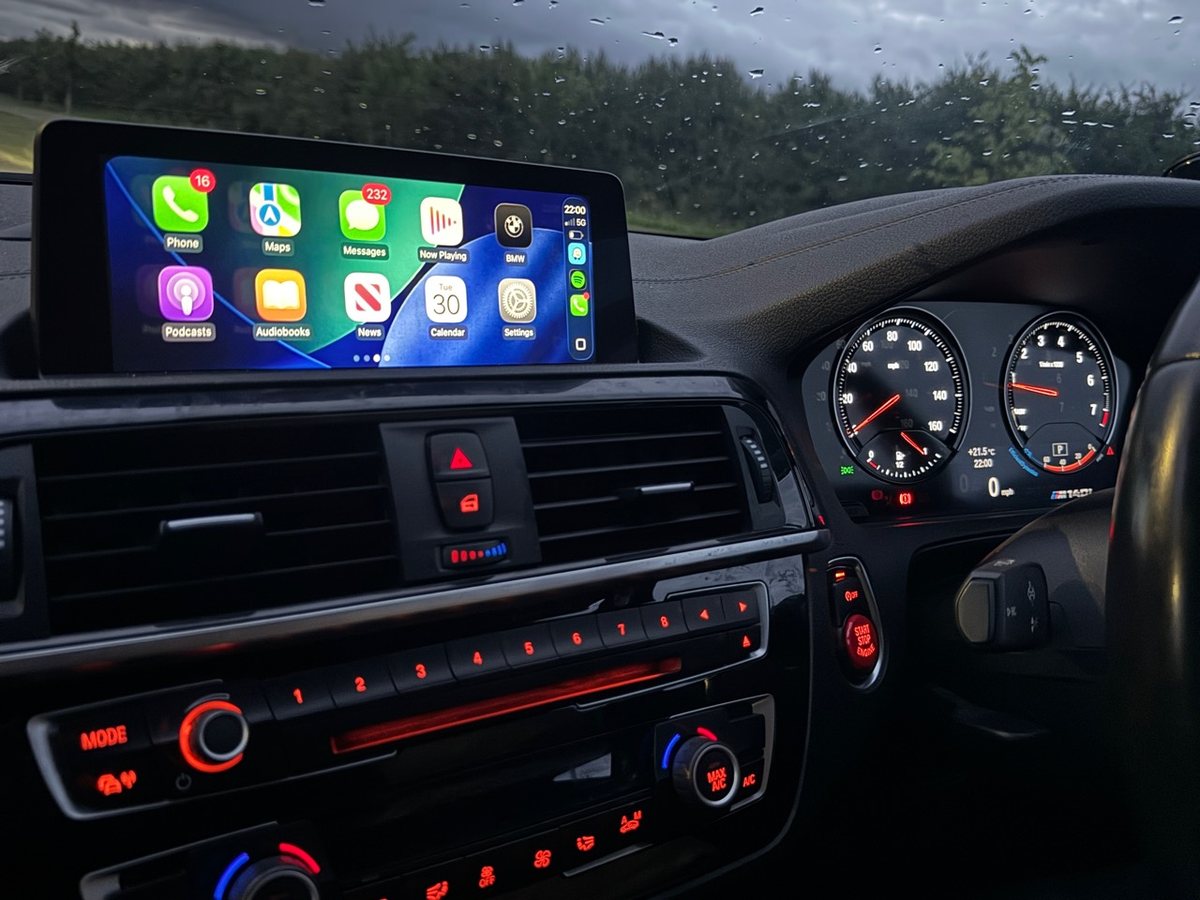
What to send, why the VIN matters and why model/year alone is not enough.
Read compatibility guide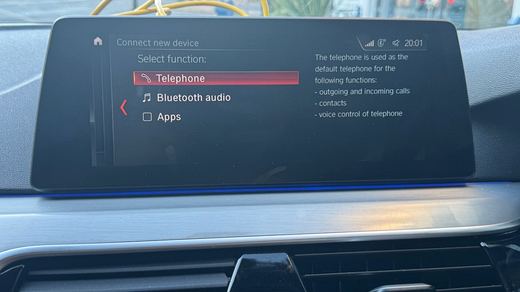
CIC, NBT and NBT EVO clues explained in plain language.
Read iDrive guide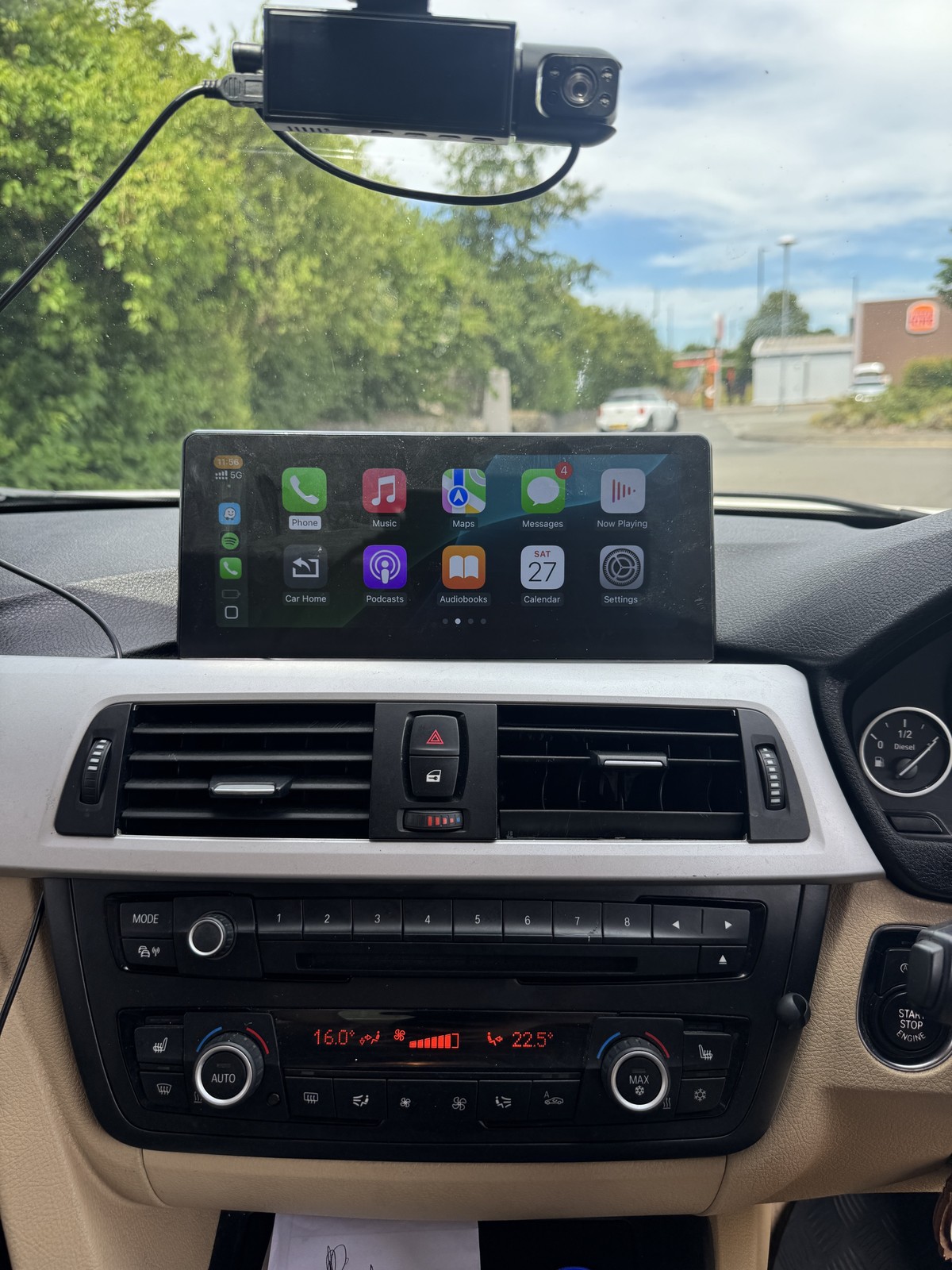
When activation may be enough and when a larger display route makes more sense.
Read screen guideReal proof
Each proof page gives visitors a more useful example than a generic gallery because the model, route and result are clear.
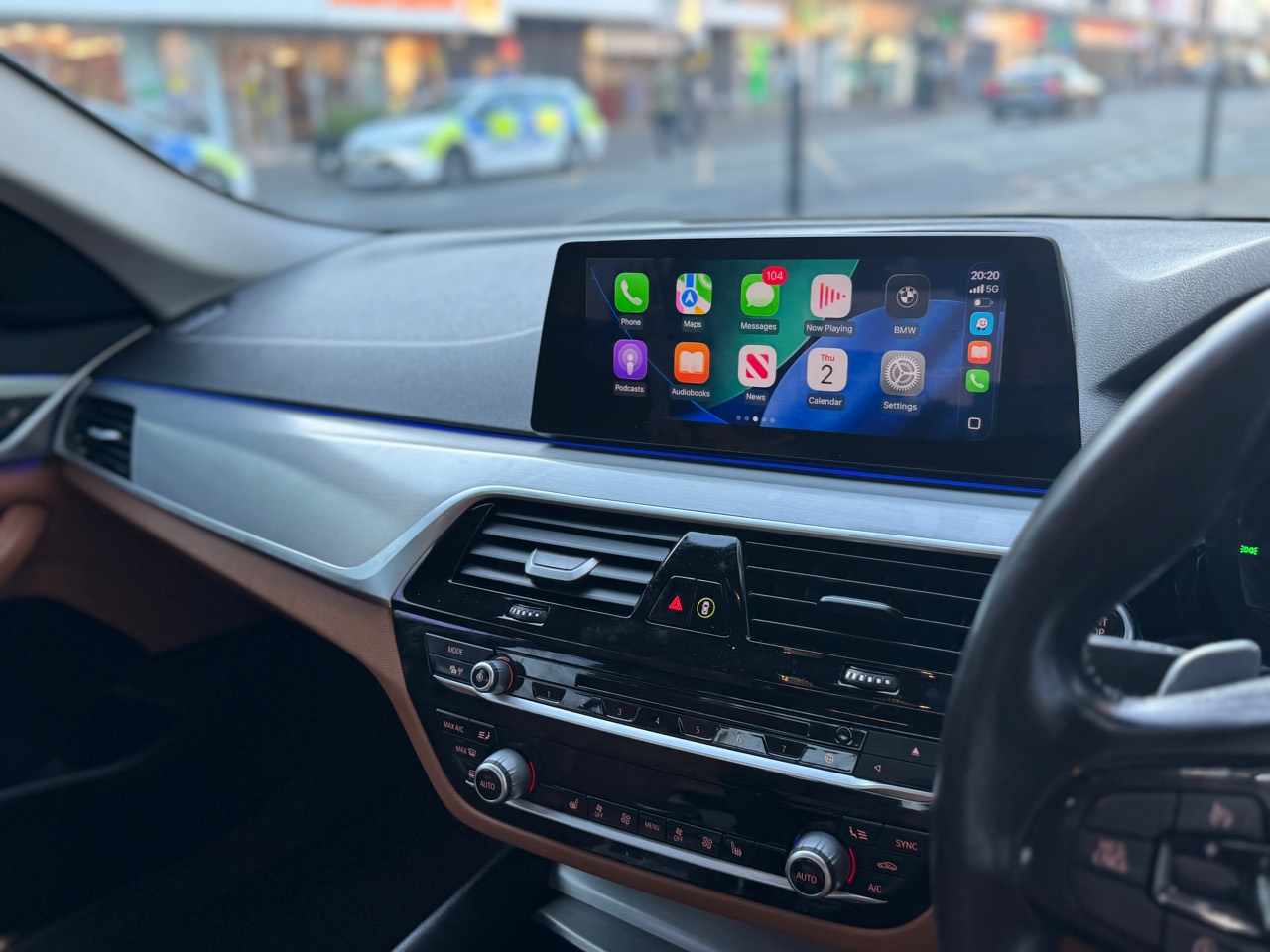
Mobile fitting proof with BMW menu, CarPlay and screen mirroring route context.
Open 520d G30 proof
Apple CarPlay, Android Auto, steering controls and original BMW operating system retained.
Open 320d F30 proof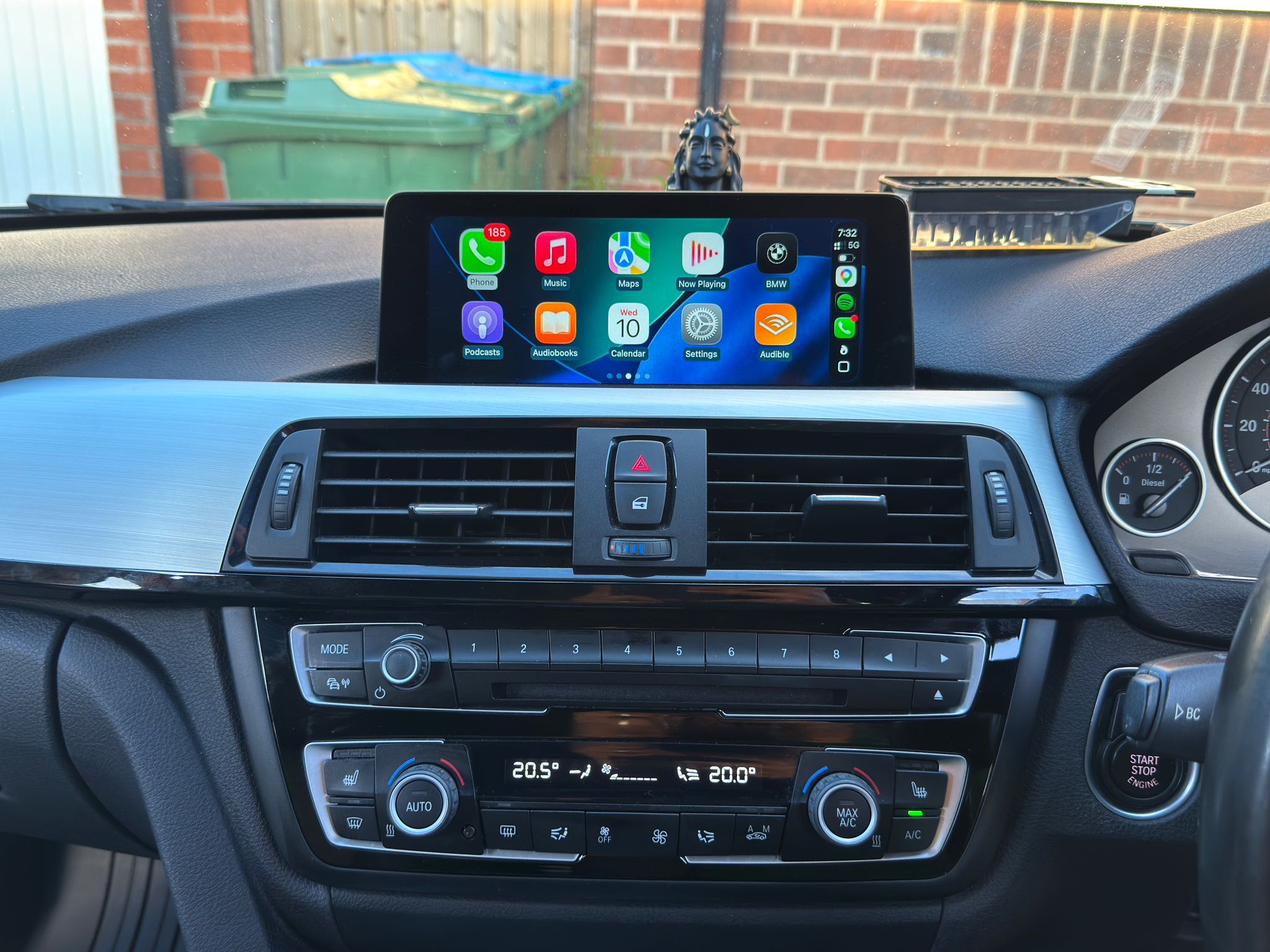
Before and after route showing the CarPlay option and active display.
Open 420d F32 proof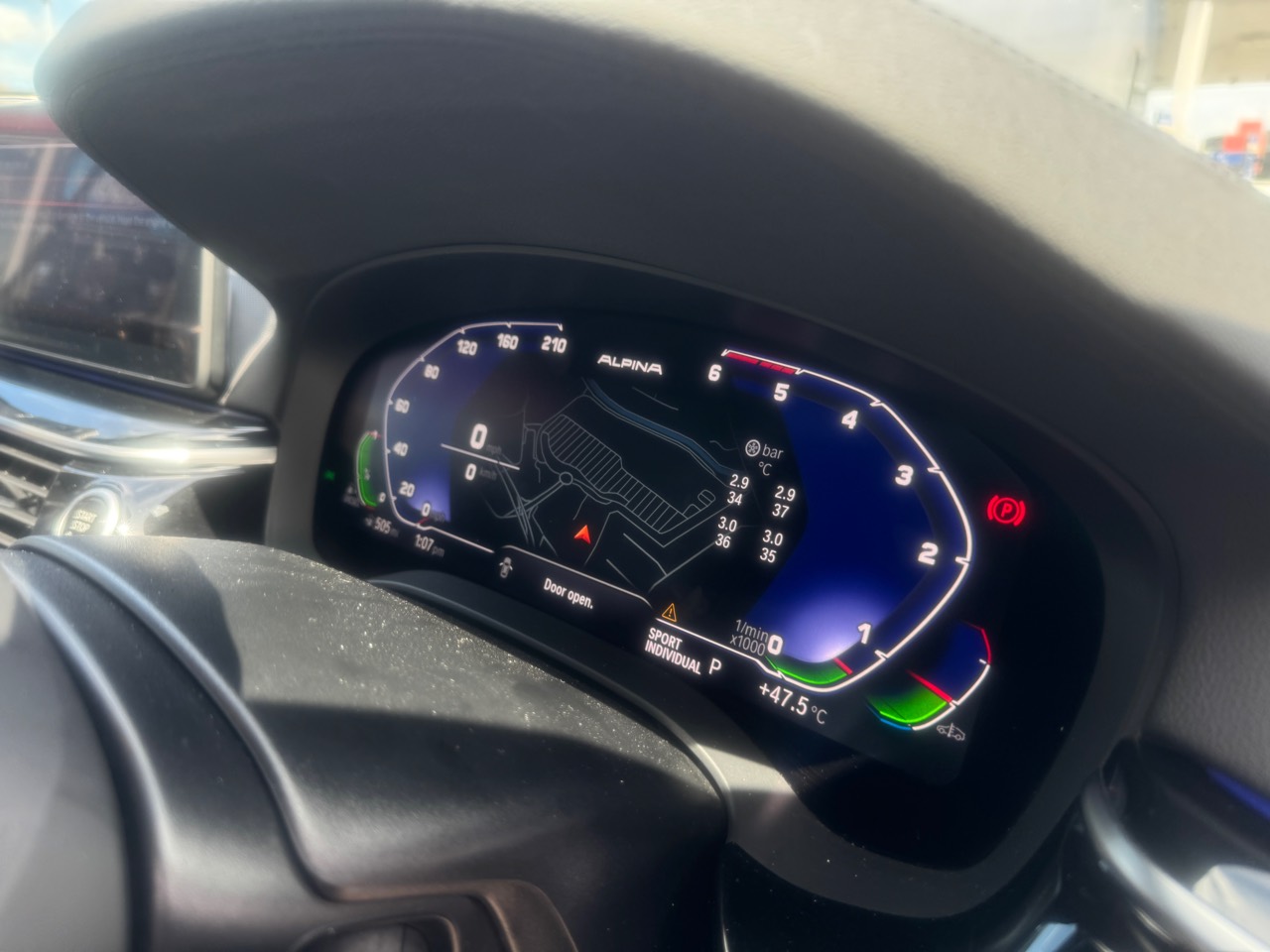
Tyre pressure, tyre temperature, M Sport animation and ambient-light unlock context.
Open 530d G30 proof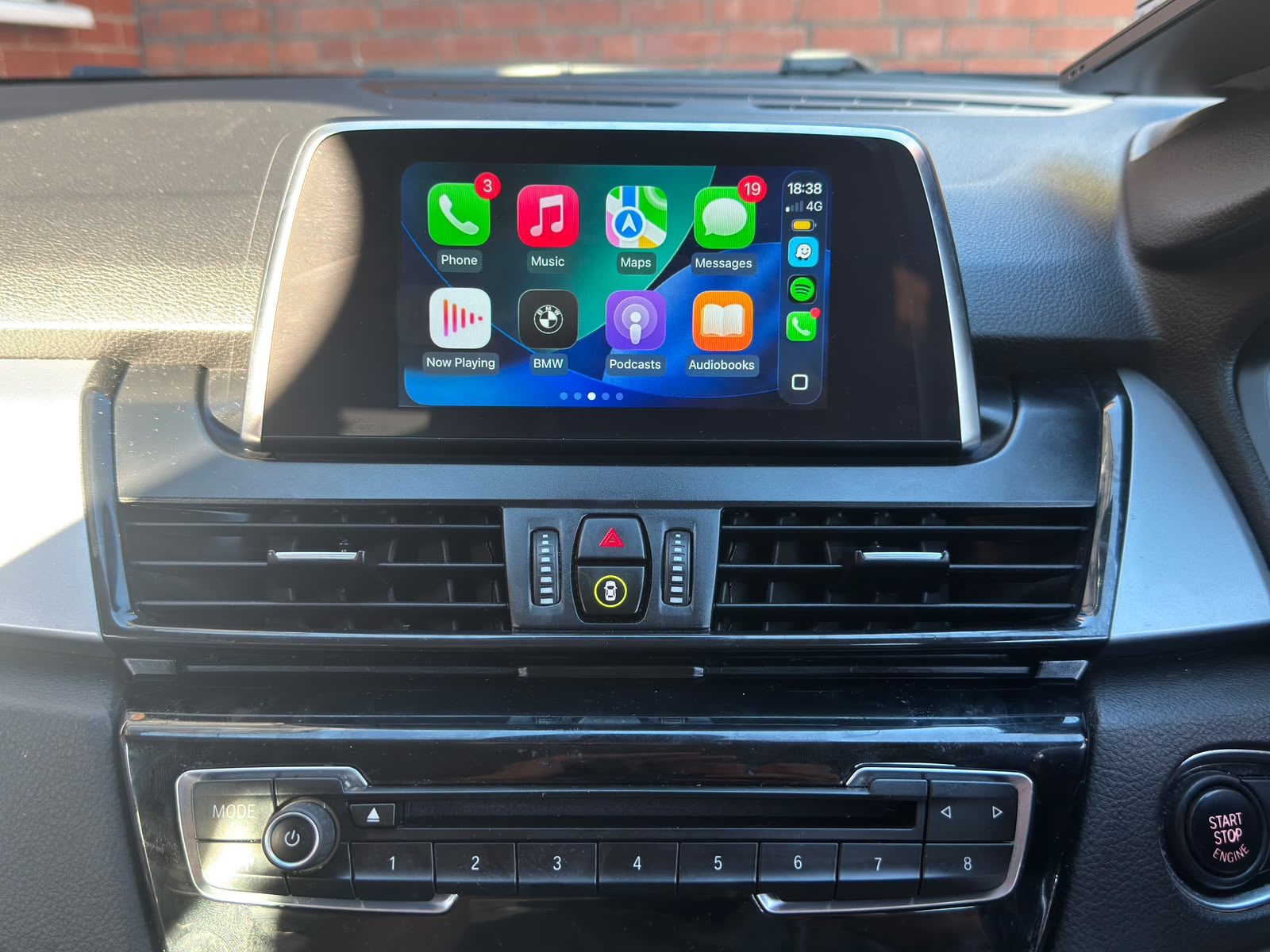
Before and after proof from standard Bluetooth menu to Apple CarPlay working on the BMW screen.
Open F46 proof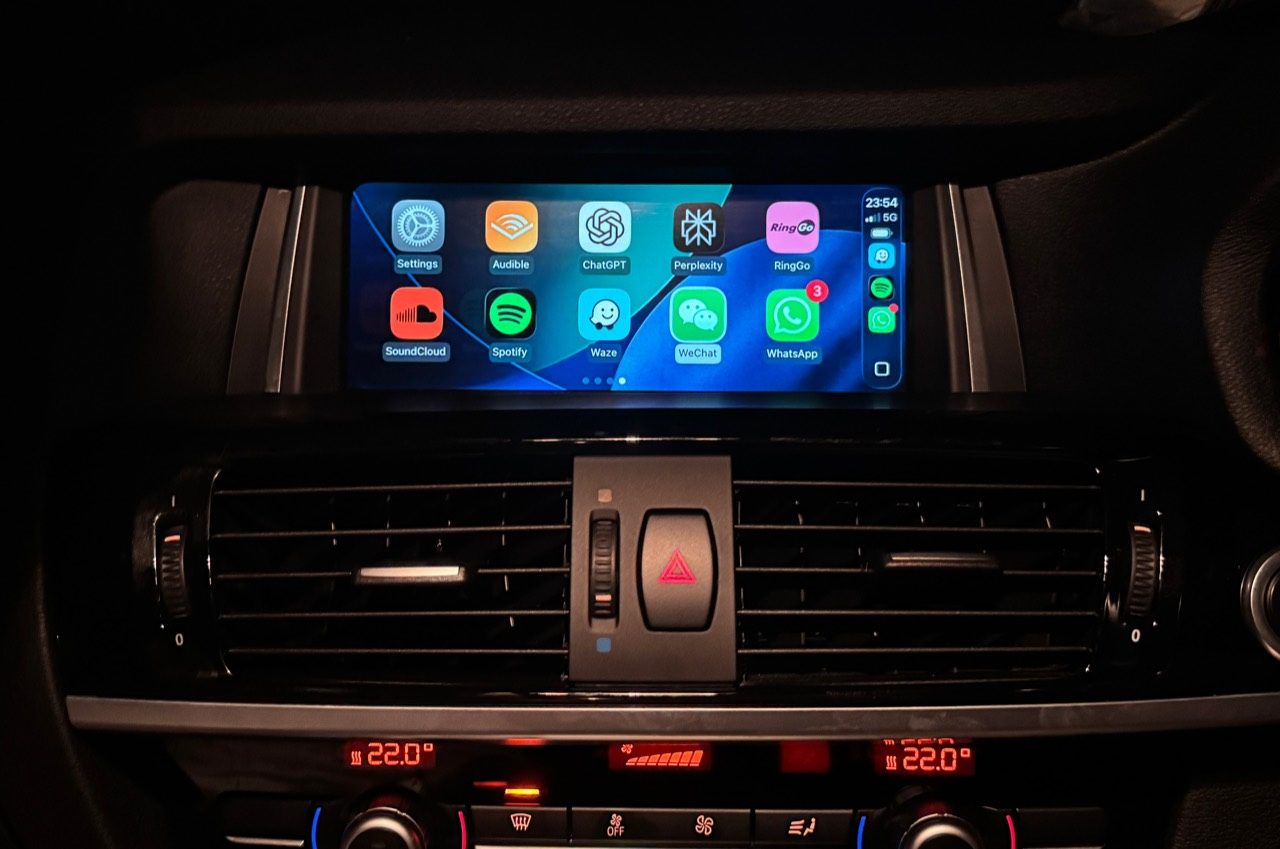
CarPlay working on a 2018 BMW X4 while the original BMW iDrive route remains available.
Open X4 F26 proof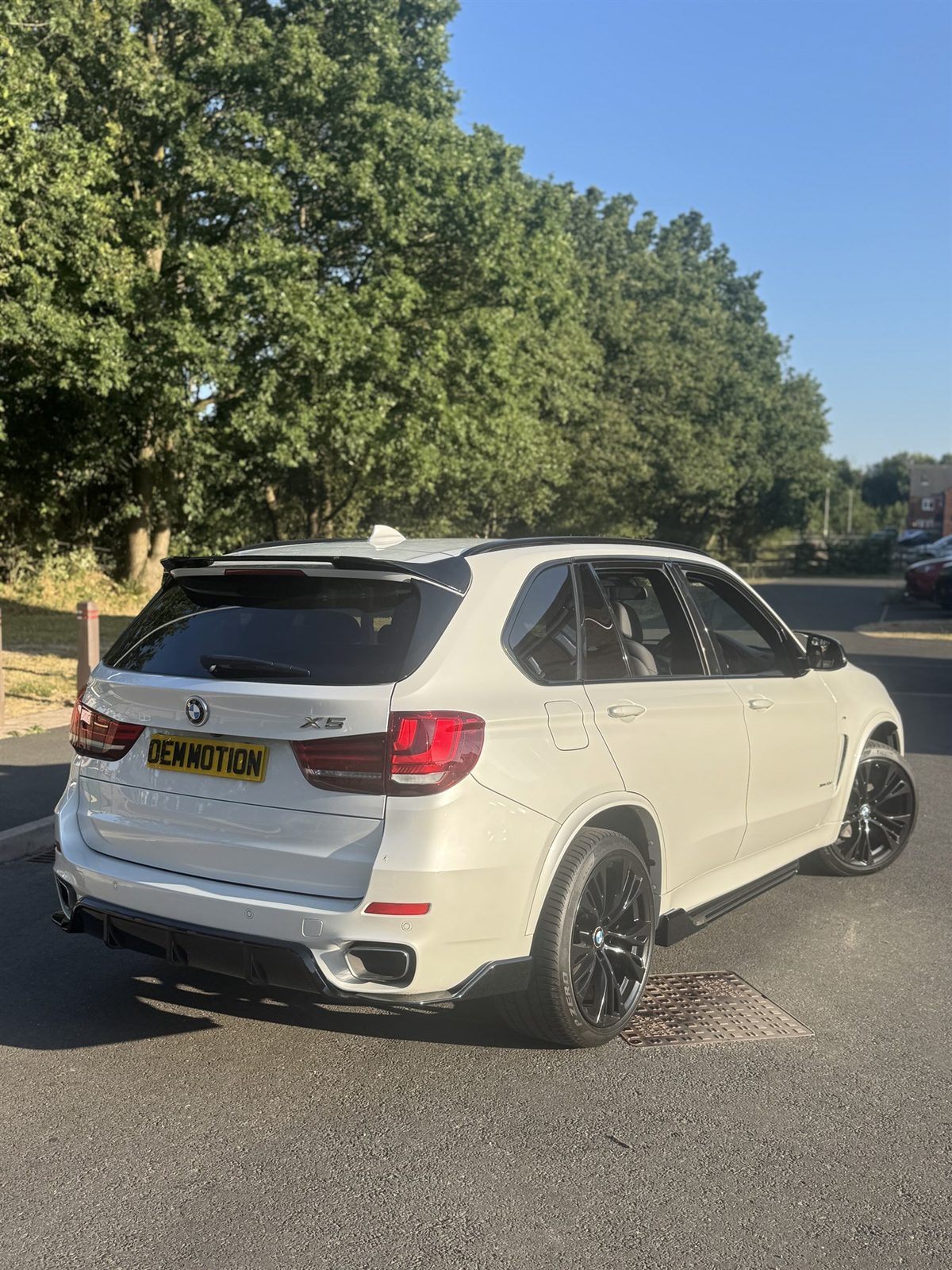
Mobile upgrade proof with original BMW menu context, CarPlay active and ambient lighting detail.
Open X5 F15 proof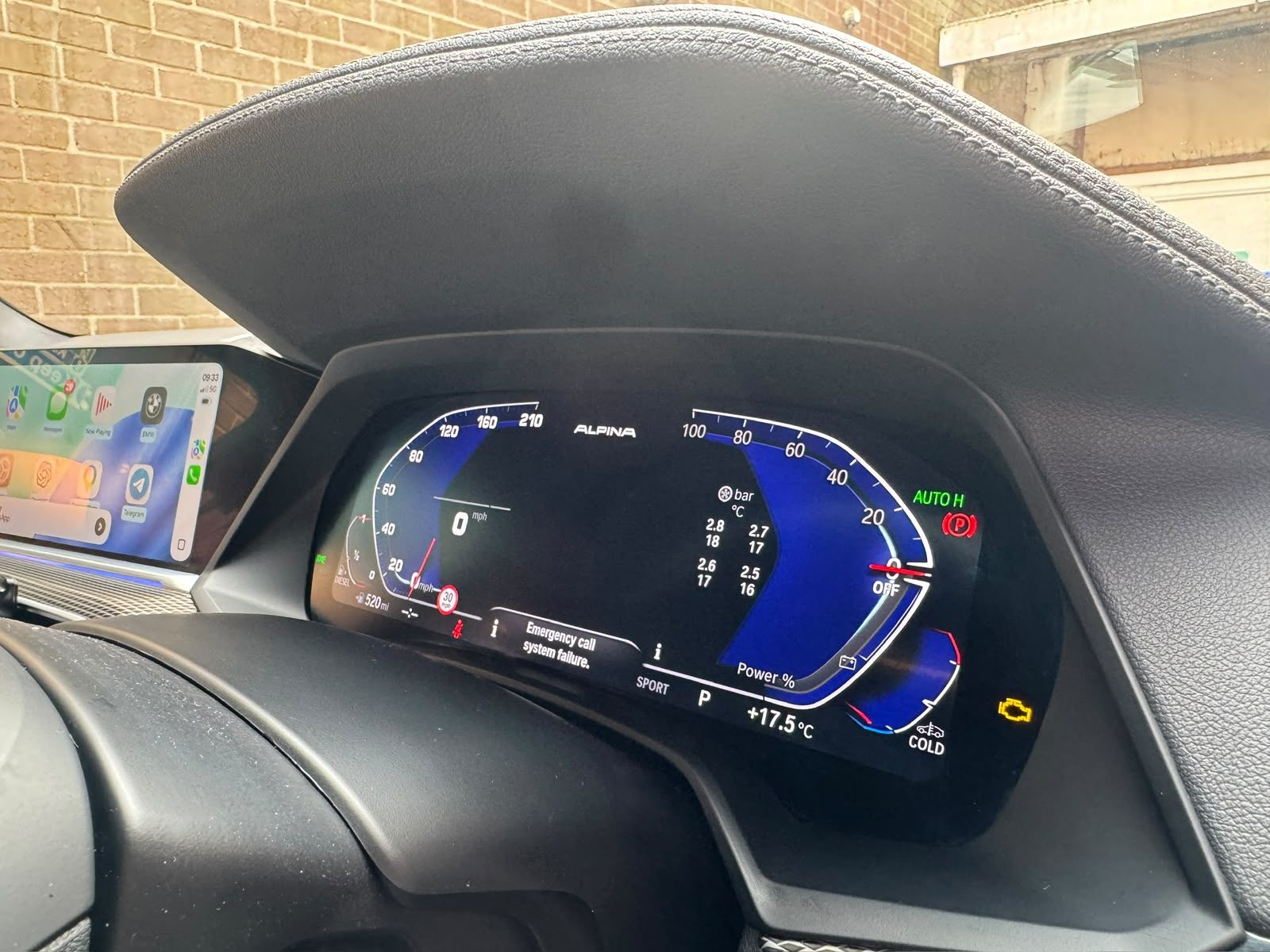
Coding proof for a 2021 BMW X5 G05 with style and compatibility caveats kept clear.
Open X5 G05 proof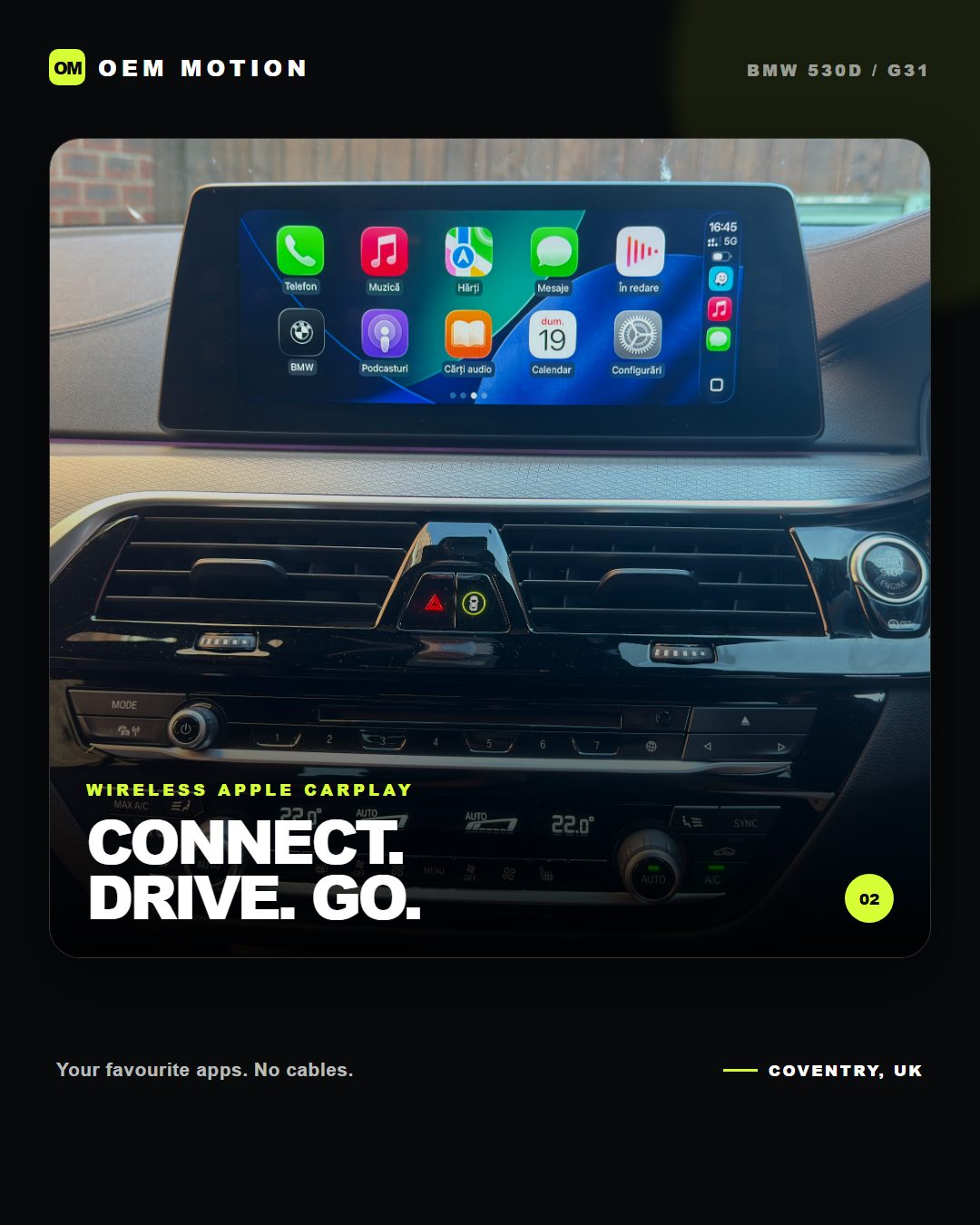
Public proof artwork from the G31 post pack, labelled clearly as branded proof screens.
Open 530d G31 proofBefore you message
For a useful answer, send the details privately on WhatsApp rather than posting them publicly.