BMW CarPlay case study
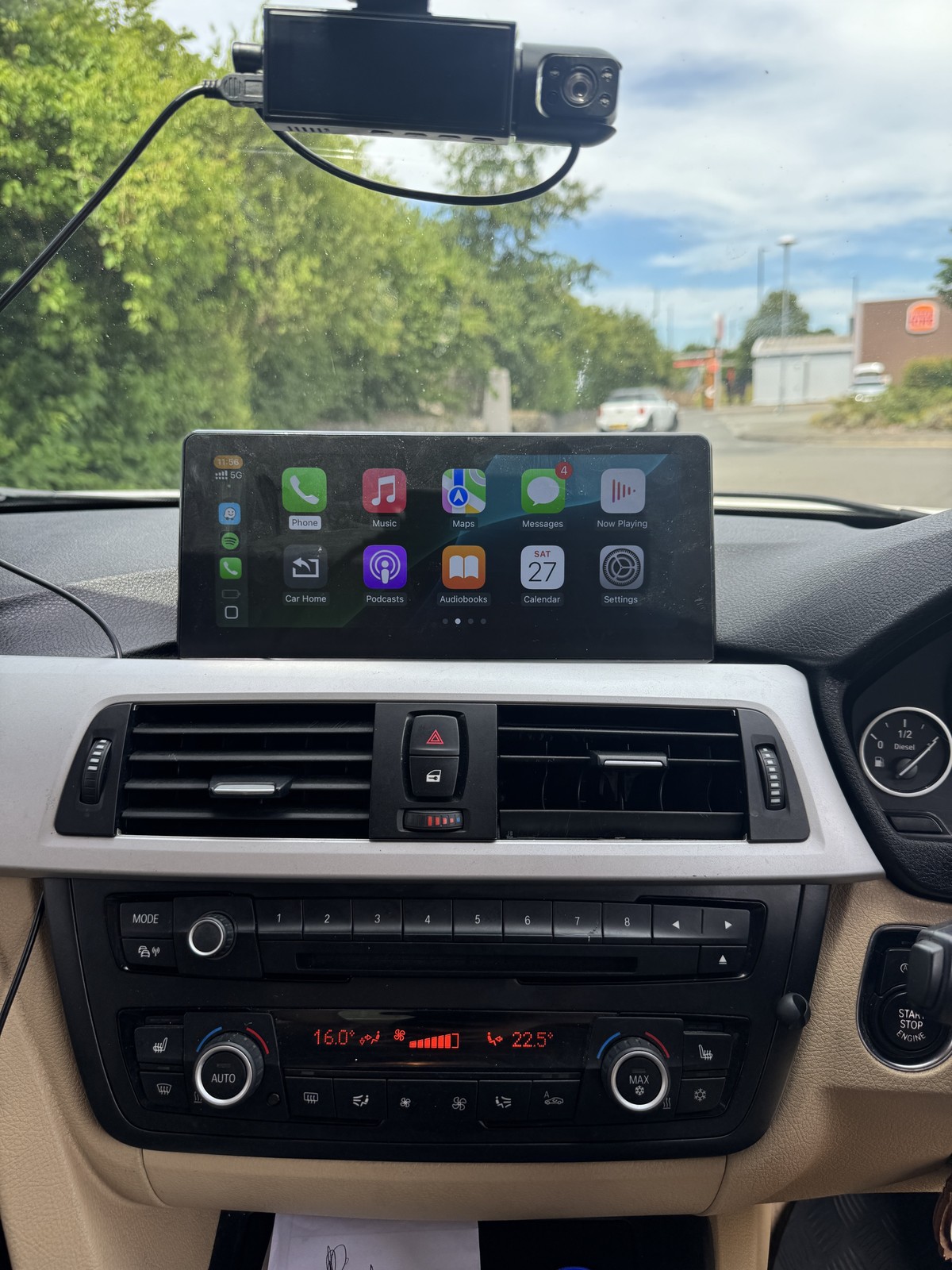
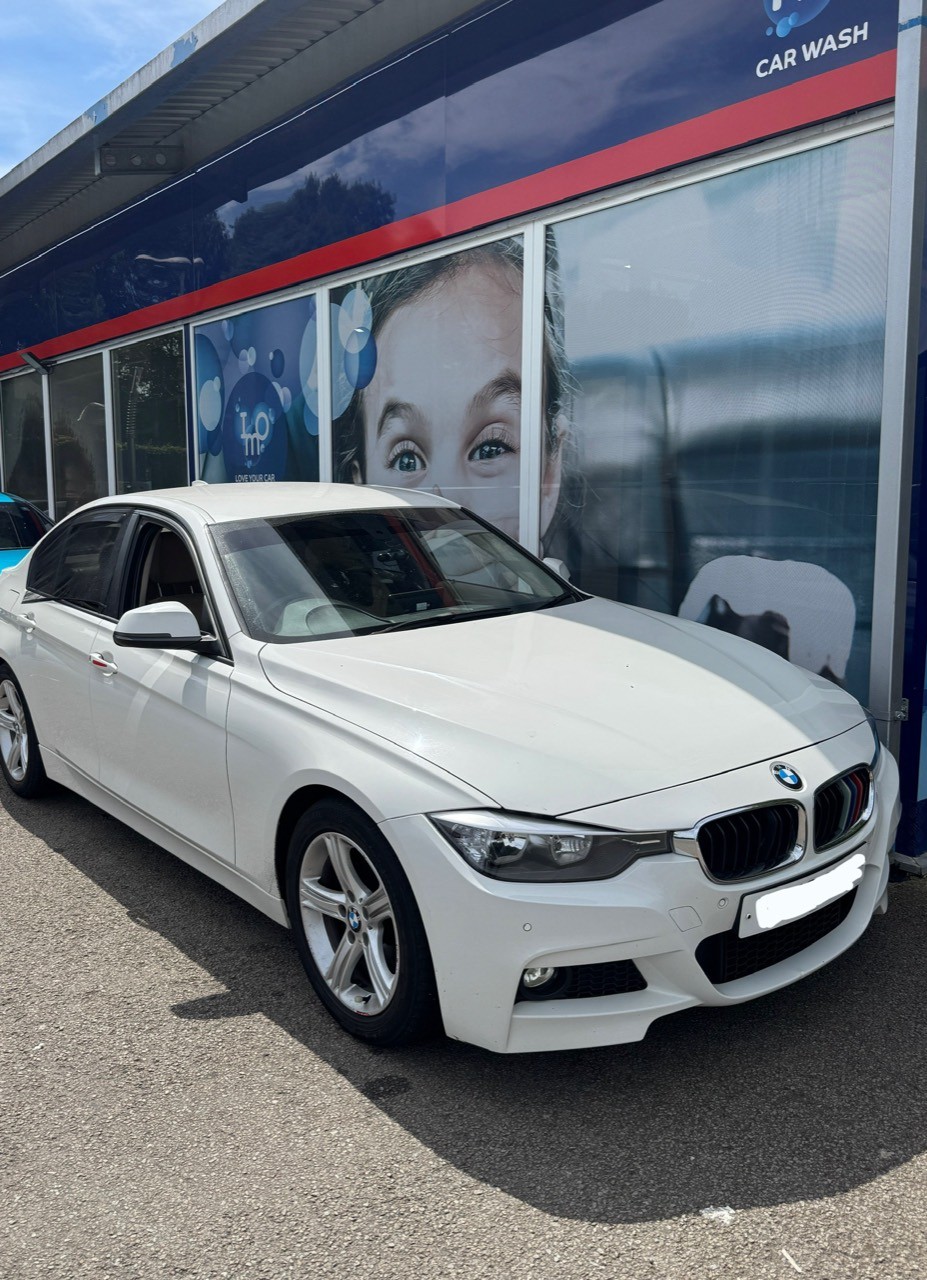
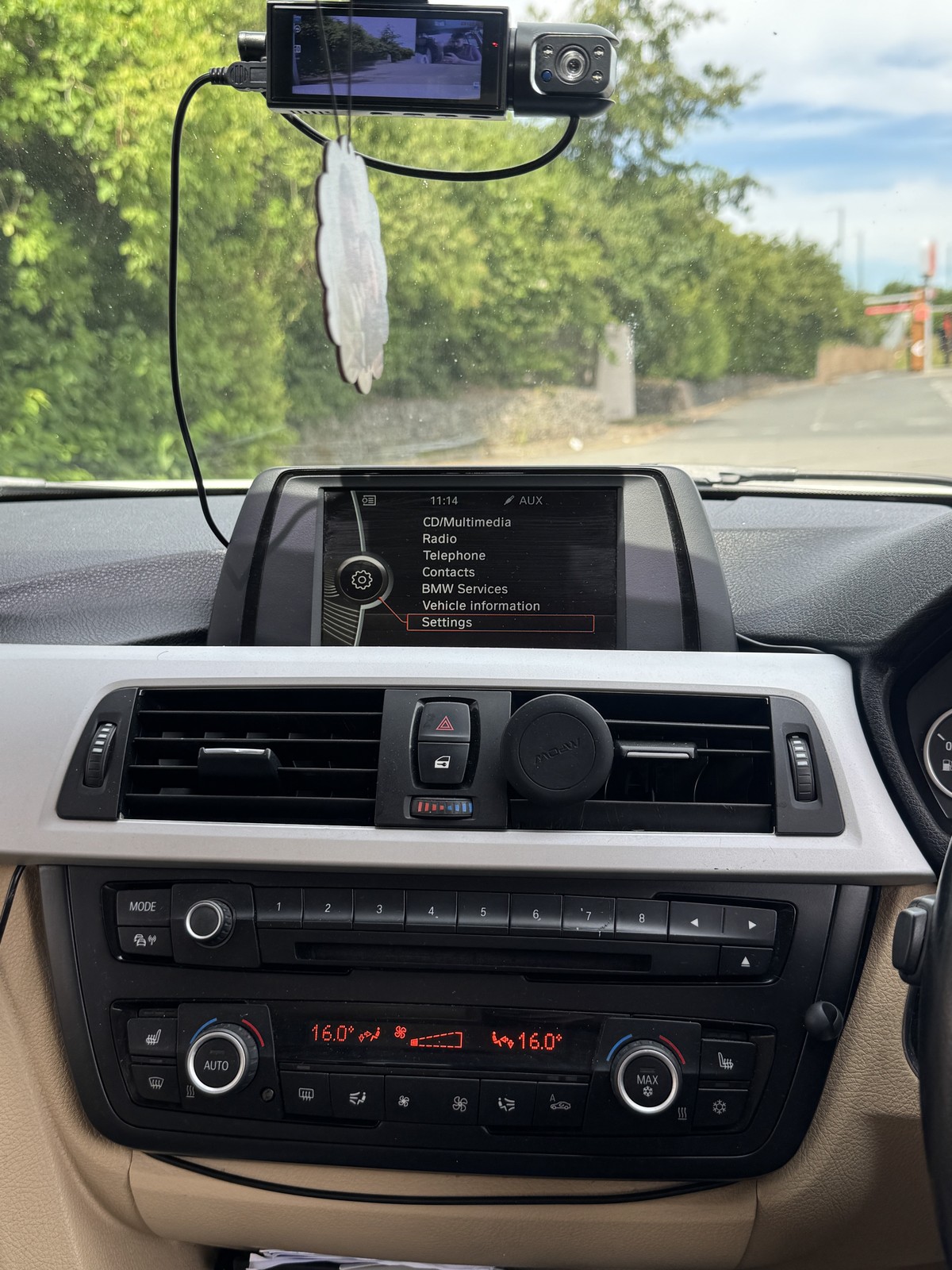
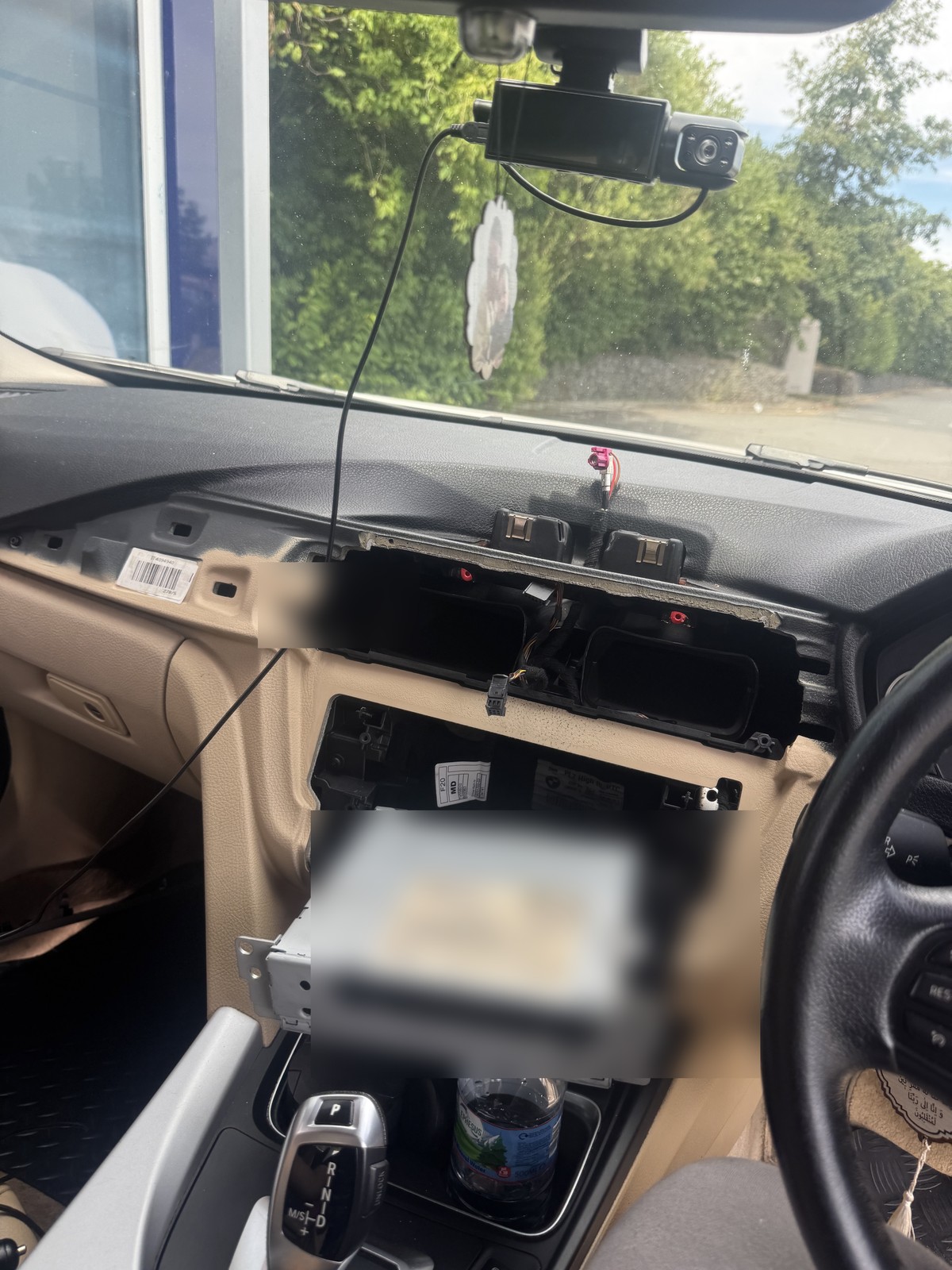
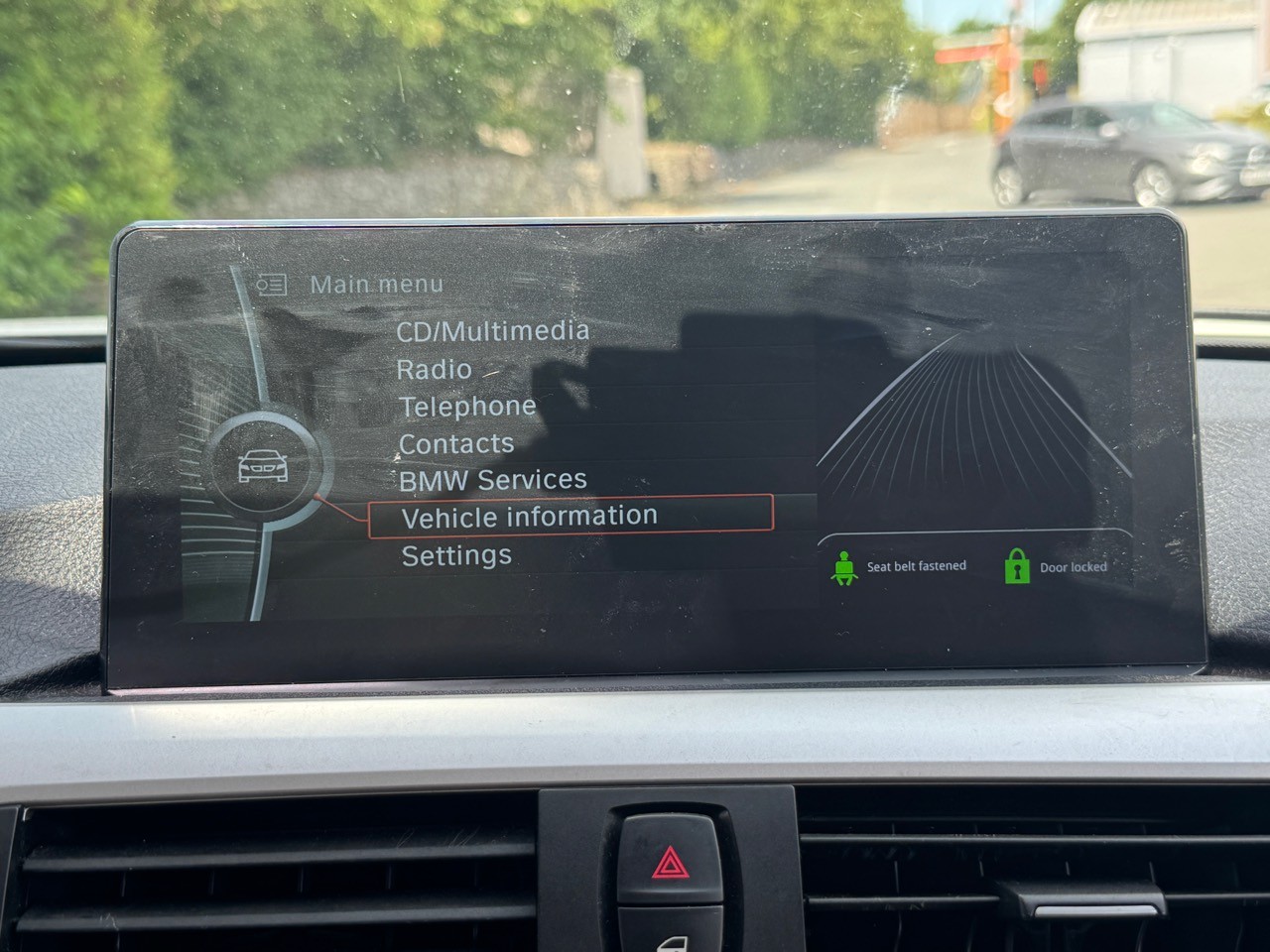
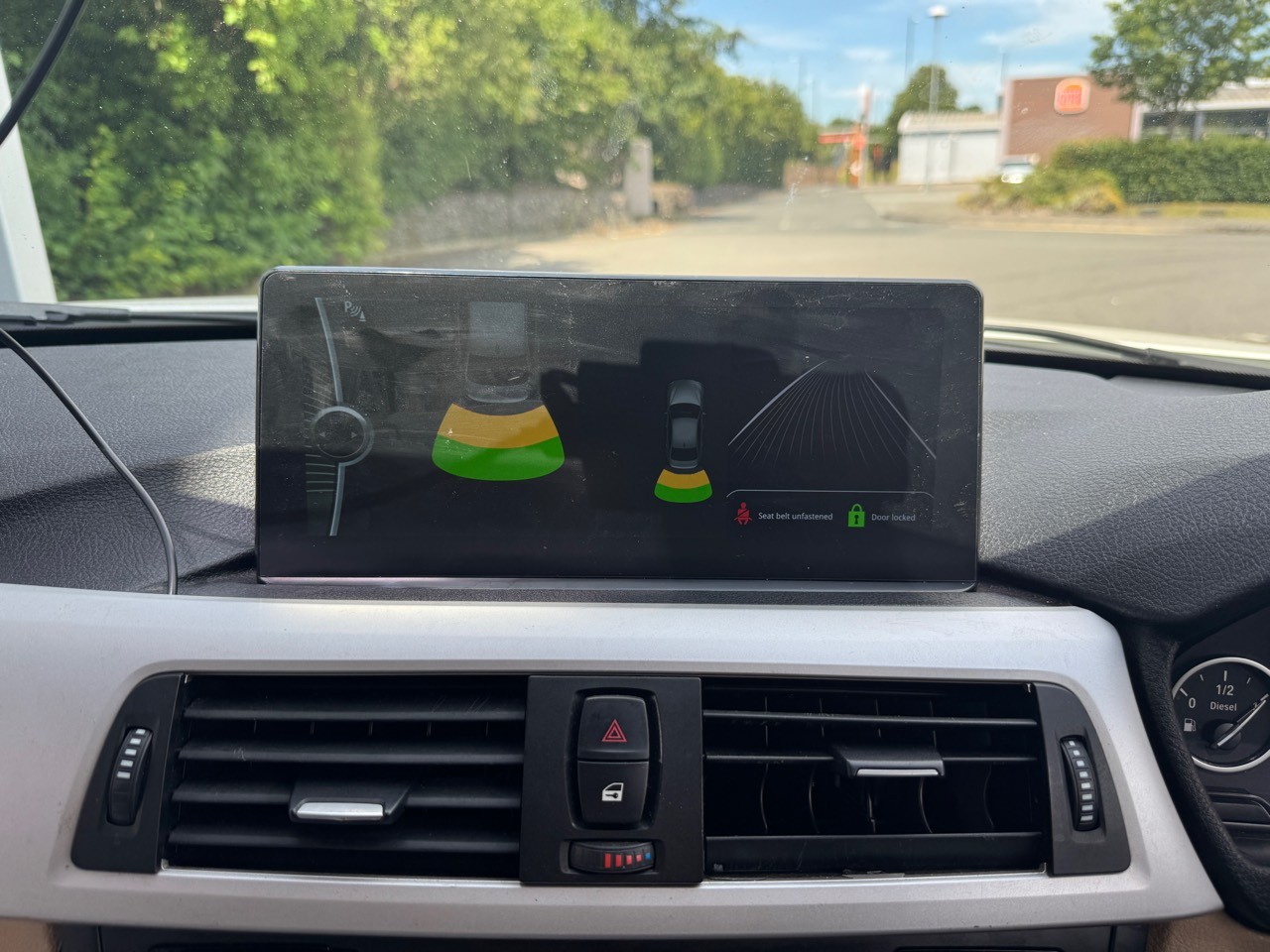
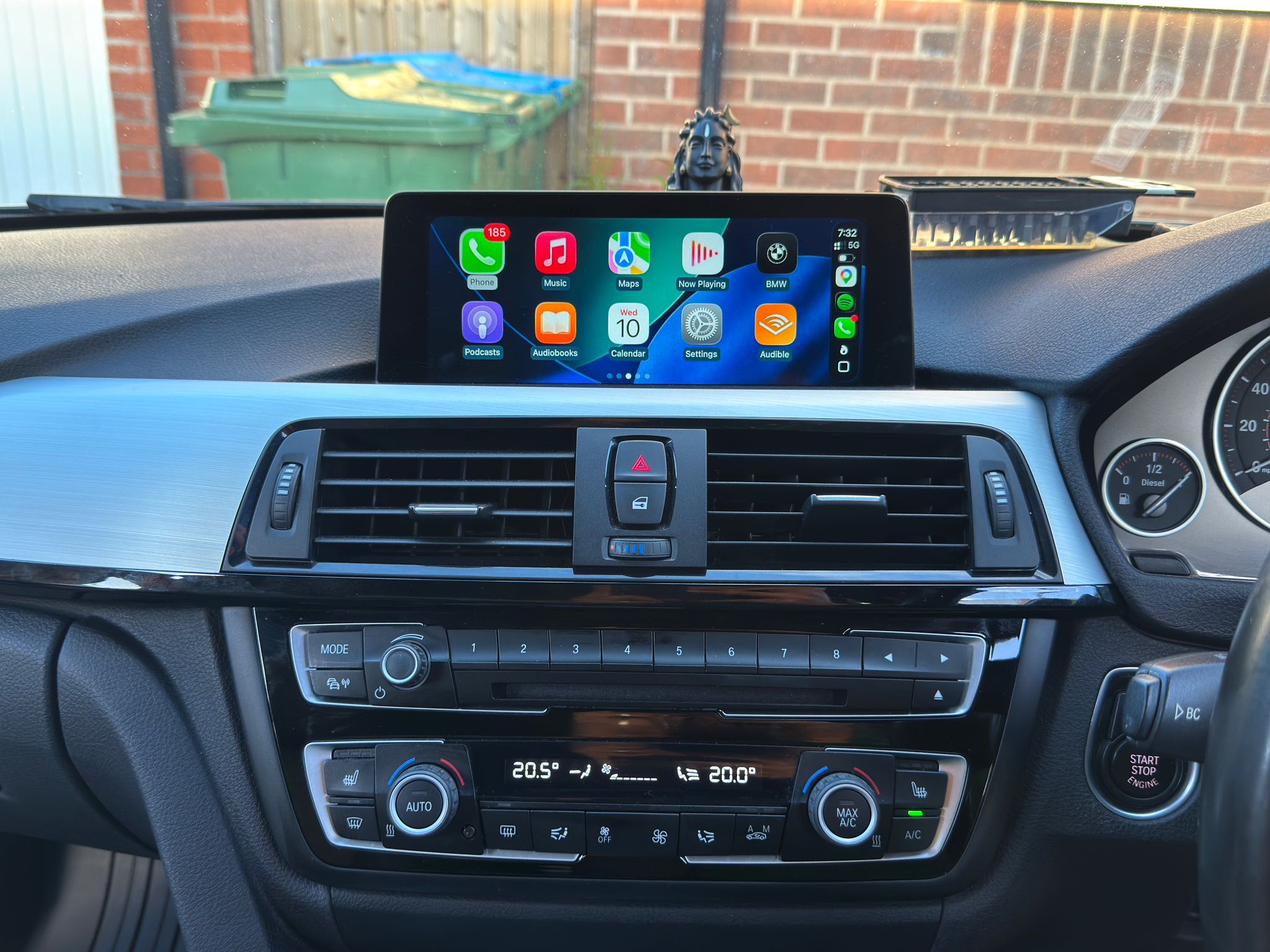
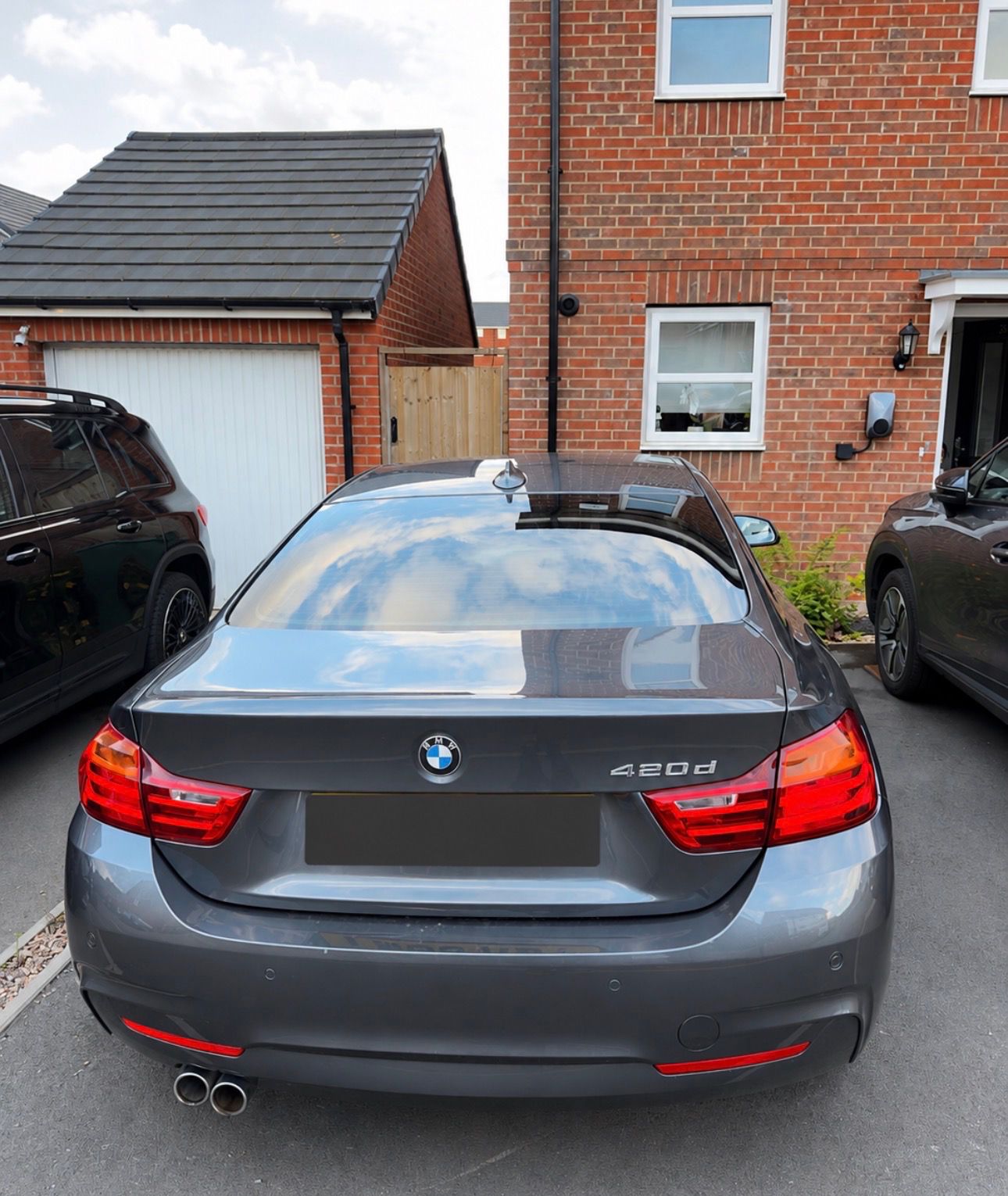
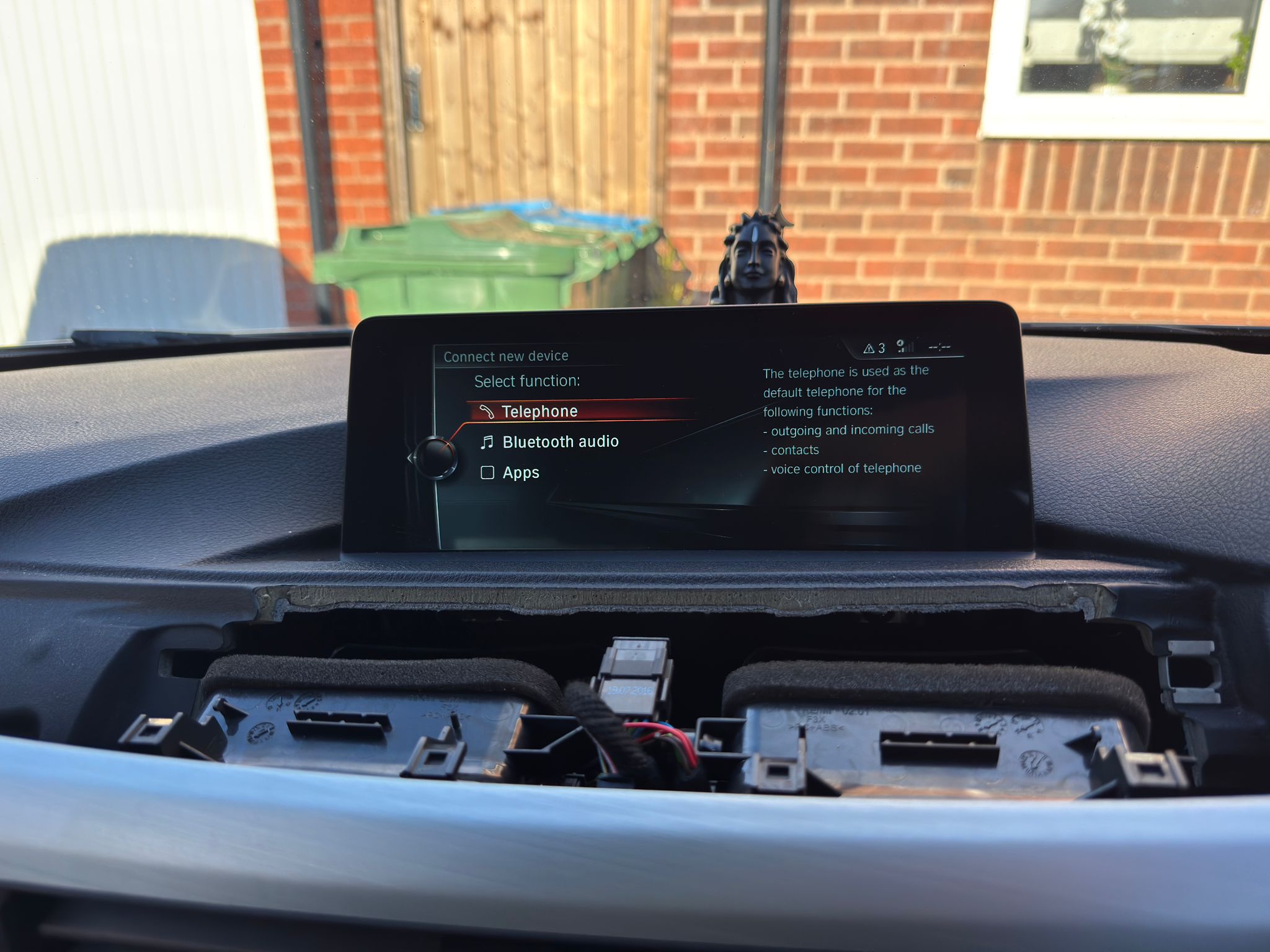
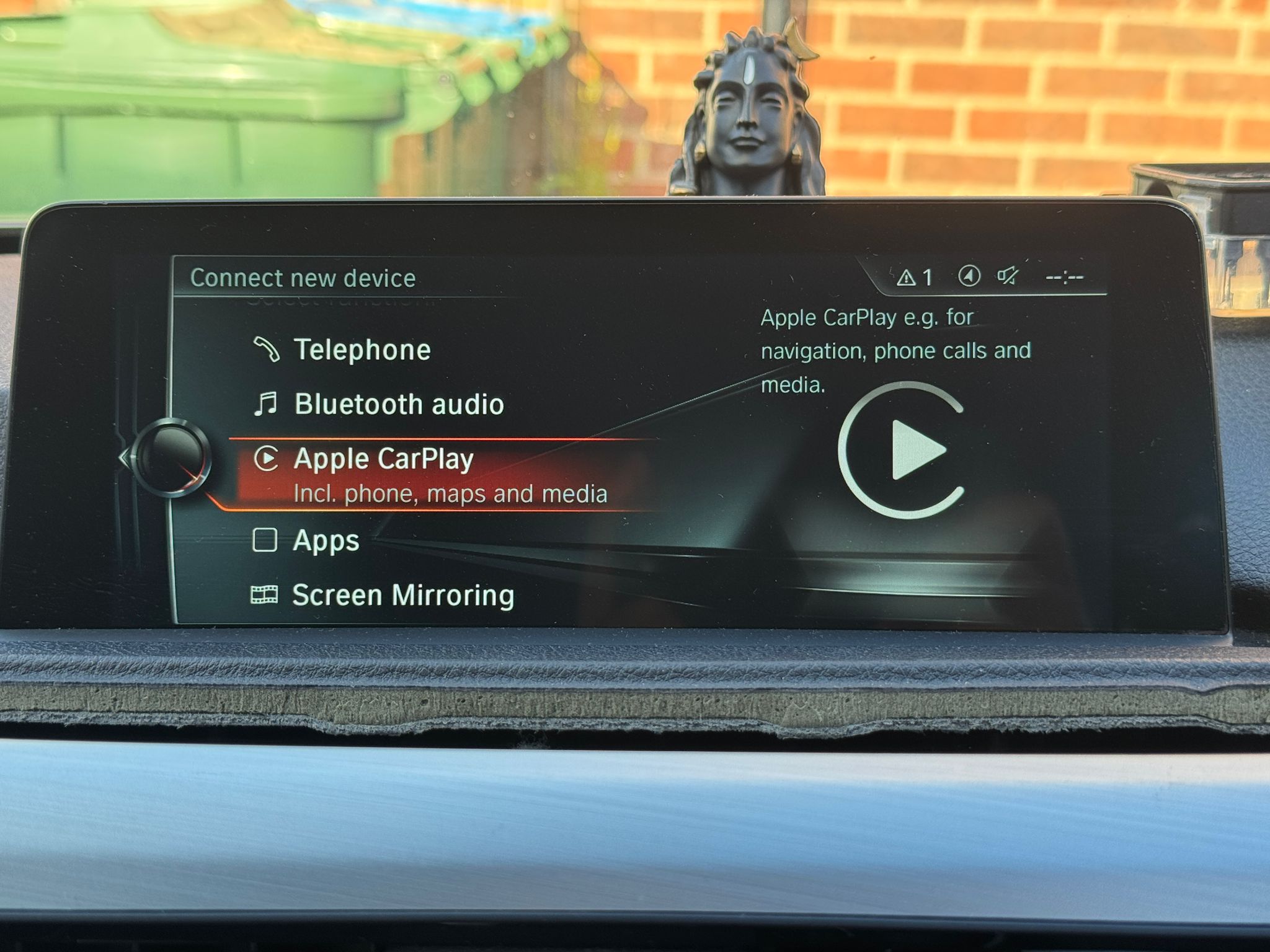
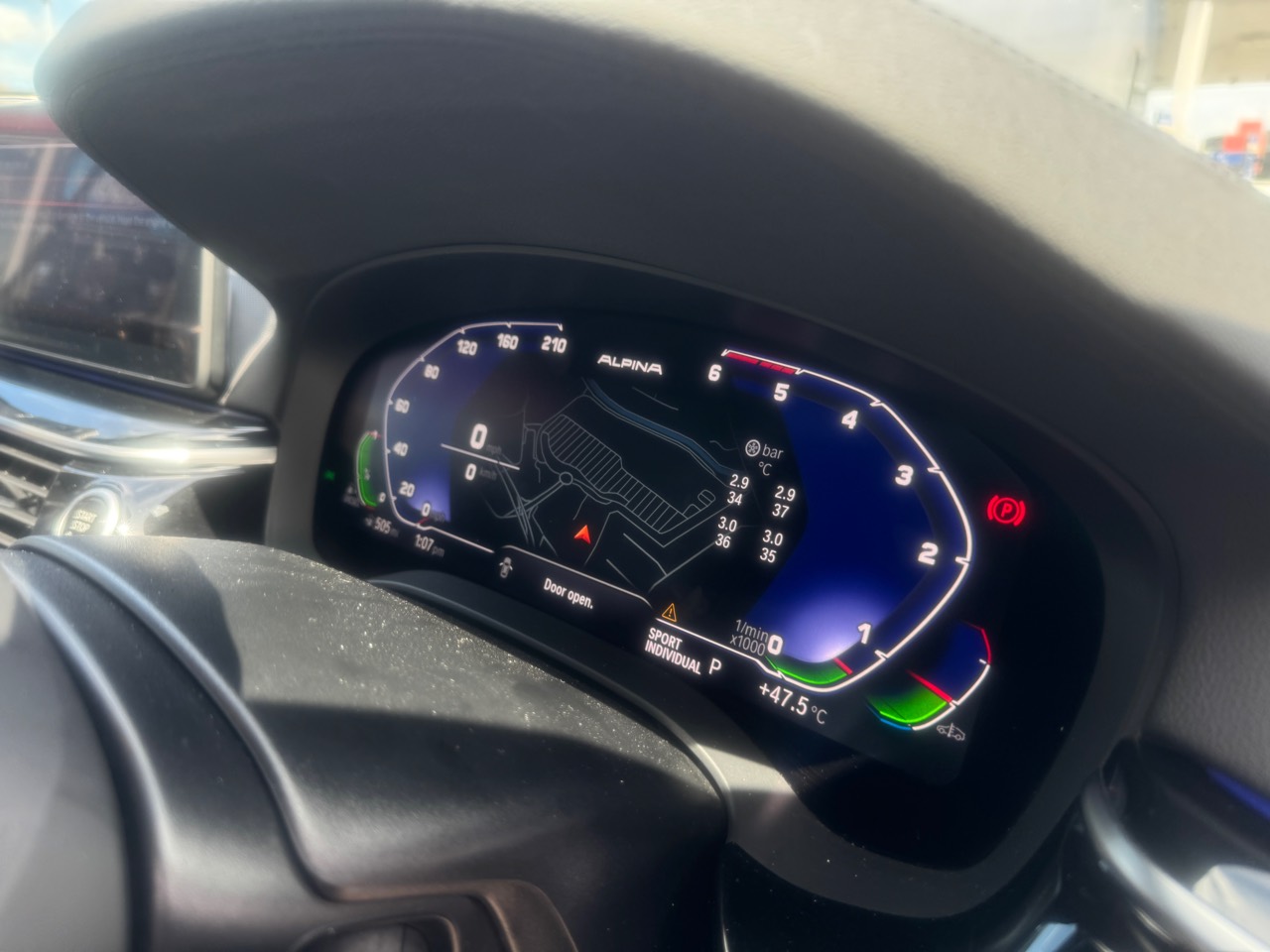
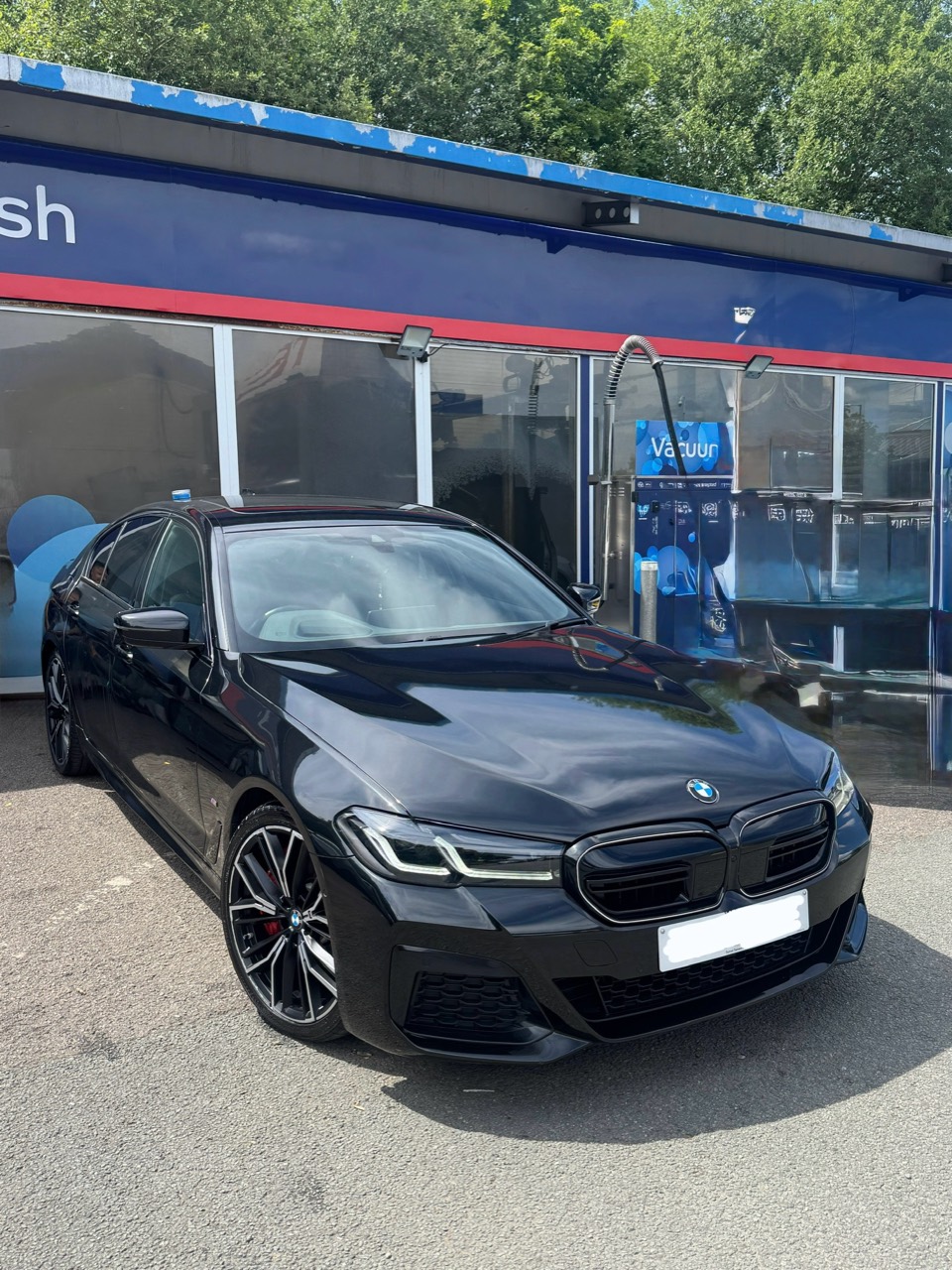
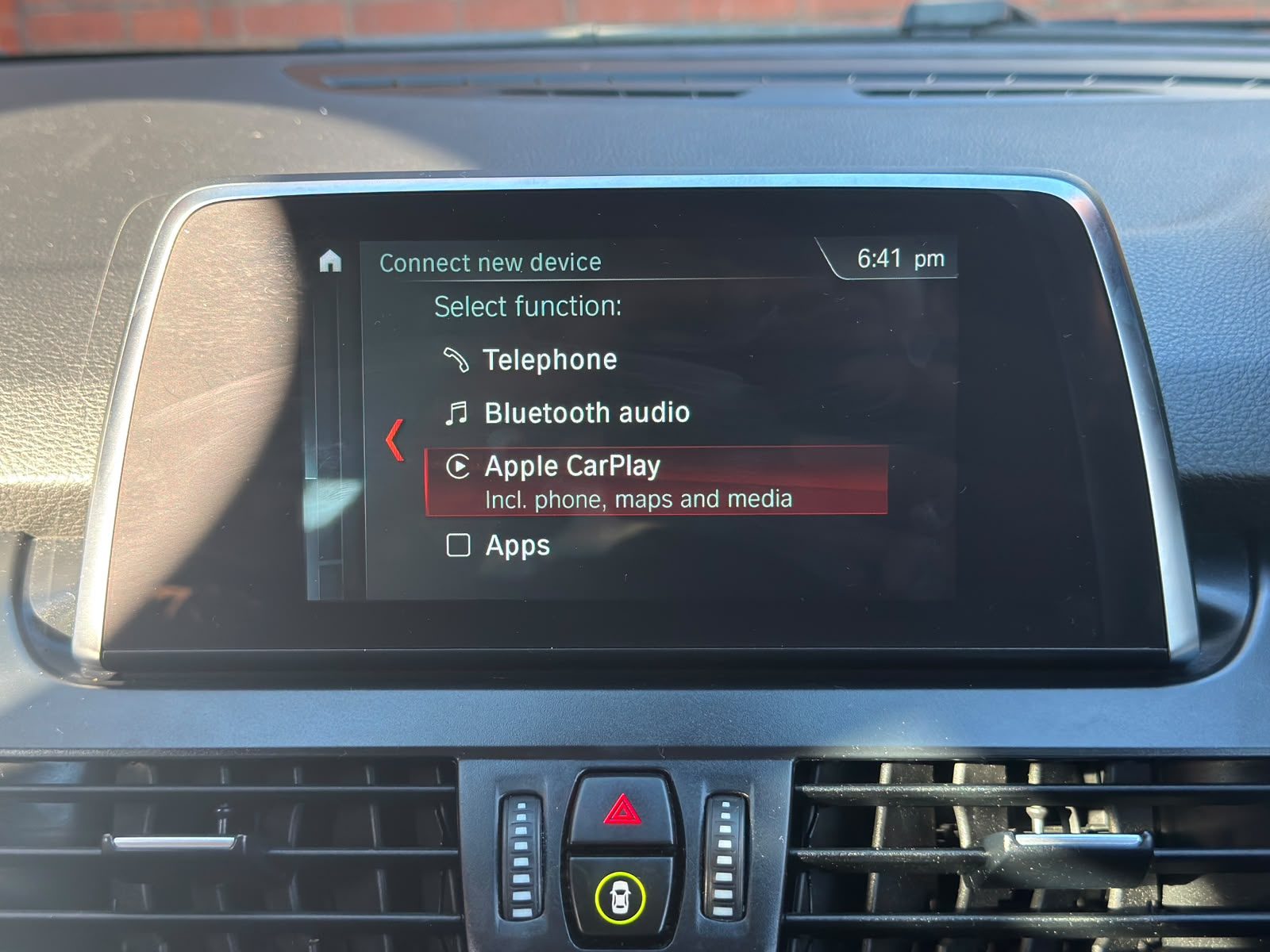
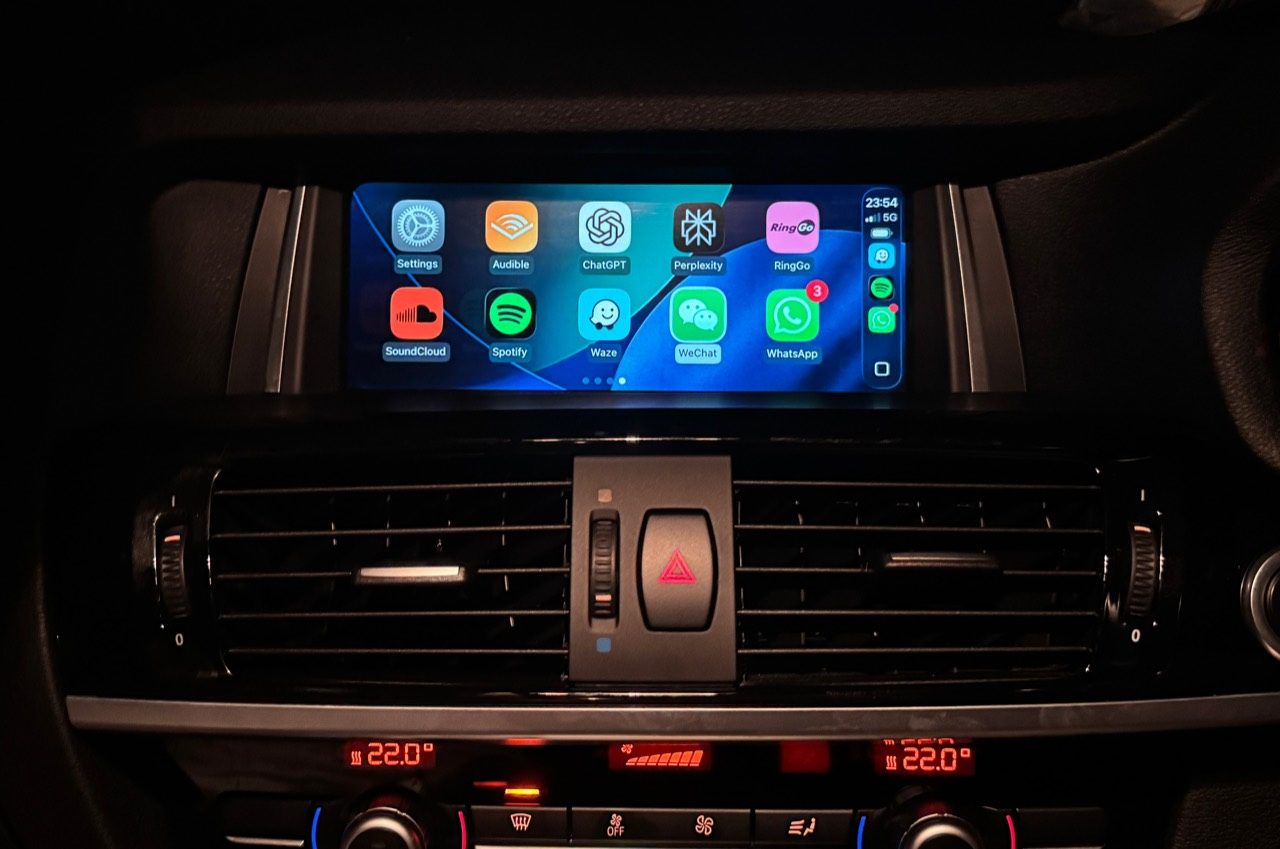
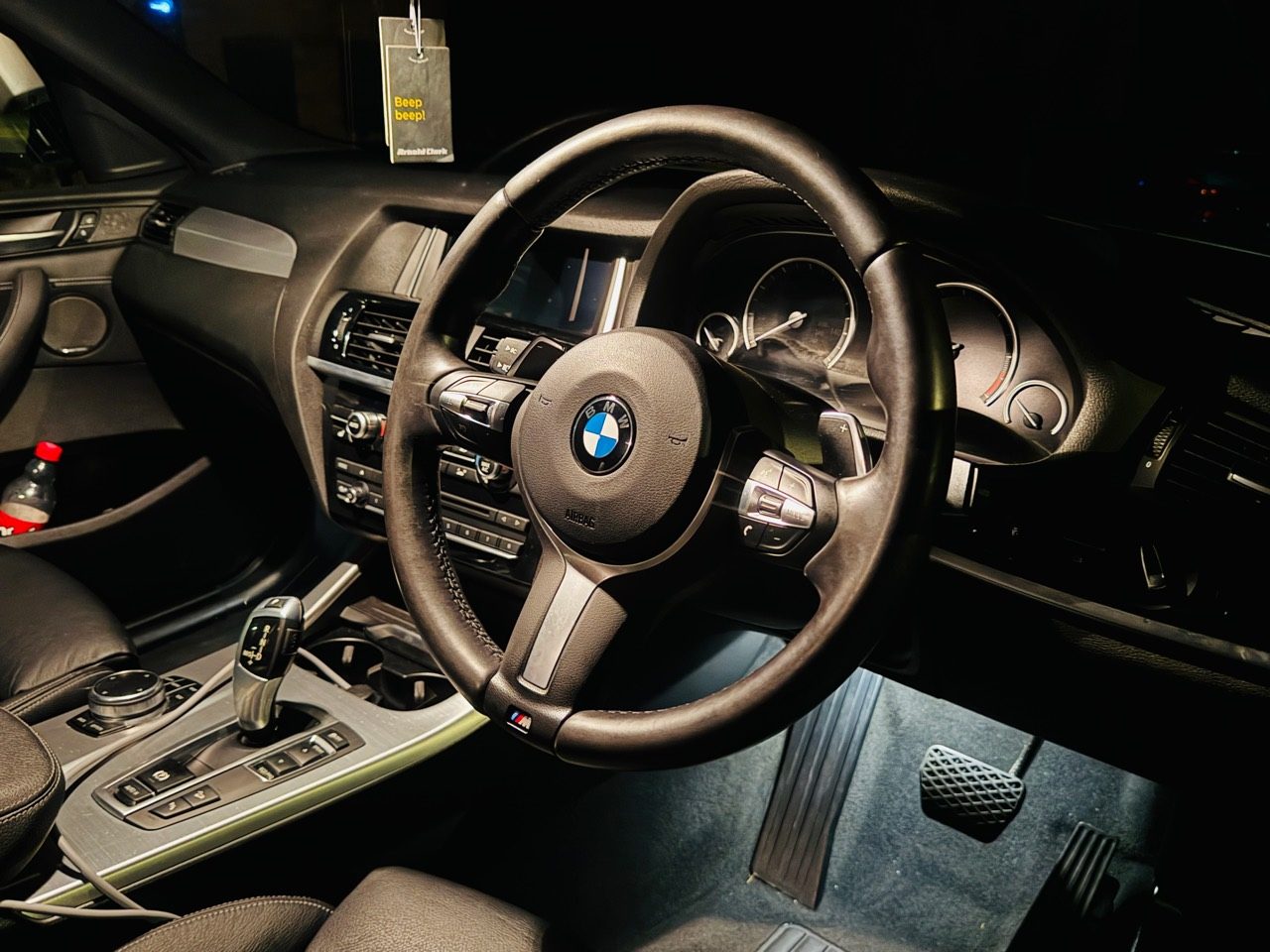
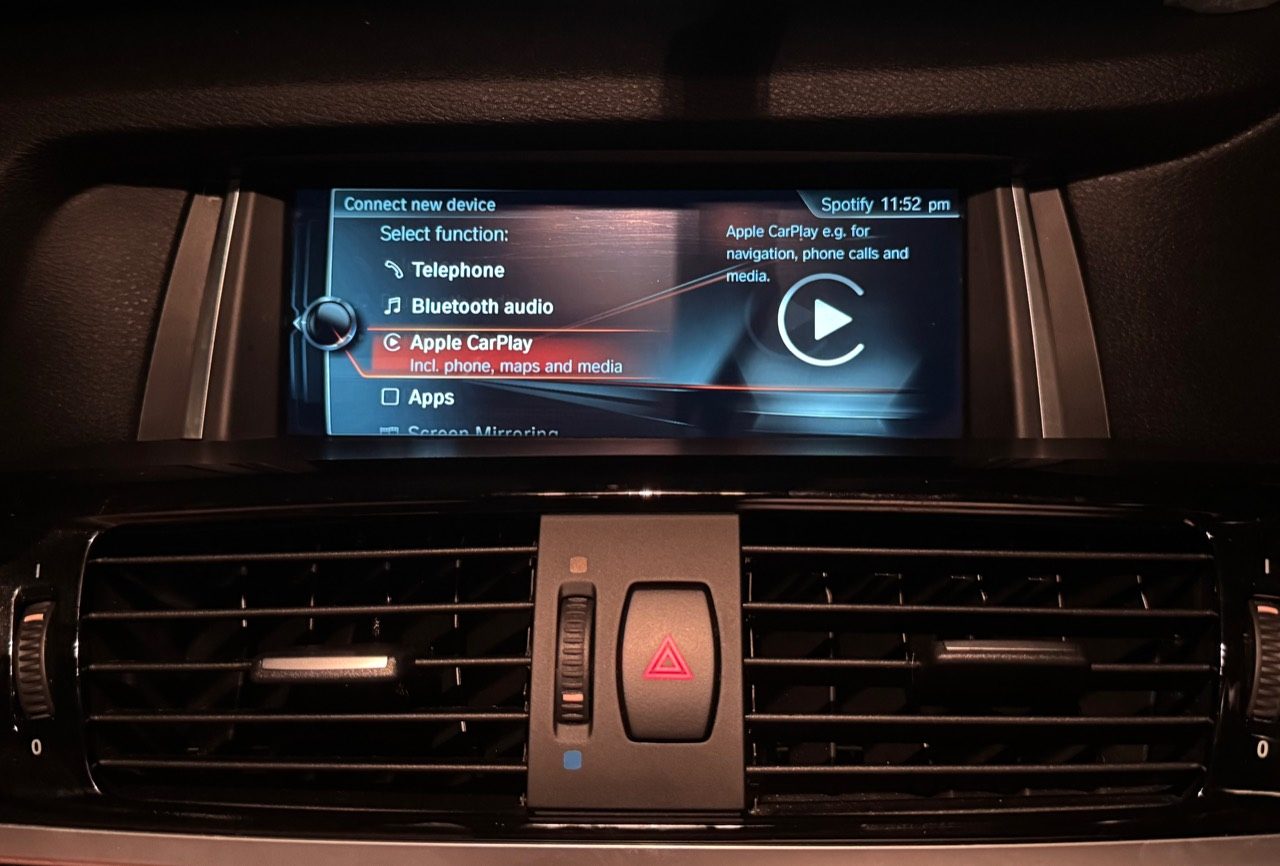
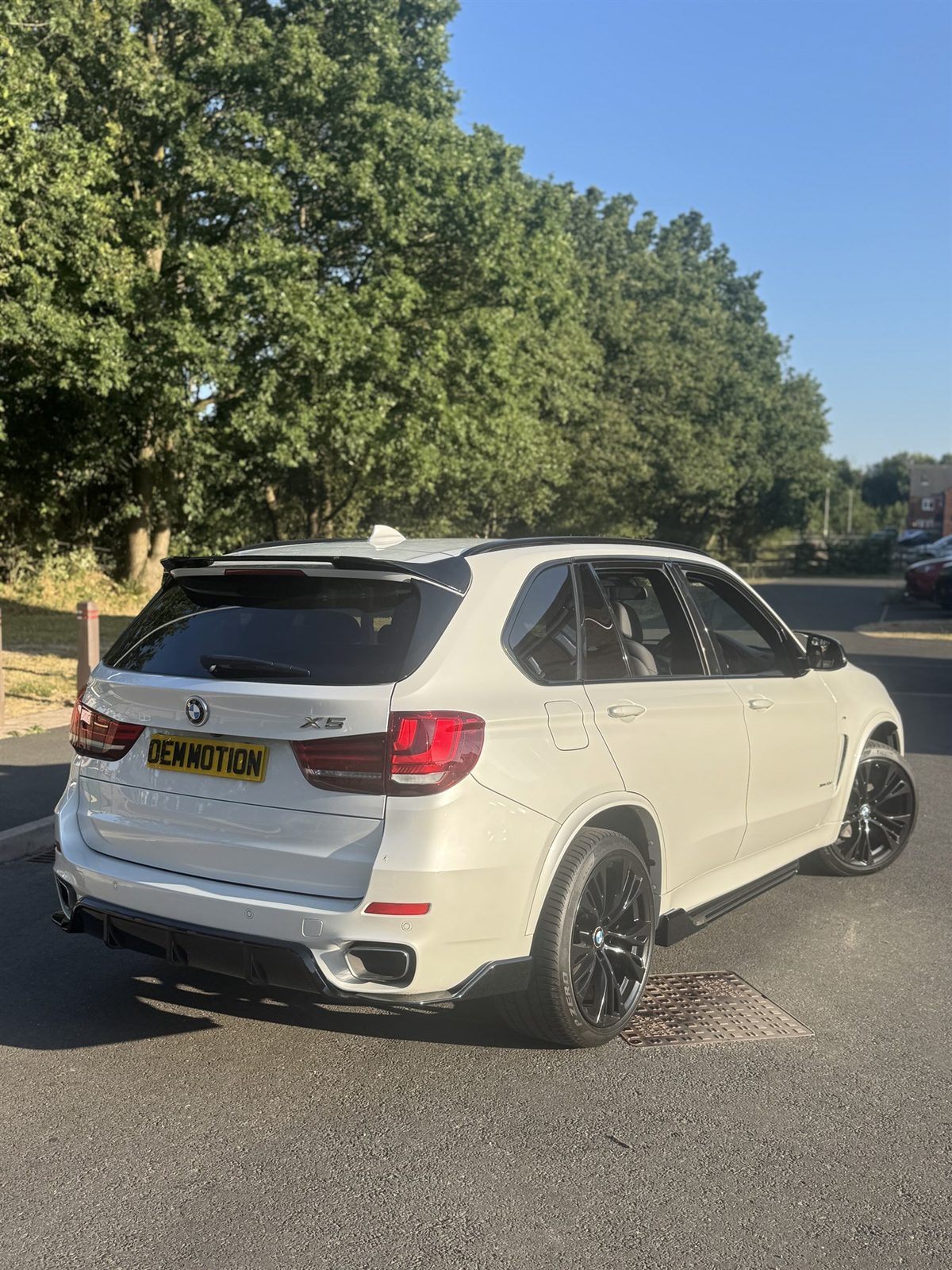
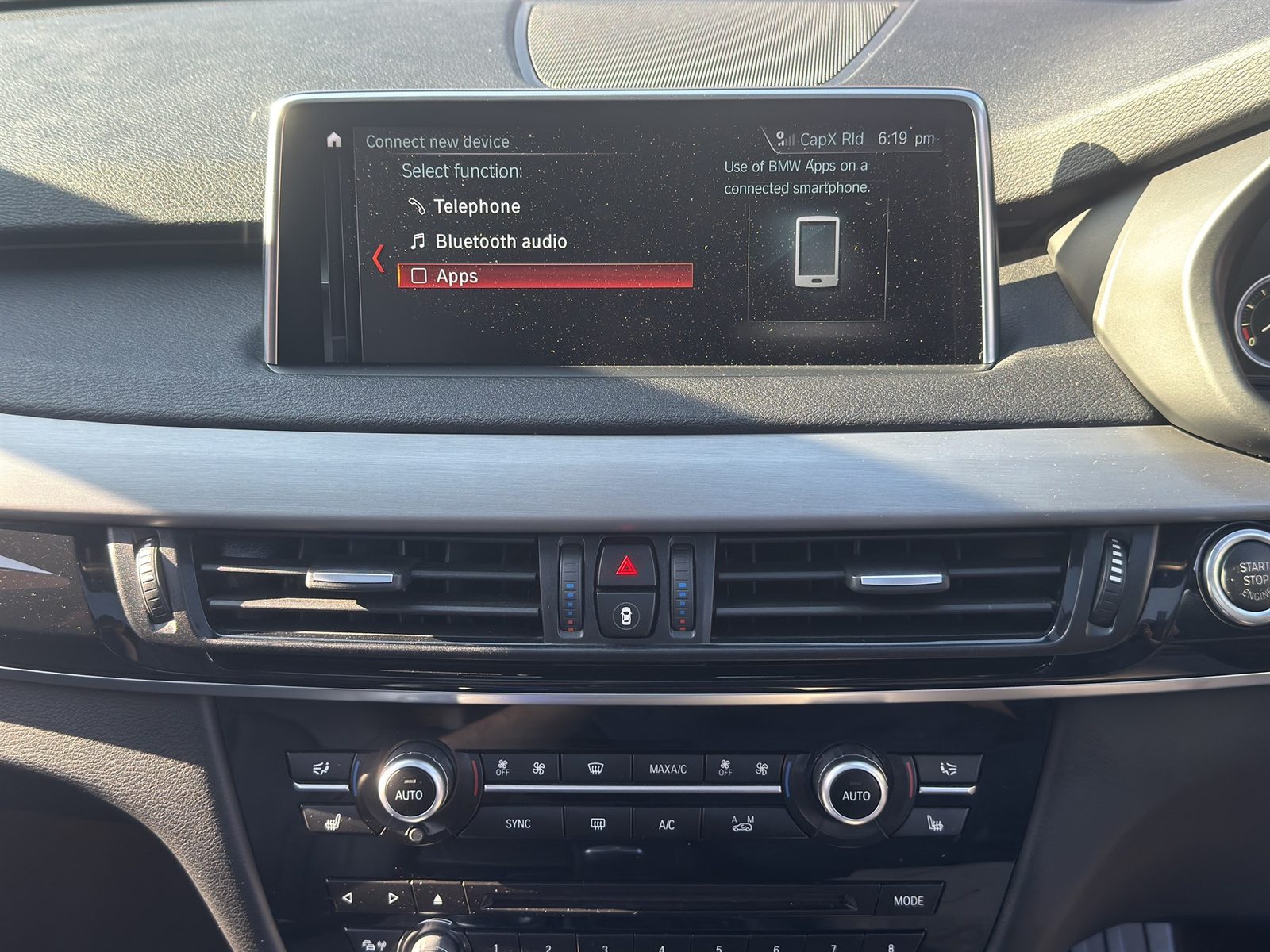
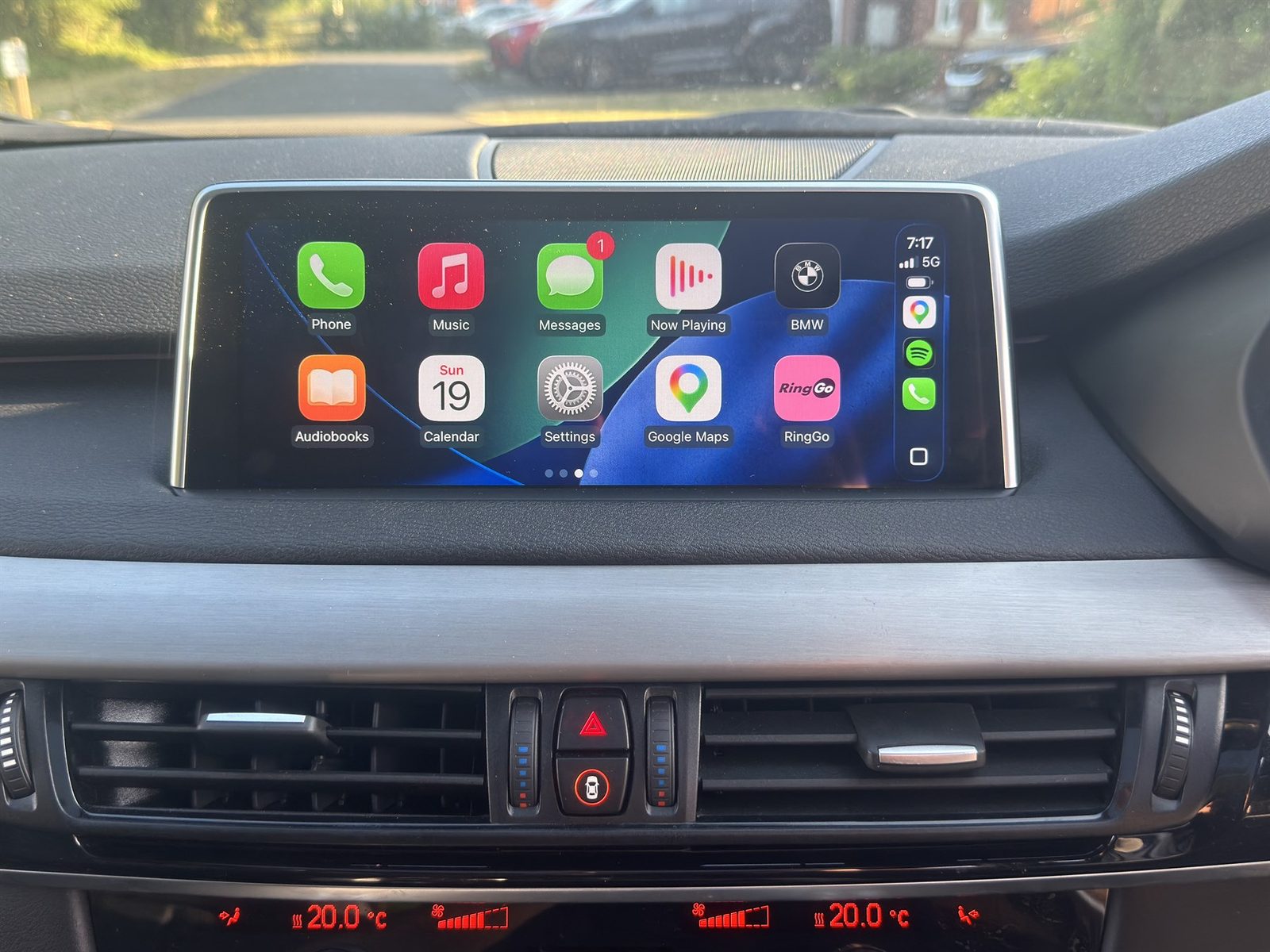
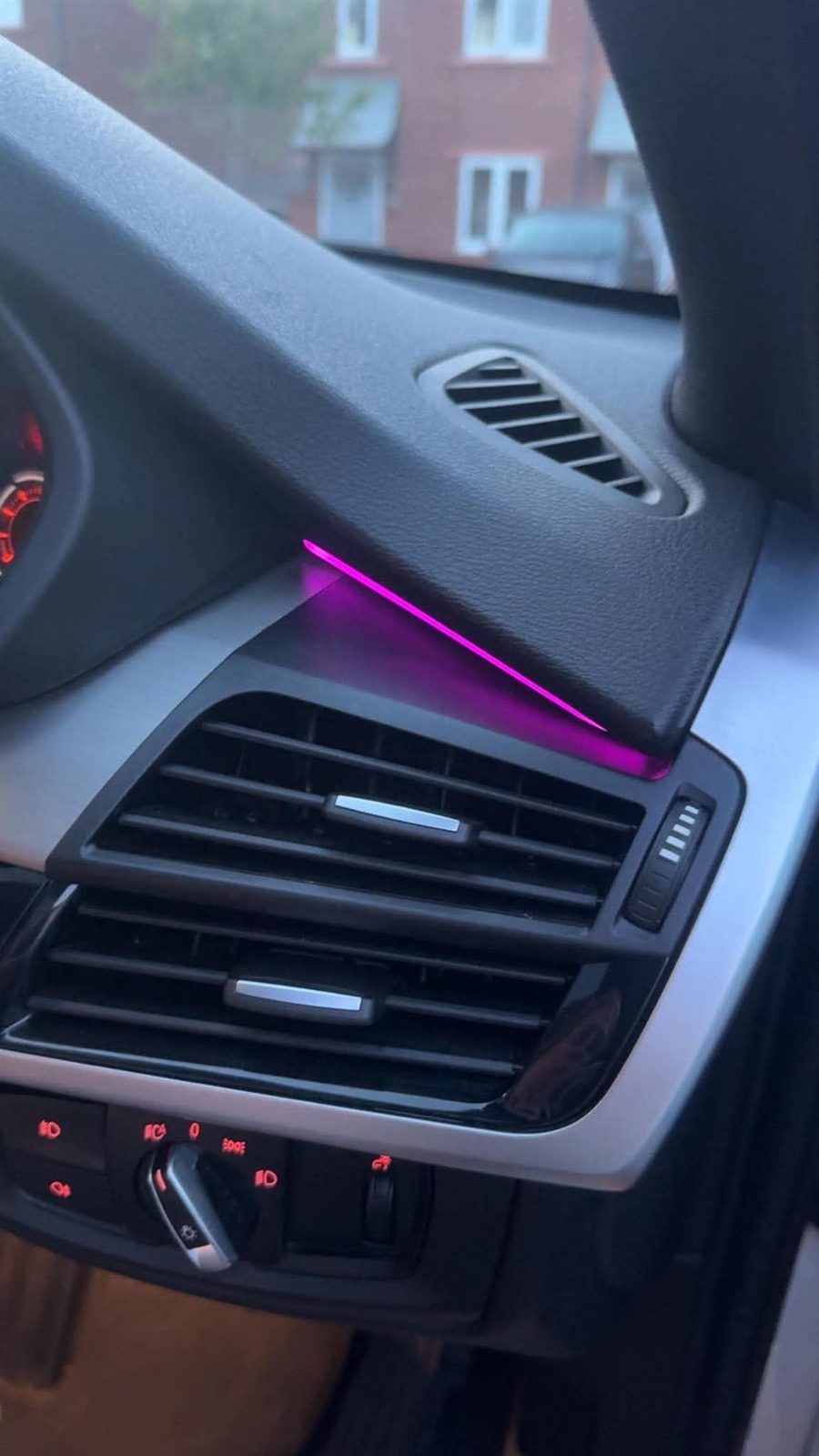
Real BMW CarPlay, Android Auto and coding examples showing vehicle checks, screen upgrade work, retained BMW menus, active CarPlay displays and digital-cluster coding, with private details hidden.
The job
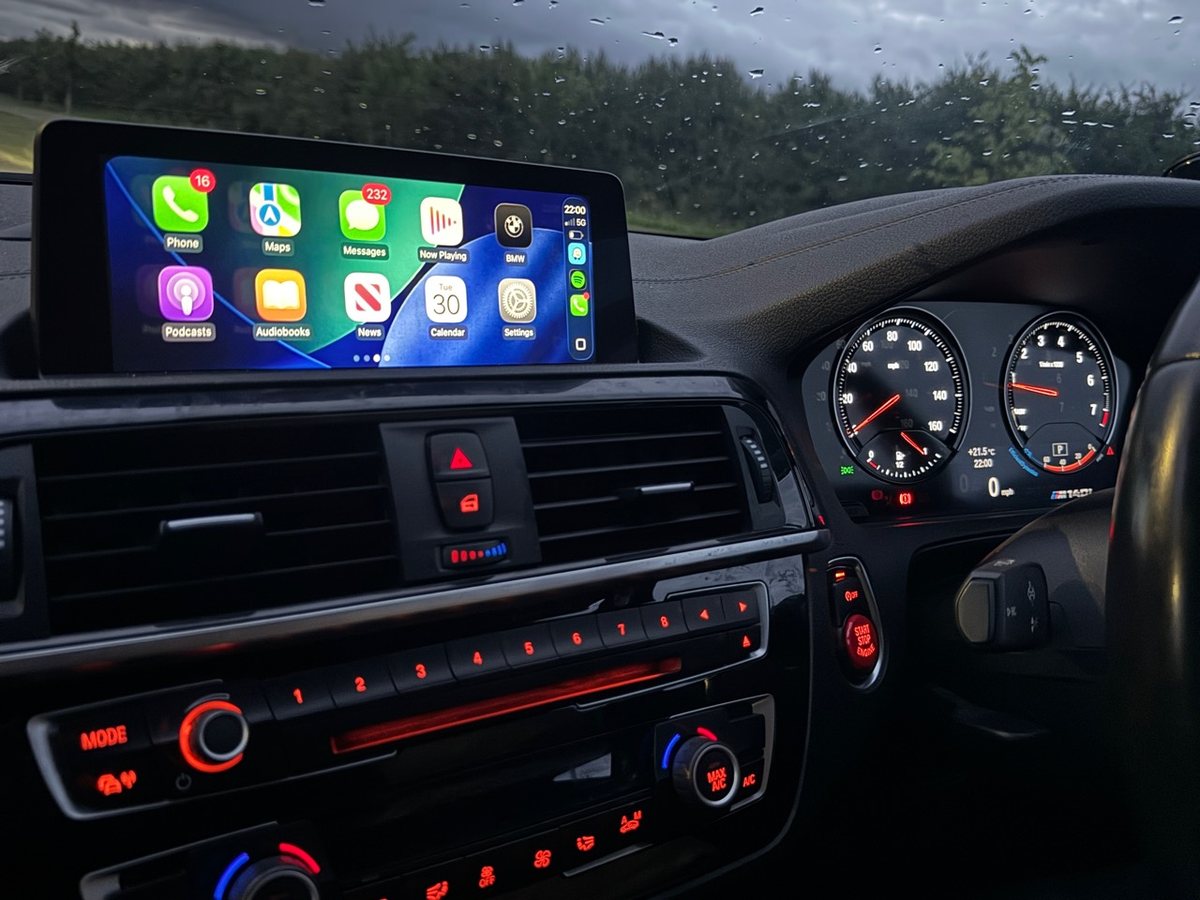
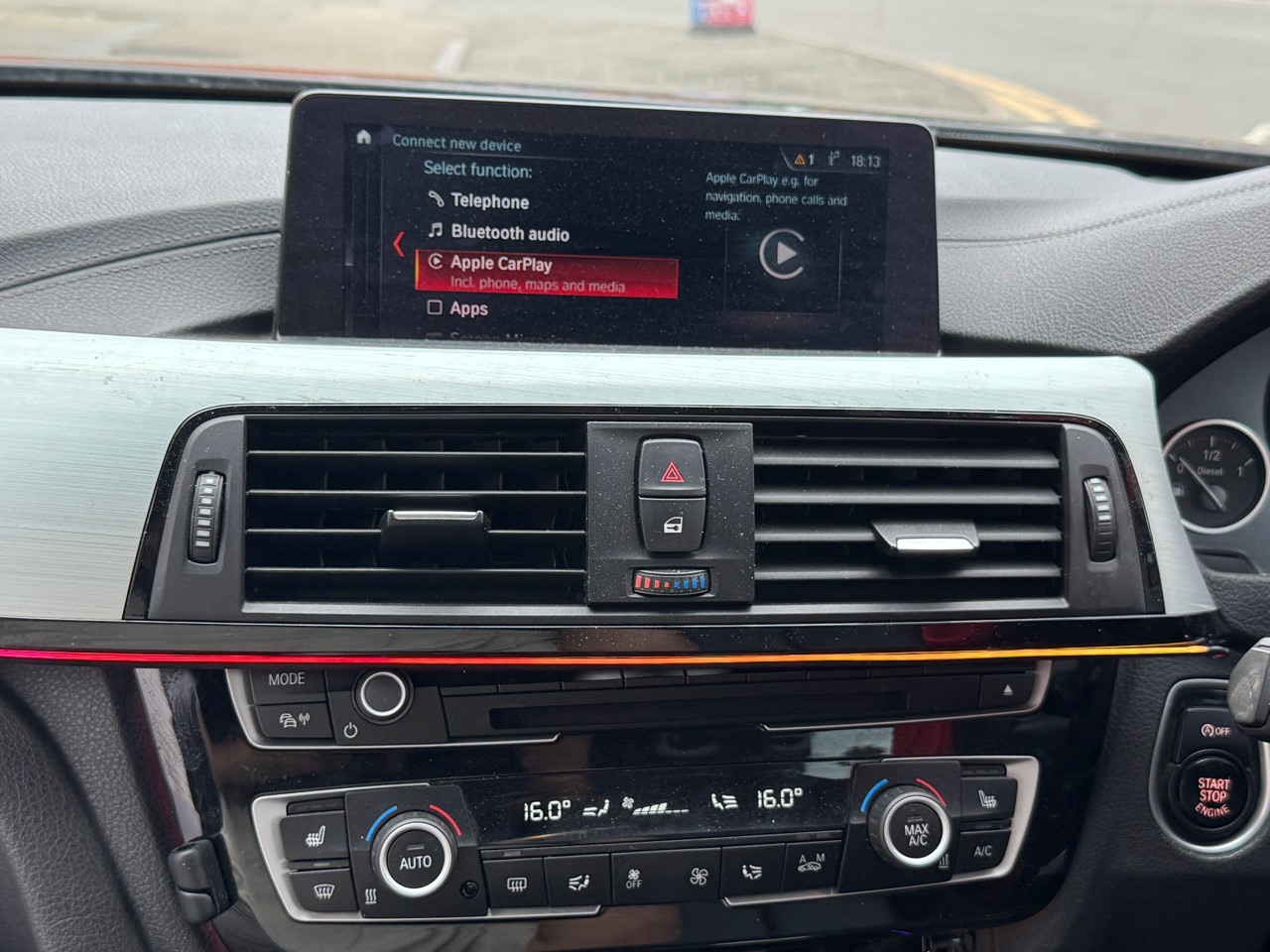
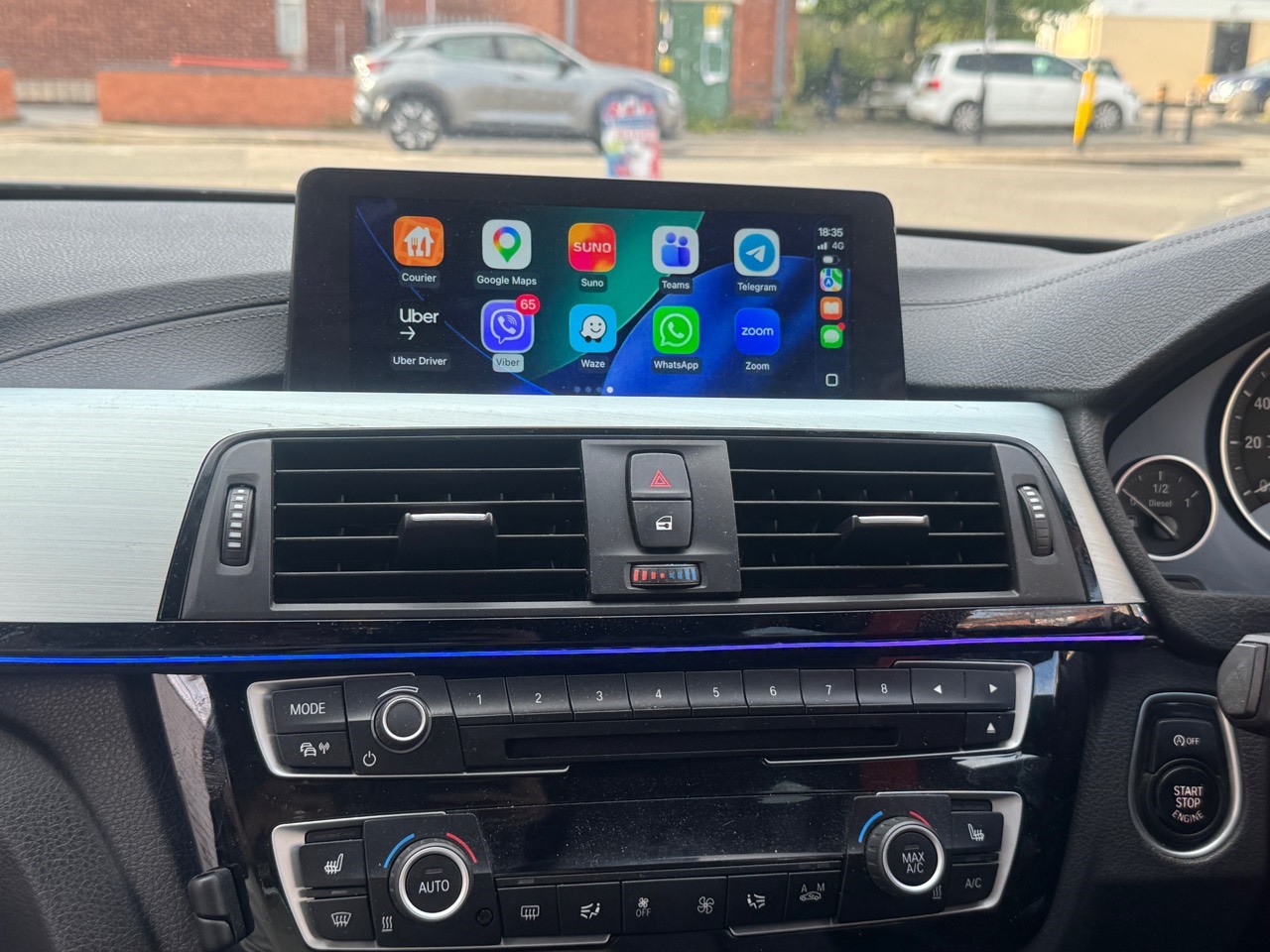
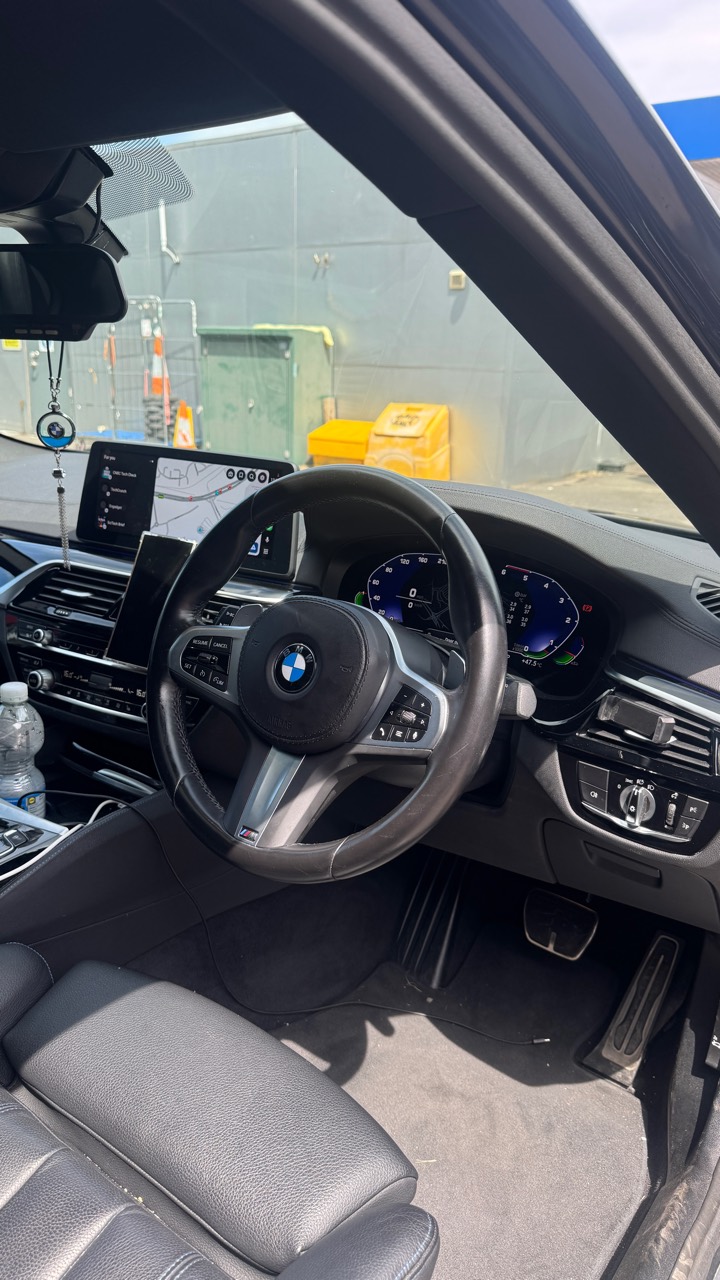
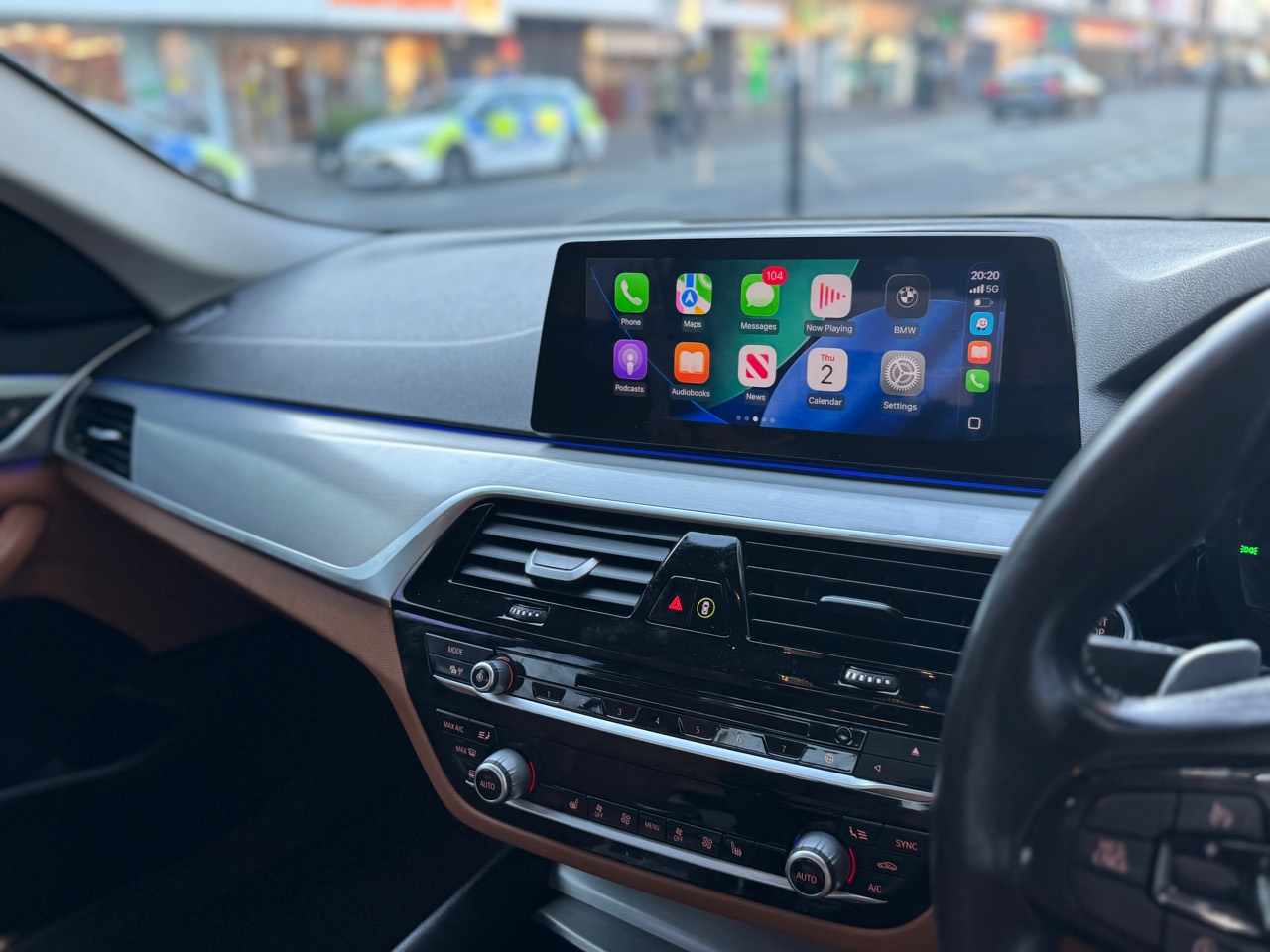
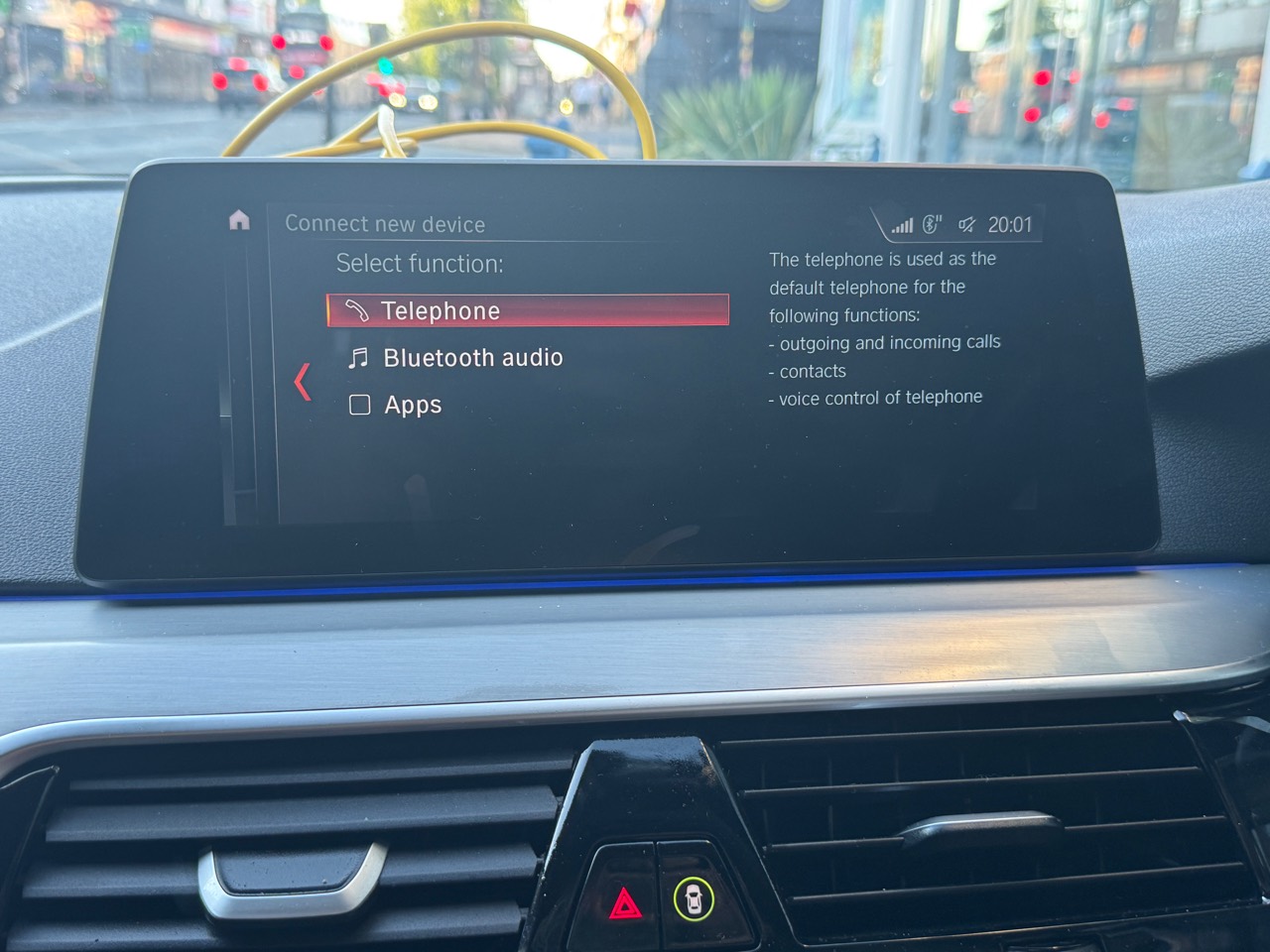
These proof sets show BMW CarPlay, Android Auto, screen upgrade and coding routes after the vehicle details and iDrive or cluster setup were checked. The latest photo is a real BMW dashboard image with CarPlay visible, used as privacy-safe proof content rather than as a guarantee that every BMW has the same compatibility route.
Vehicle proof carousel
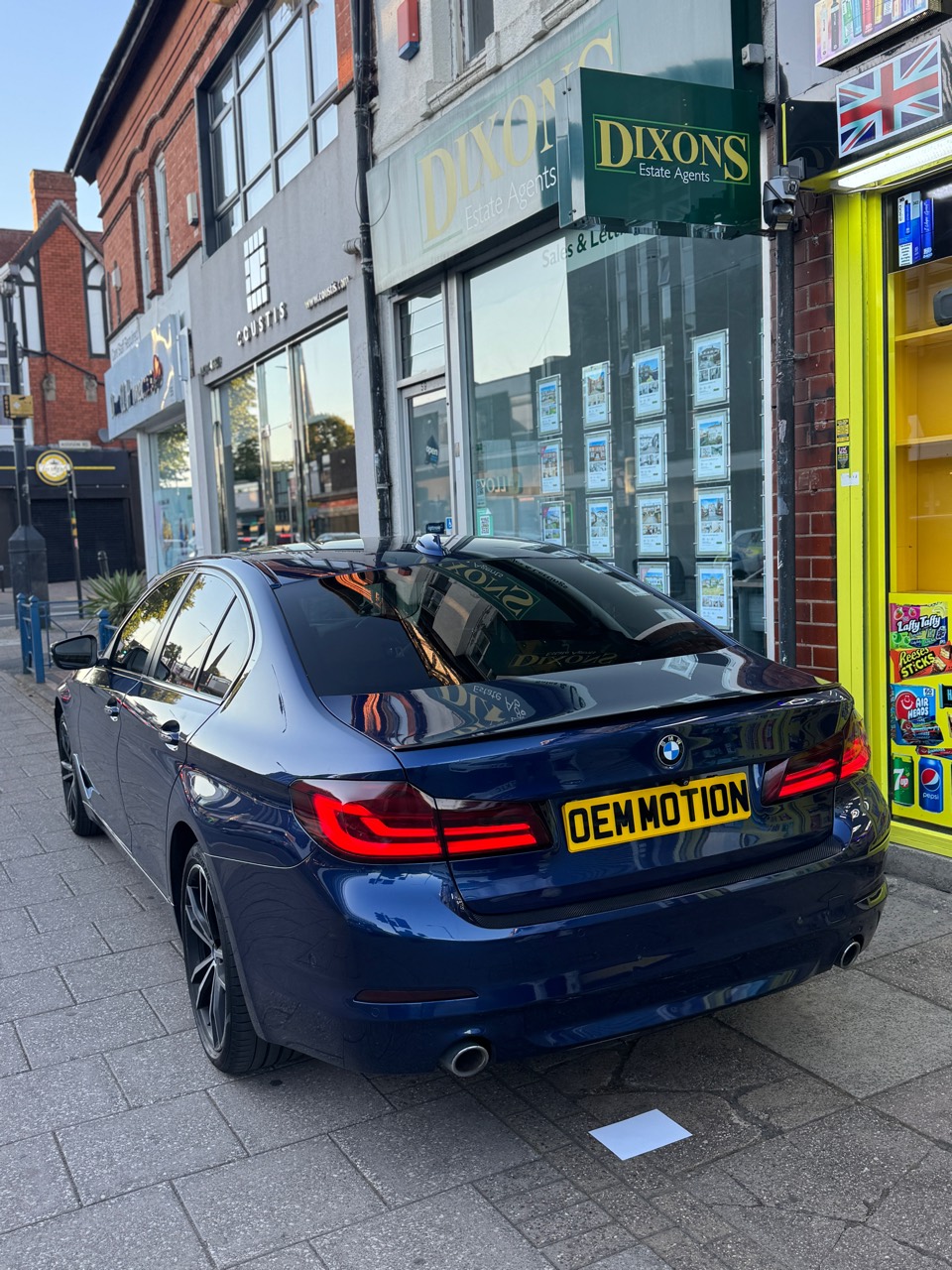
Swipe or use the buttons below to move between completed jobs. Each slide keeps the vehicle, before, install and result photos together so BMW owners can quickly compare a similar model.
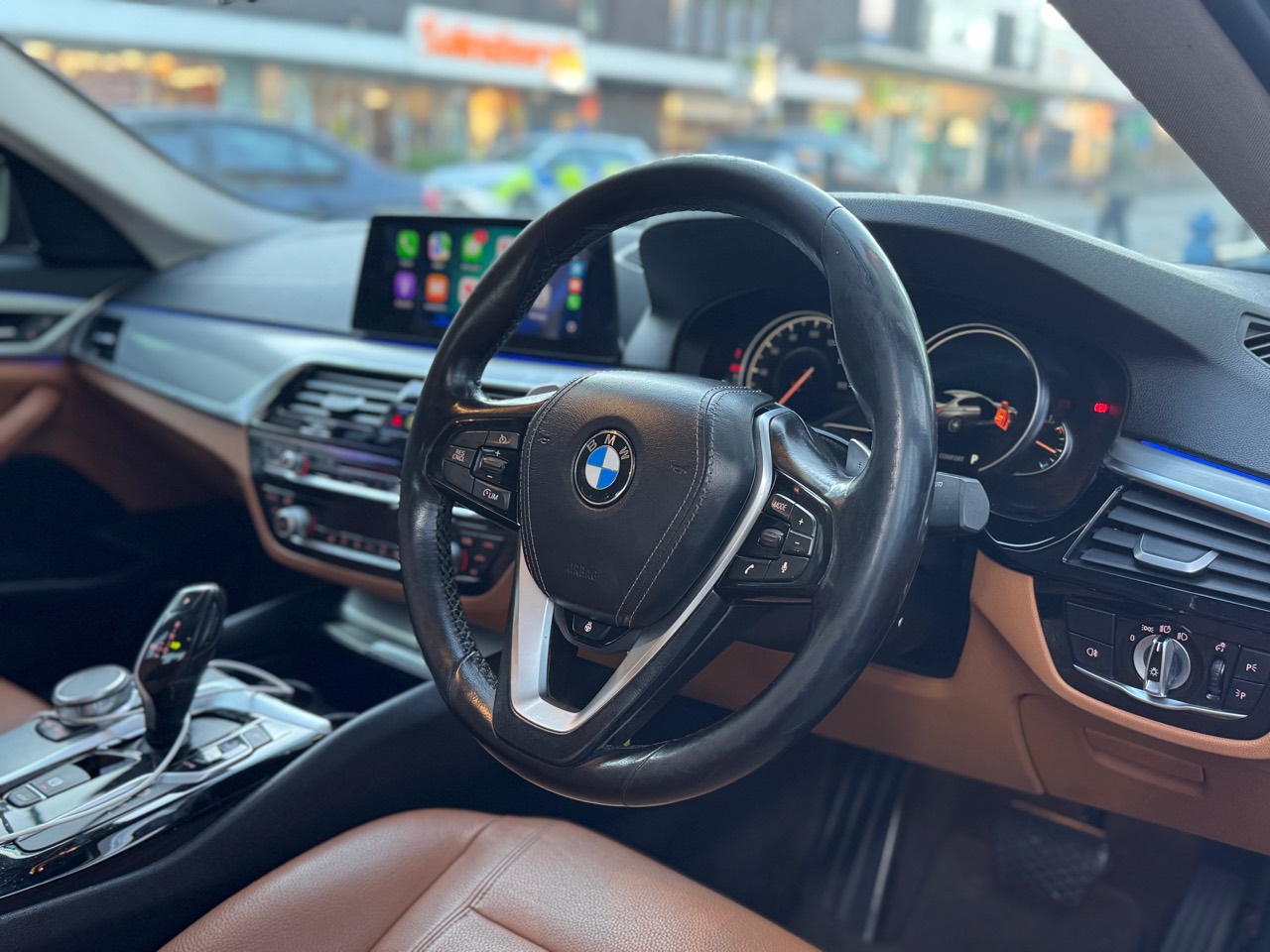
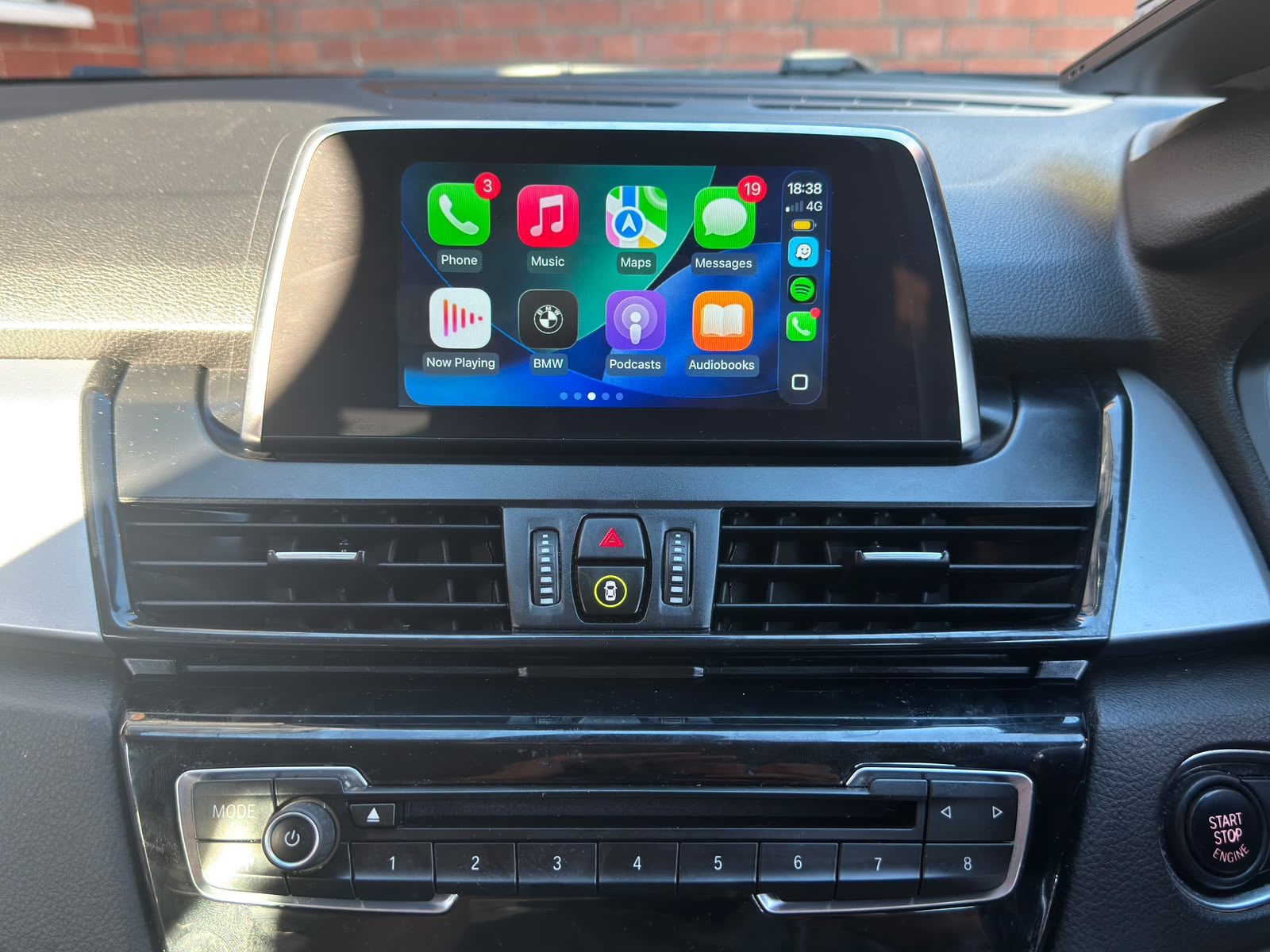
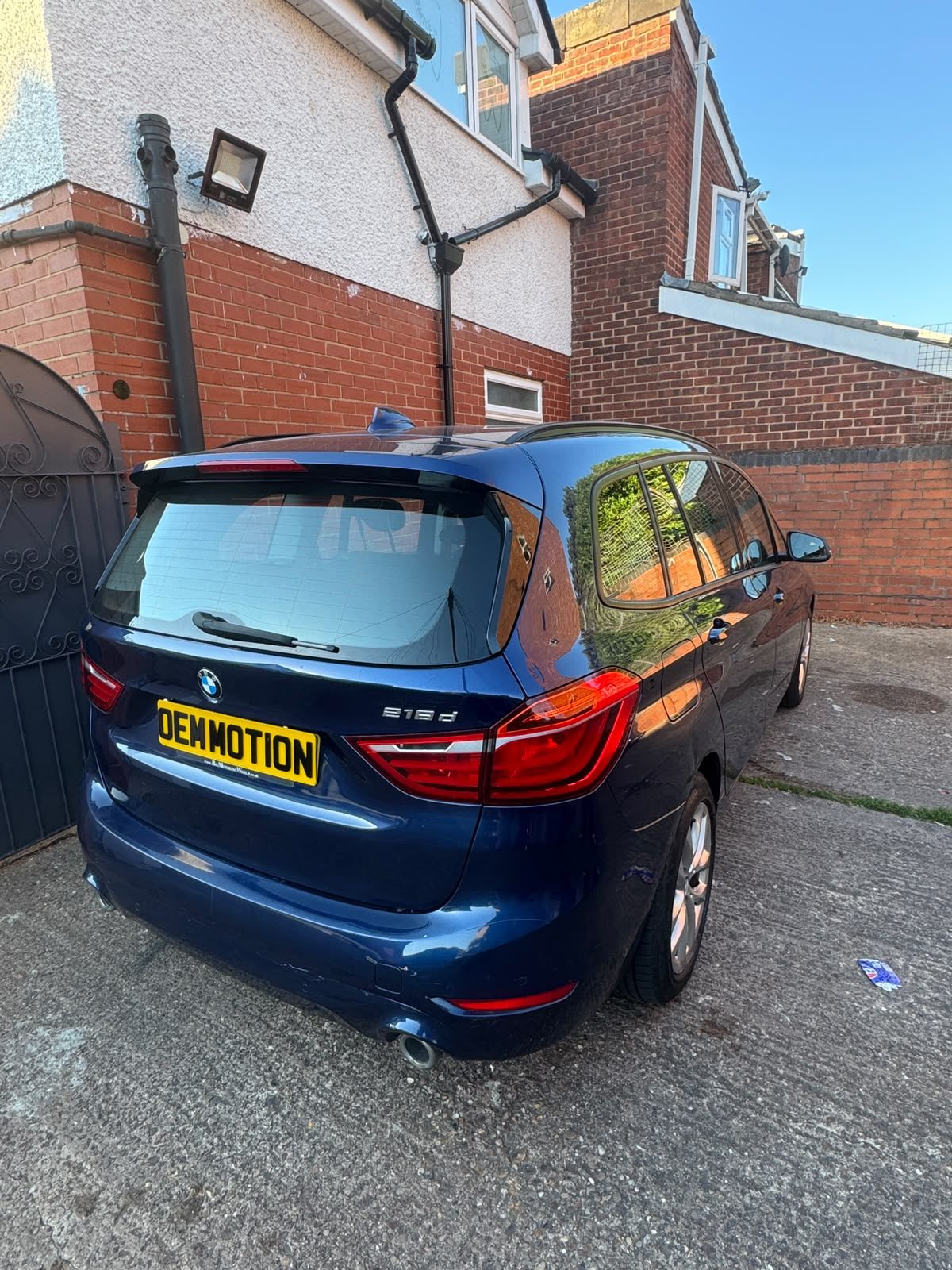
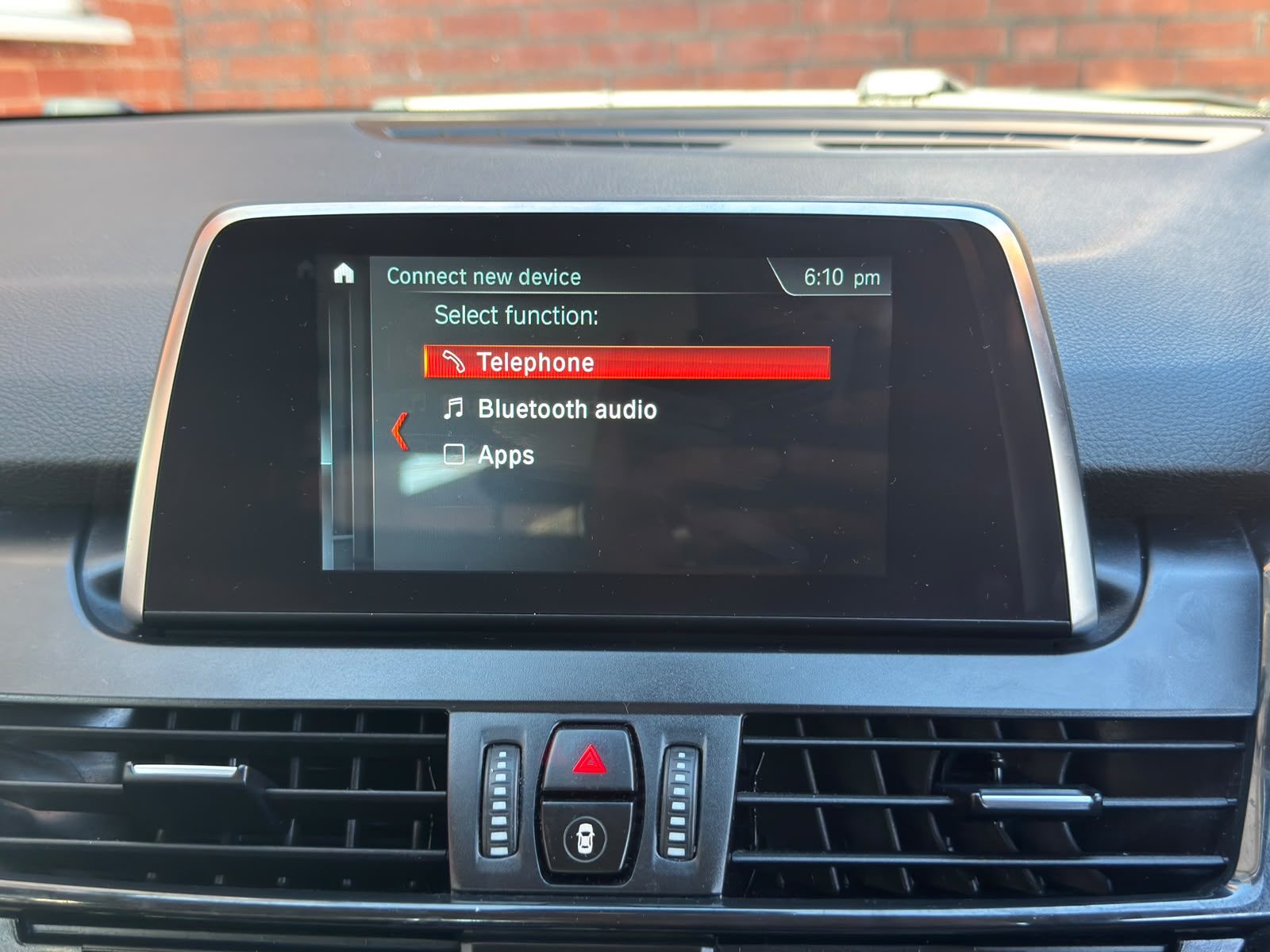
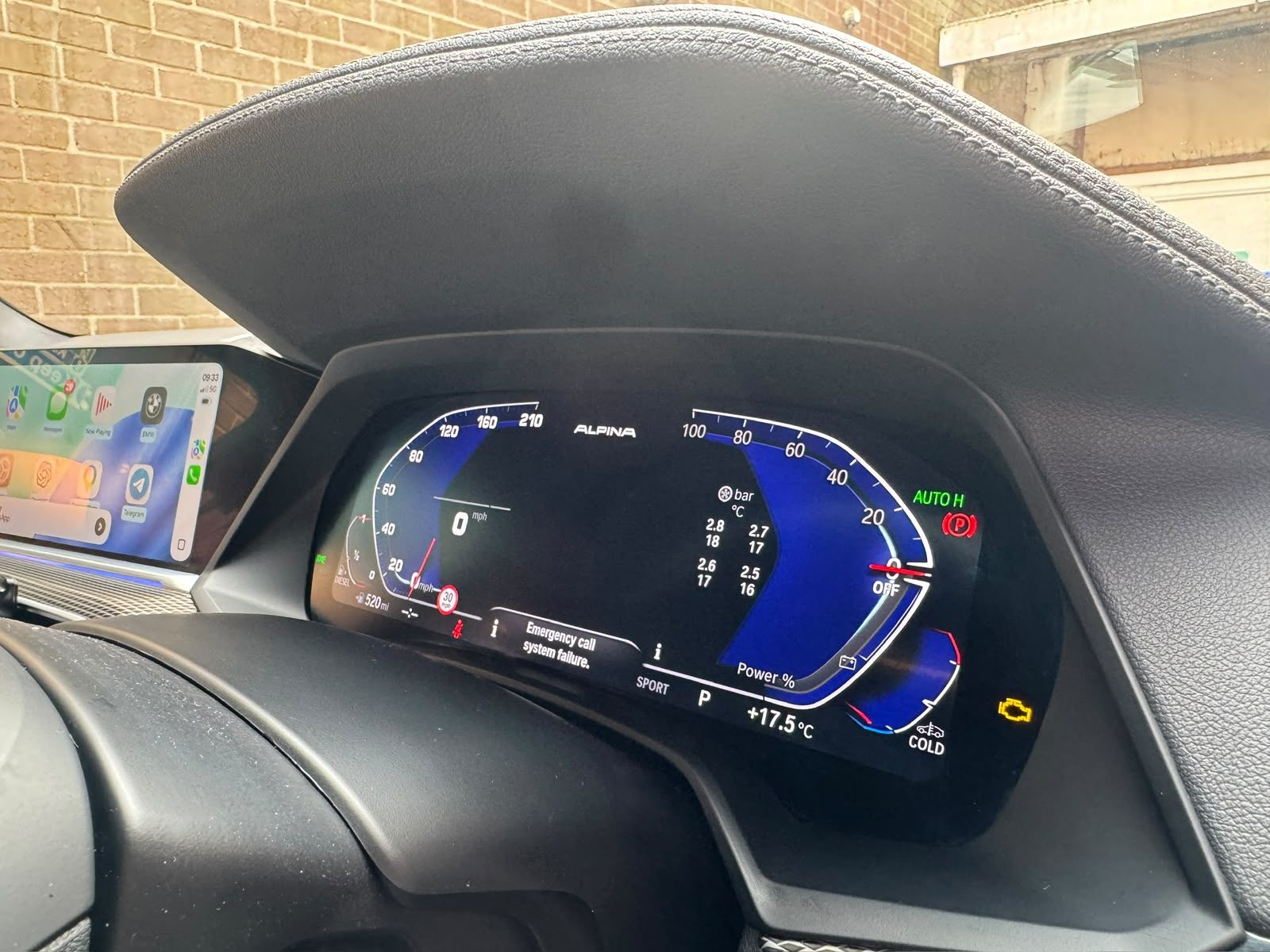
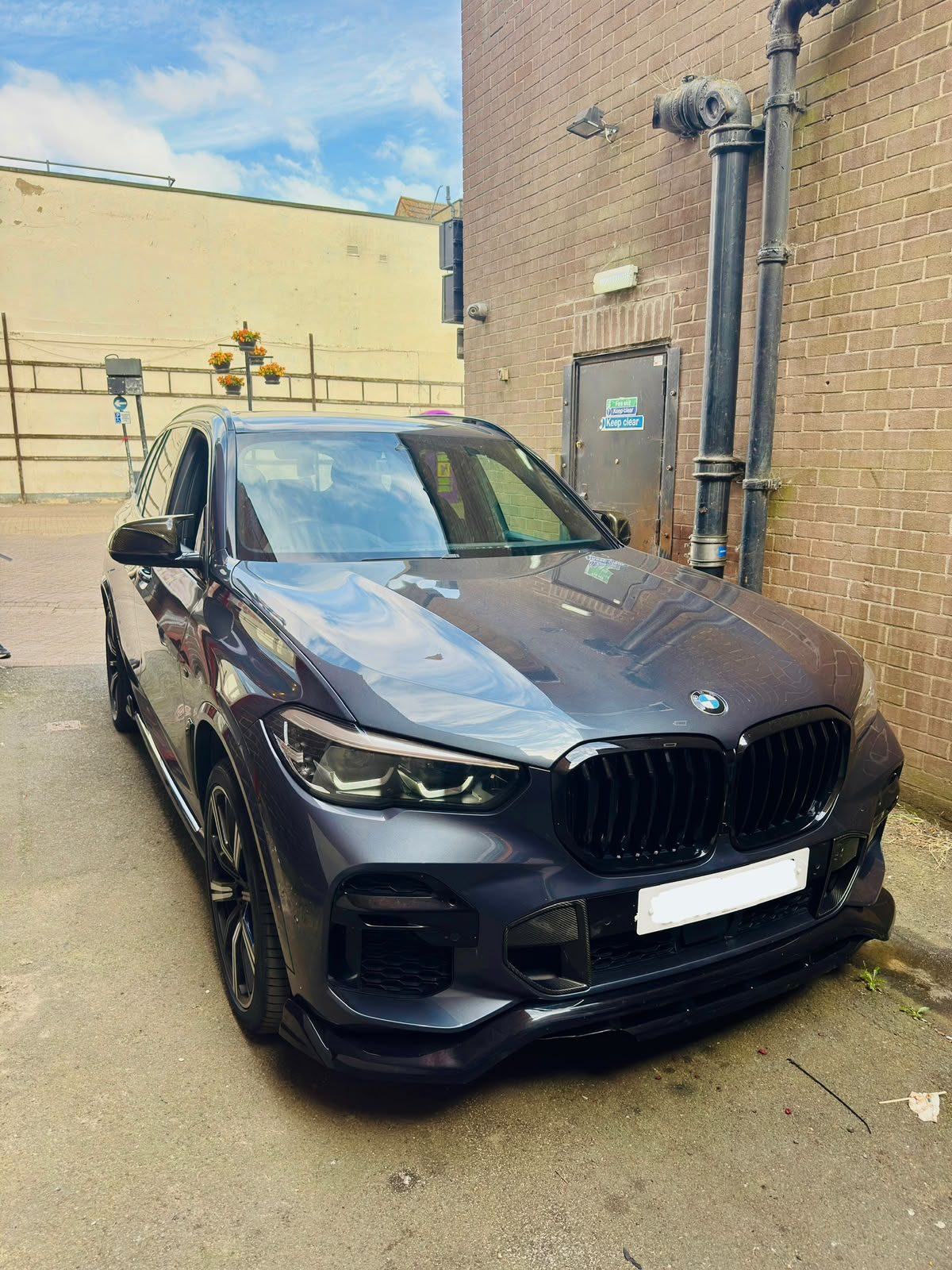
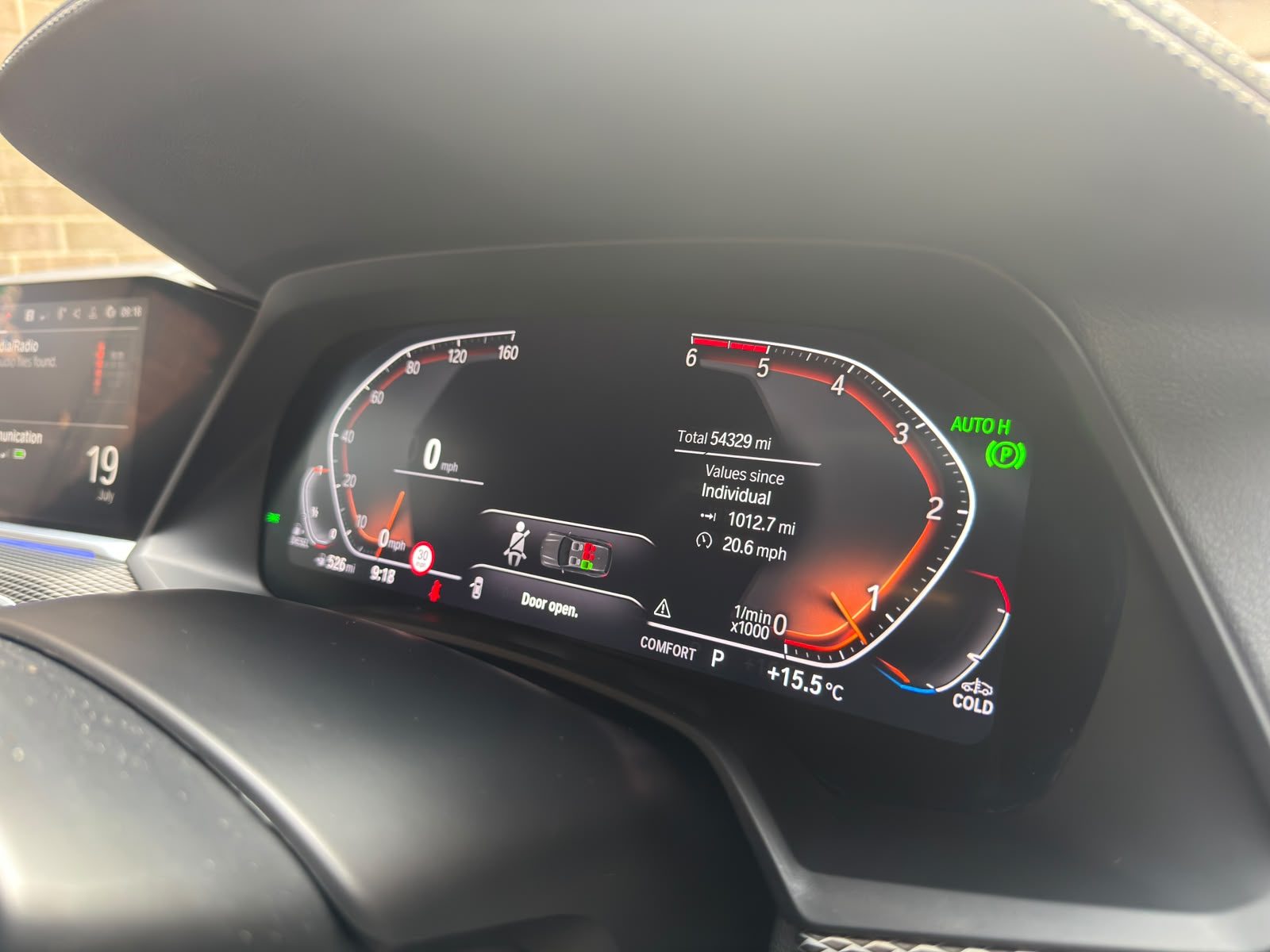
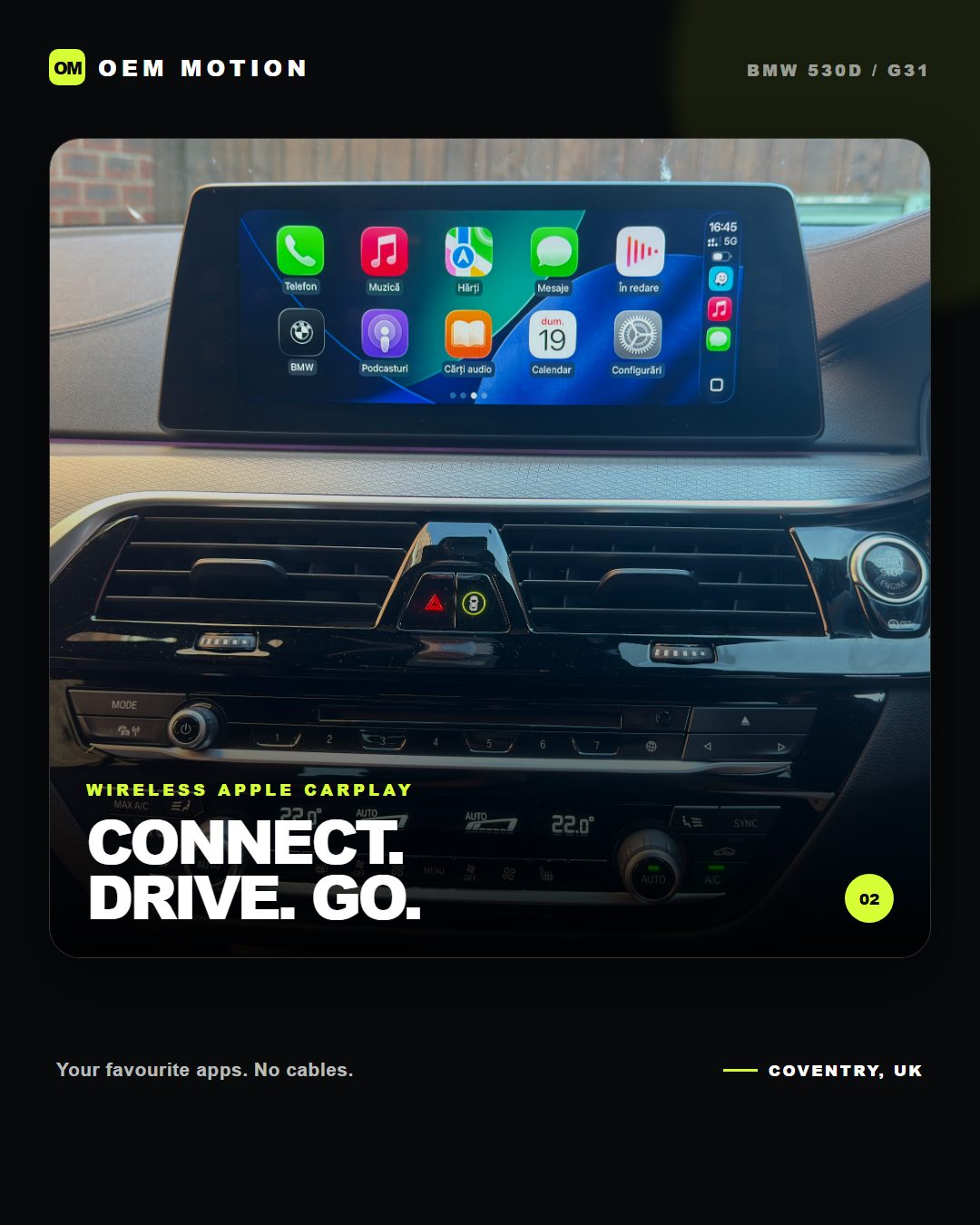
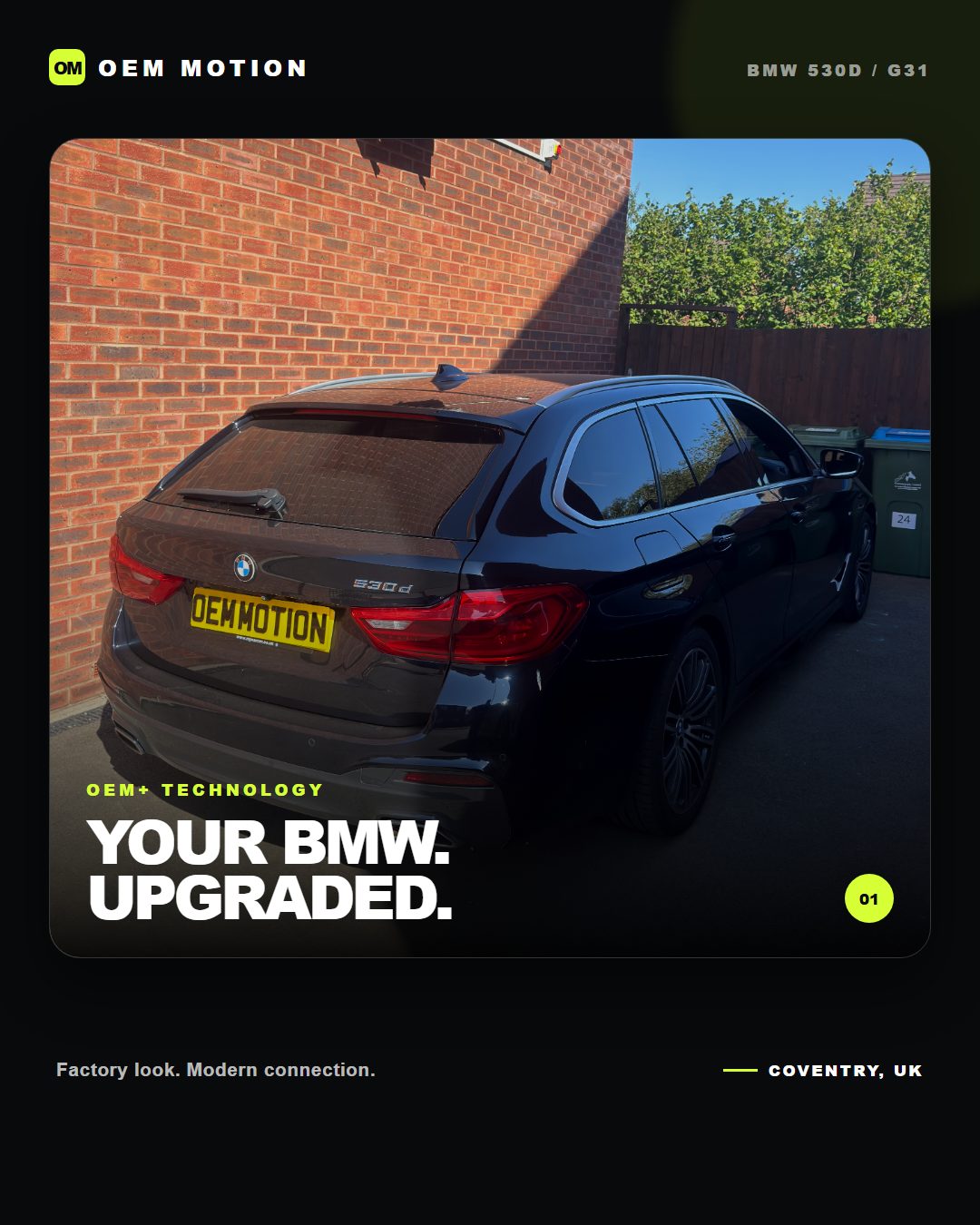
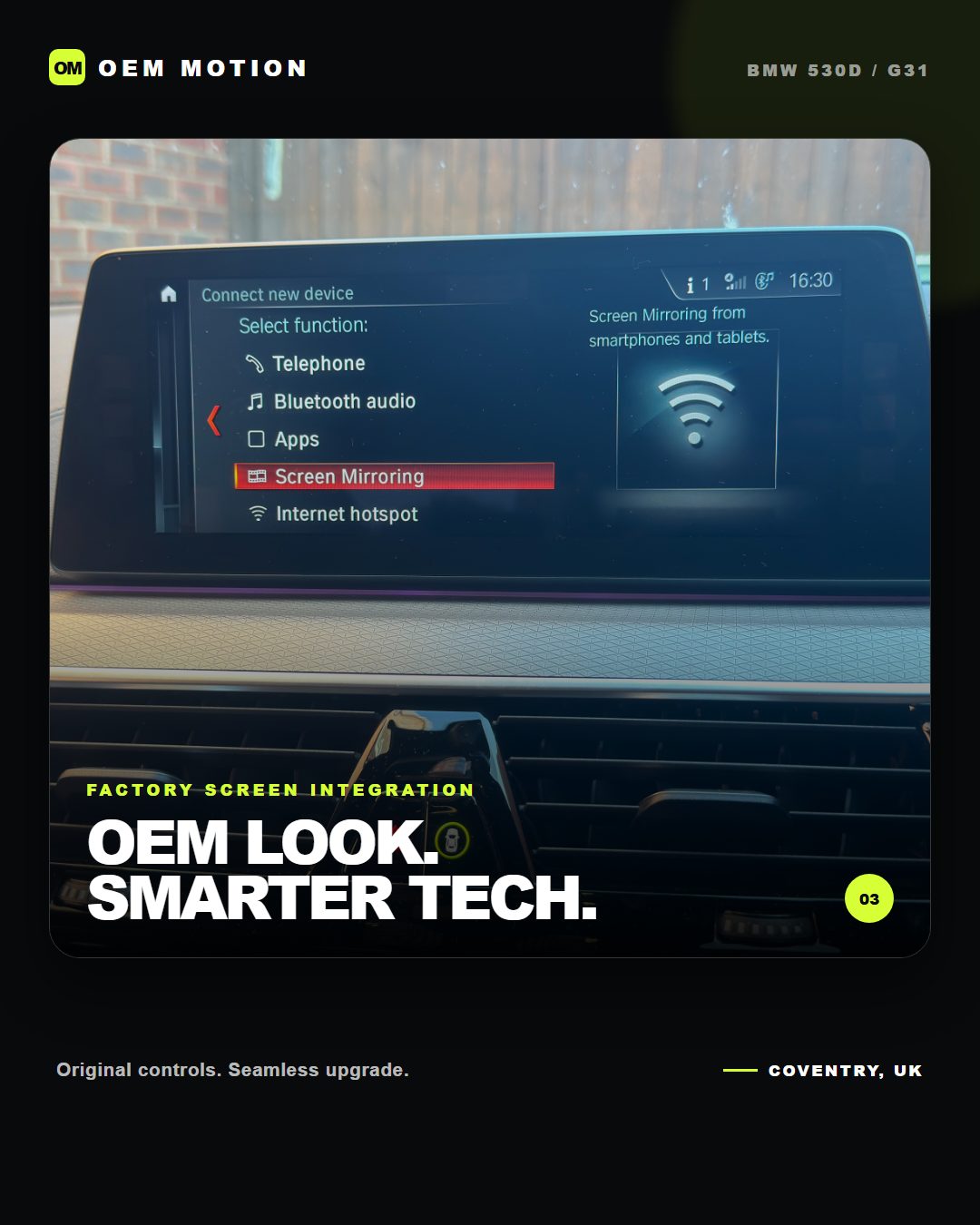
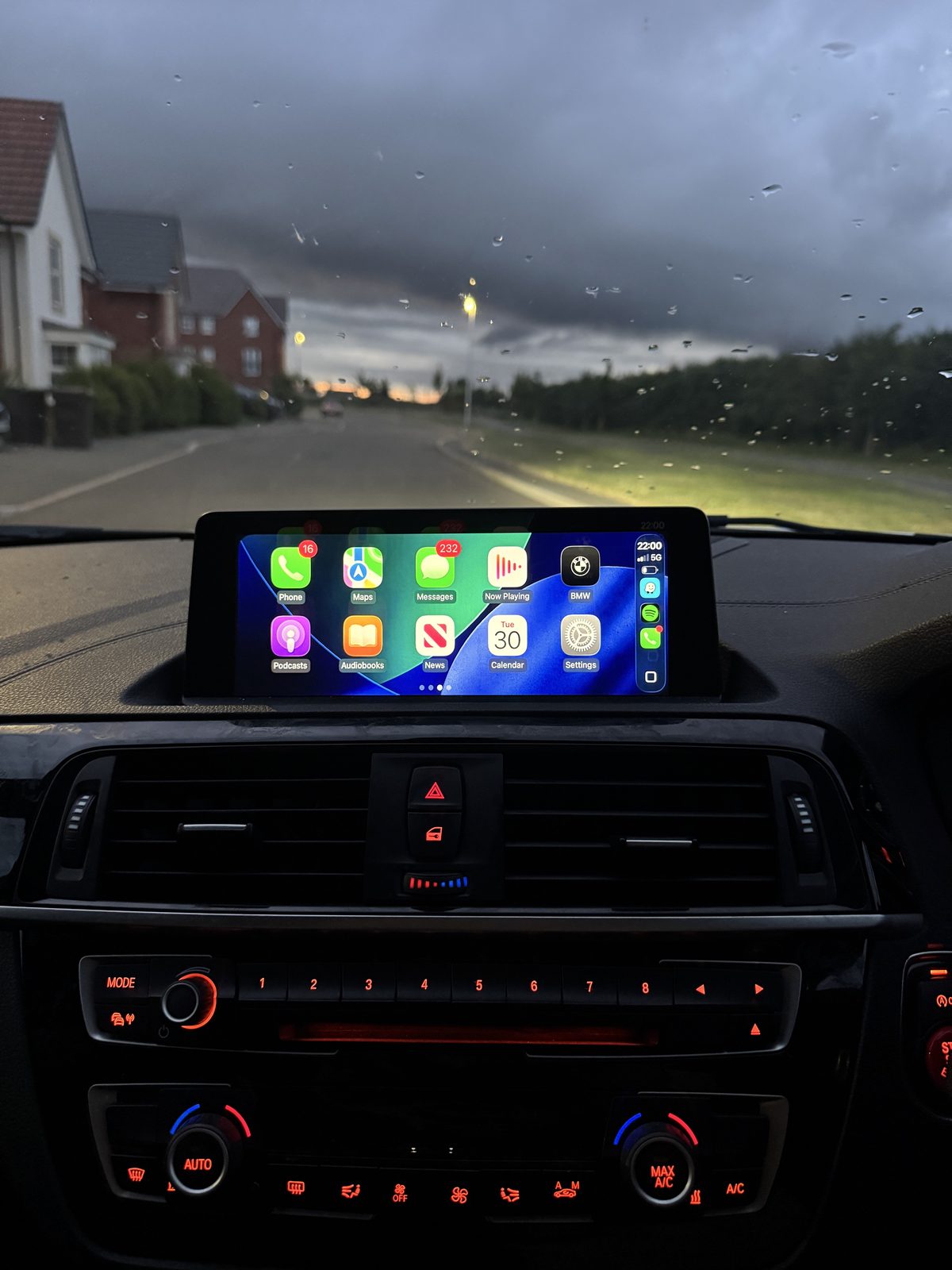
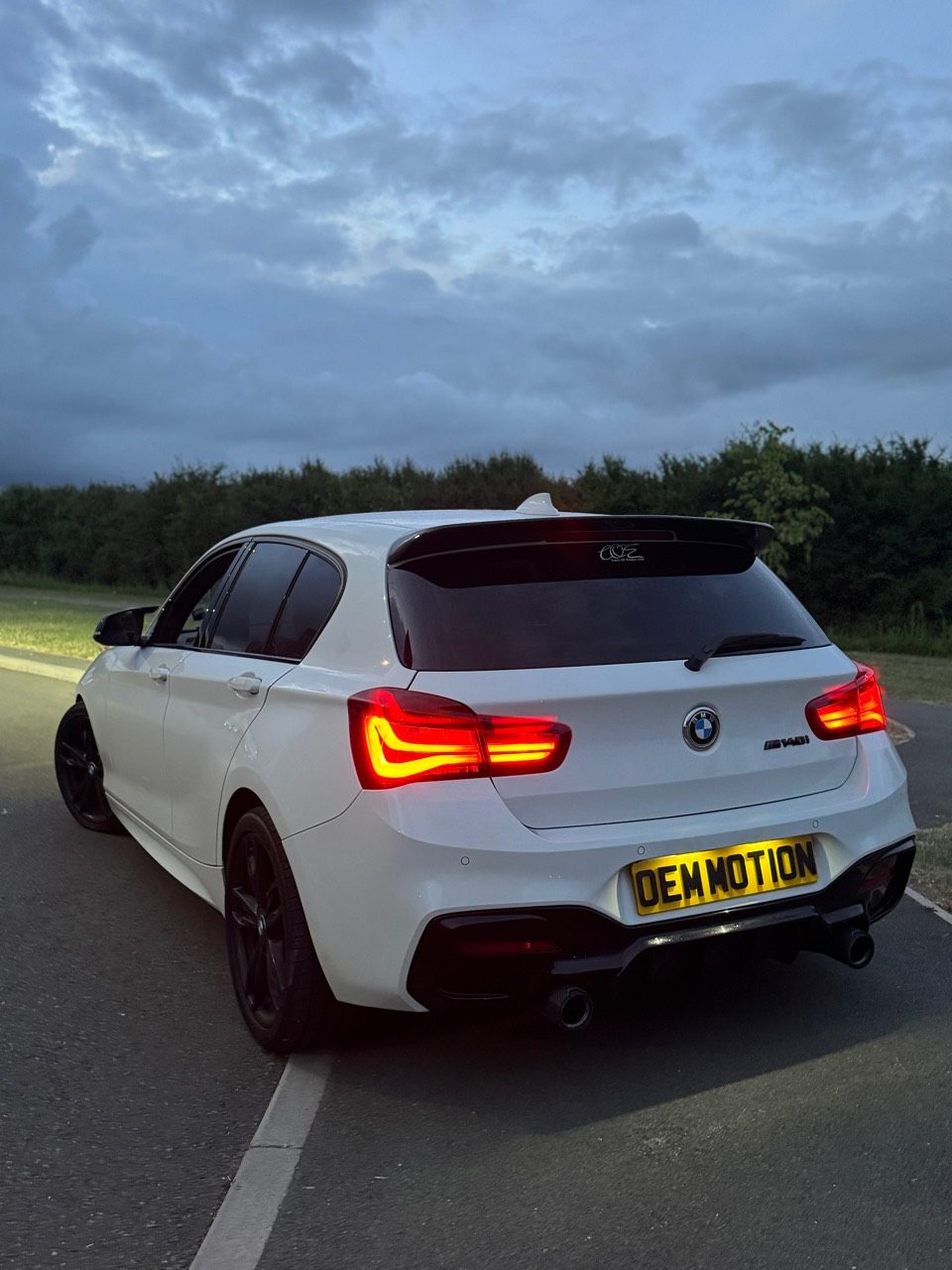
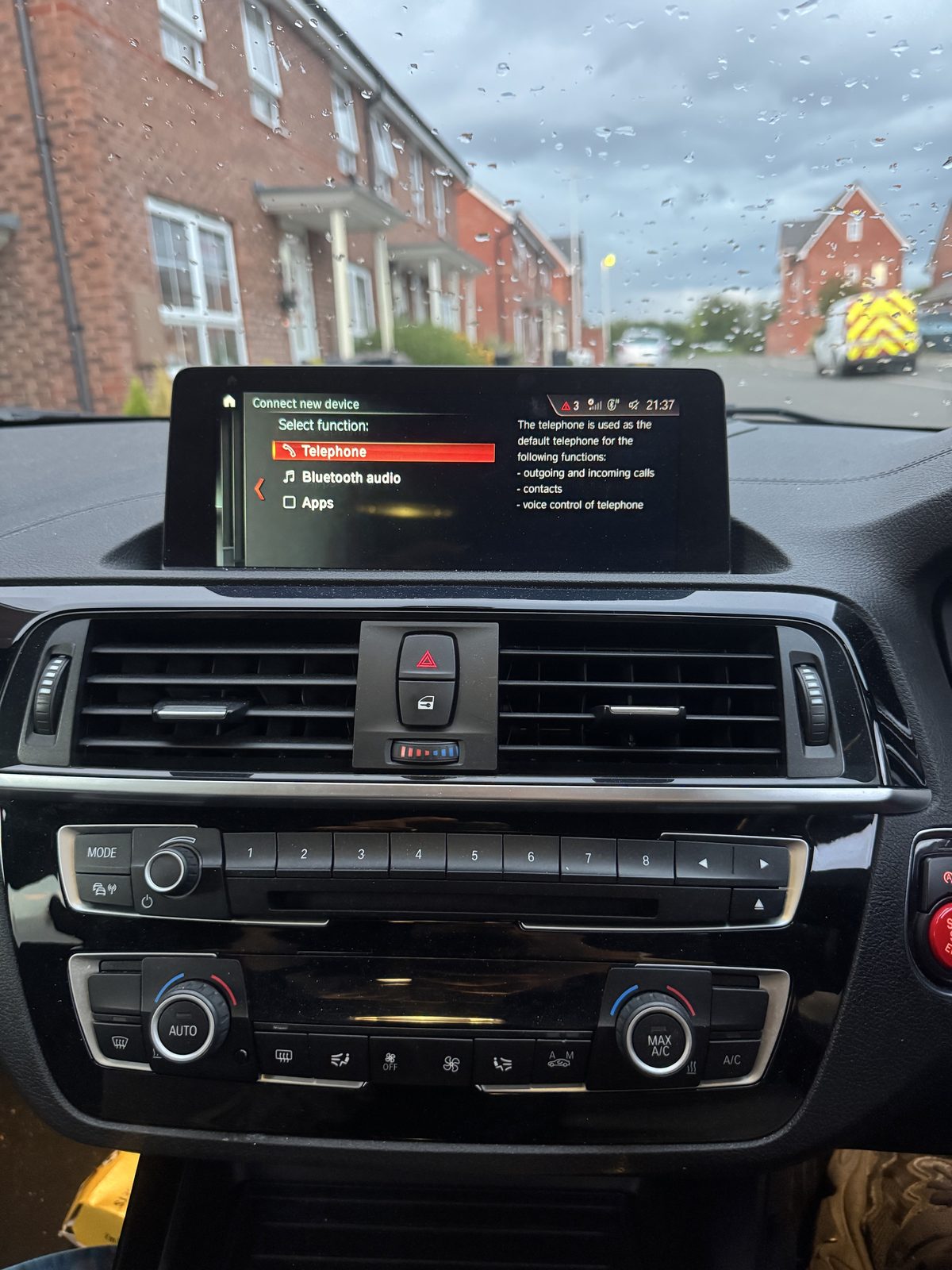
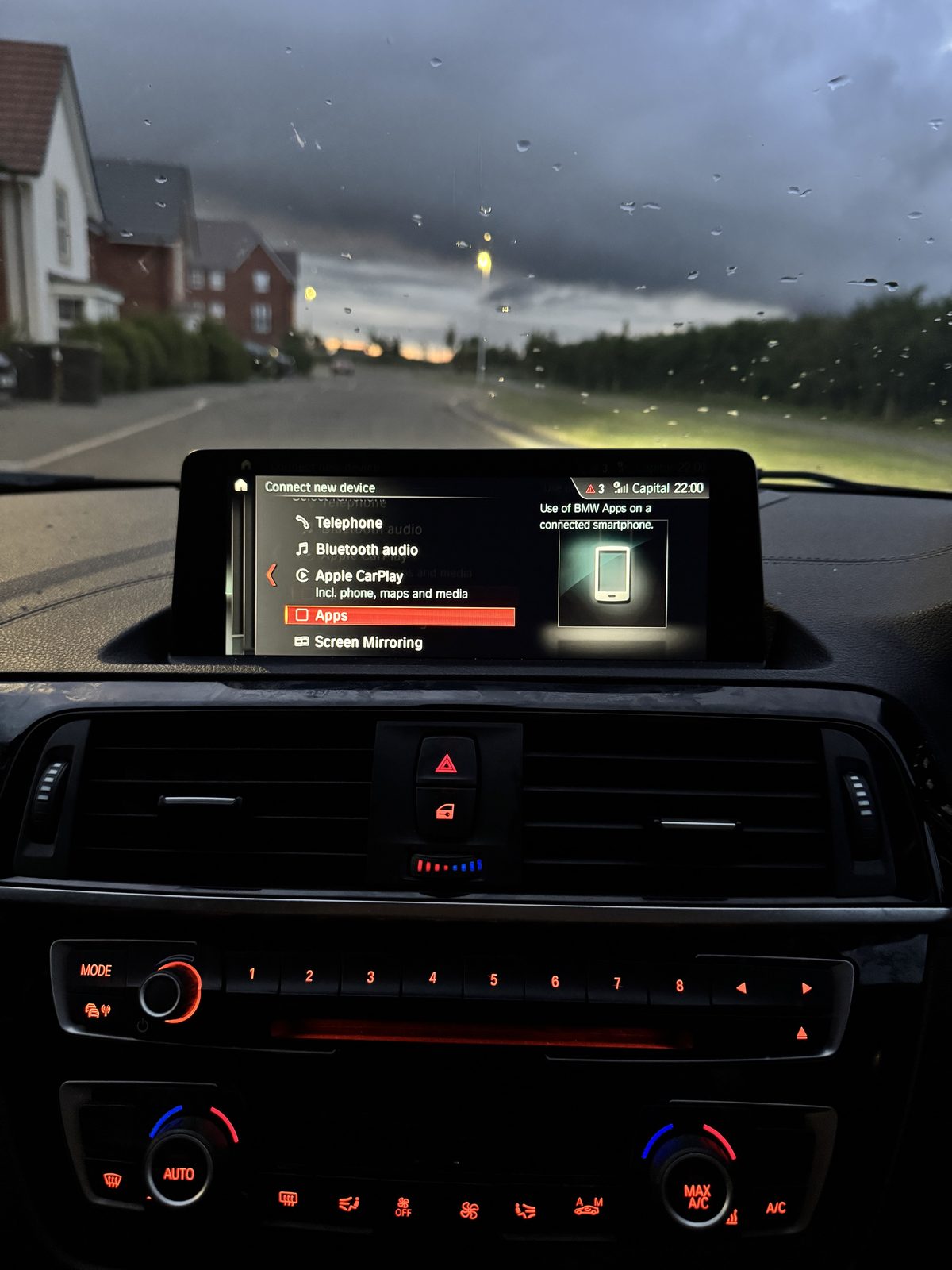
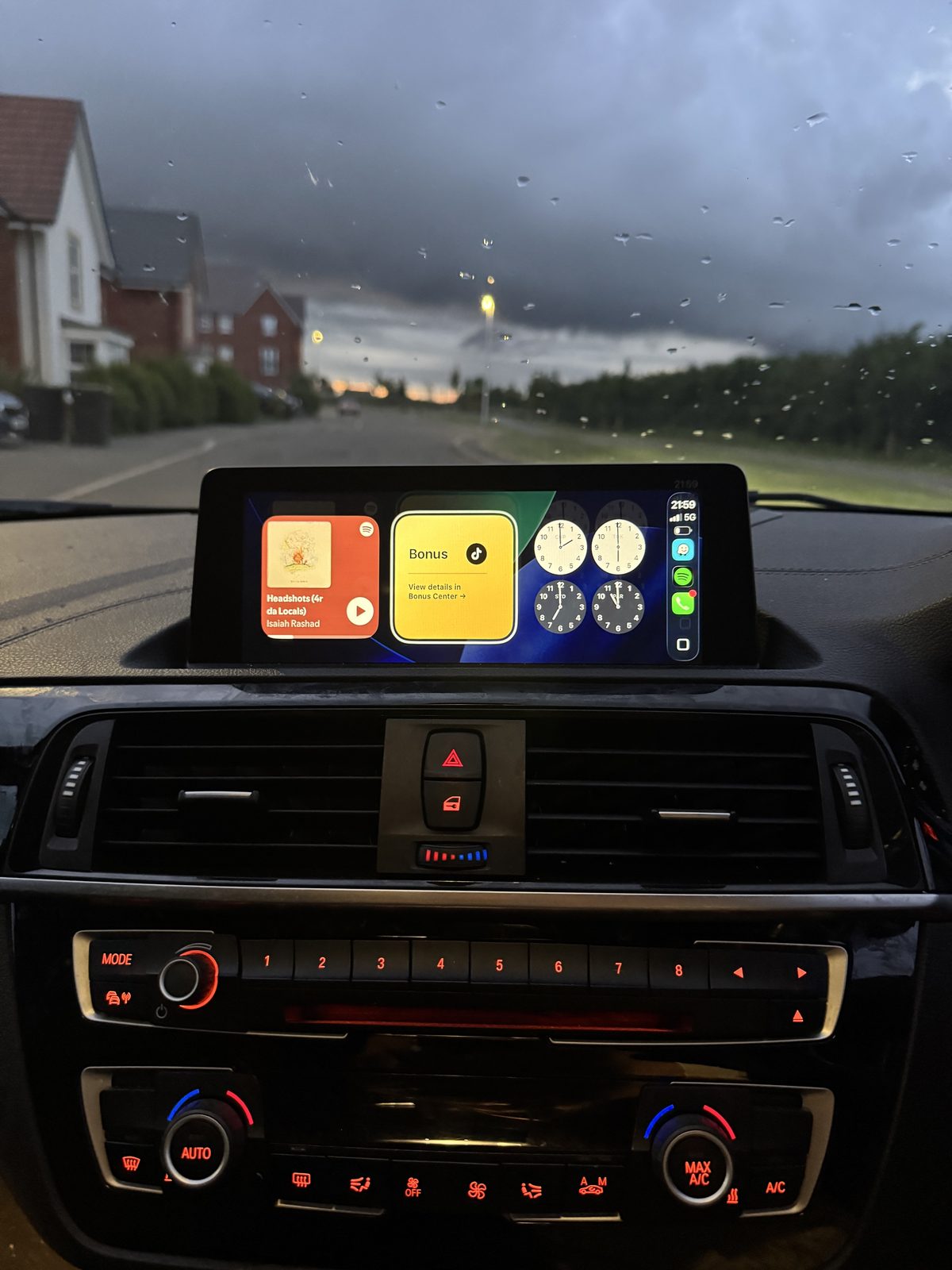
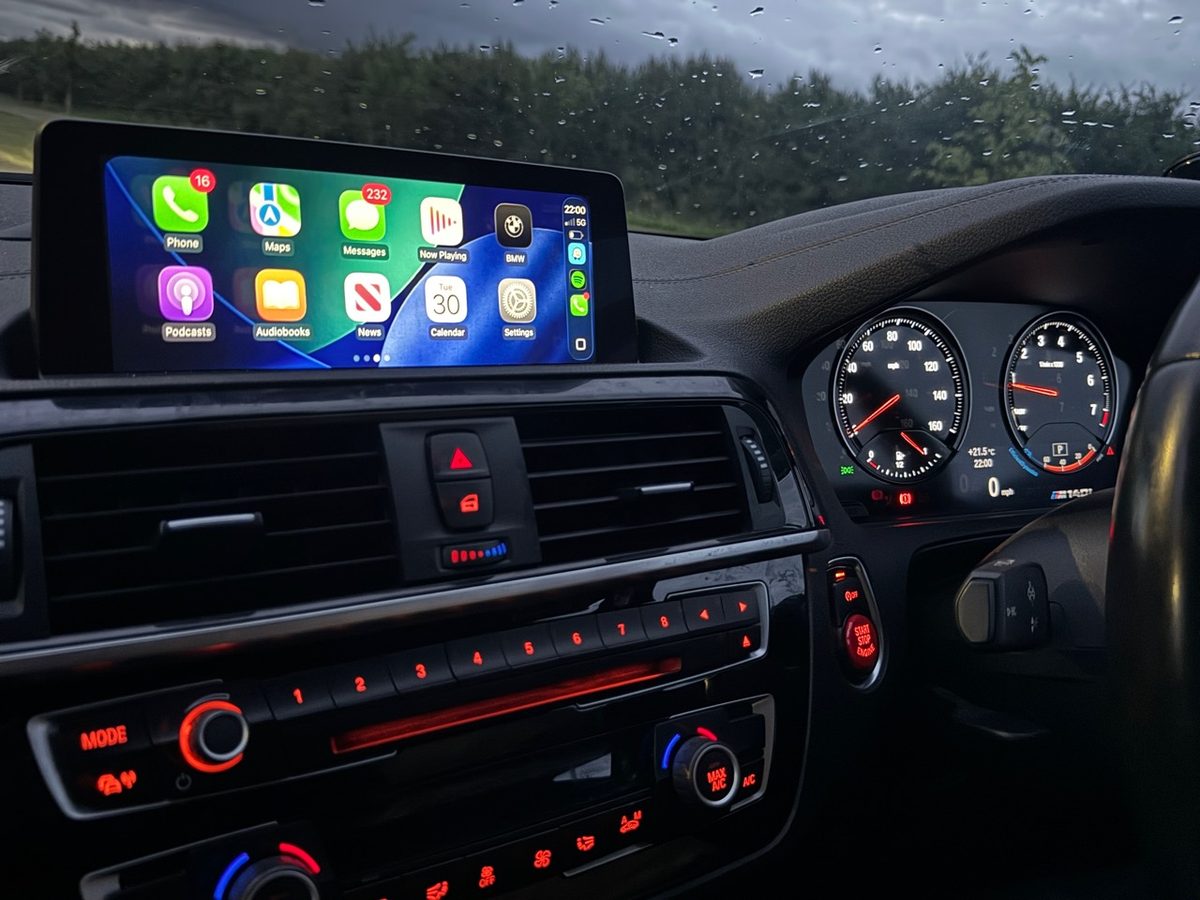
What this proves
This page shows OEM Motion can document a clean CarPlay result while keeping customer privacy intact. It does not claim every BMW supports CarPlay, fullscreen, Android Auto or coding in the same way.
OEM Motion is independent and is not affiliated with BMW or Apple. Compatibility depends on the exact vehicle, hardware, software and installed options.
Proof gallery FAQ
No. The gallery shows completed OEM Motion proof sets, but BMW CarPlay, Android Auto, screen upgrades and coding still depend on the exact vehicle, iDrive or head unit, software and options.
Send the BMW model, year, full VIN privately, clear iDrive screen or menu photos and the feature or upgrade you want checked. This lets OEM Motion review the sensible route before quoting or booking.
Public proof should avoid visible registrations, VINs, customer names, saved addresses, Apple IDs, private messages and payment details. OEM Motion uses real work while keeping private details hidden.
Next step
Message OEM Motion with the BMW model, year, full VIN privately and iDrive photos. If CarPlay, Android Auto or an iDrive upgrade route looks realistic, the next step can be discussed.