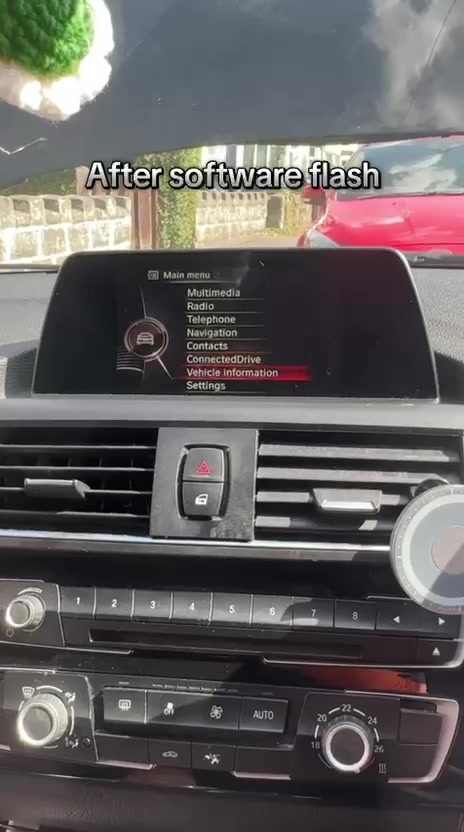
BMW 116d: reboot loop resolved
A software update on this 2016 F20's EntryNav system resolved the loop and kept the original head unit in the car.
Watch the before & afterOEM Motion / Coventry
Upgrade your BMW or get help with an iDrive fault. We also check MINI enquiries and offer selected Mercedes CarPlay activations.
Recent work
A software update on this 2016 F20's EntryNav system resolved the loop and kept the original head unit in the car.
Watch the before & after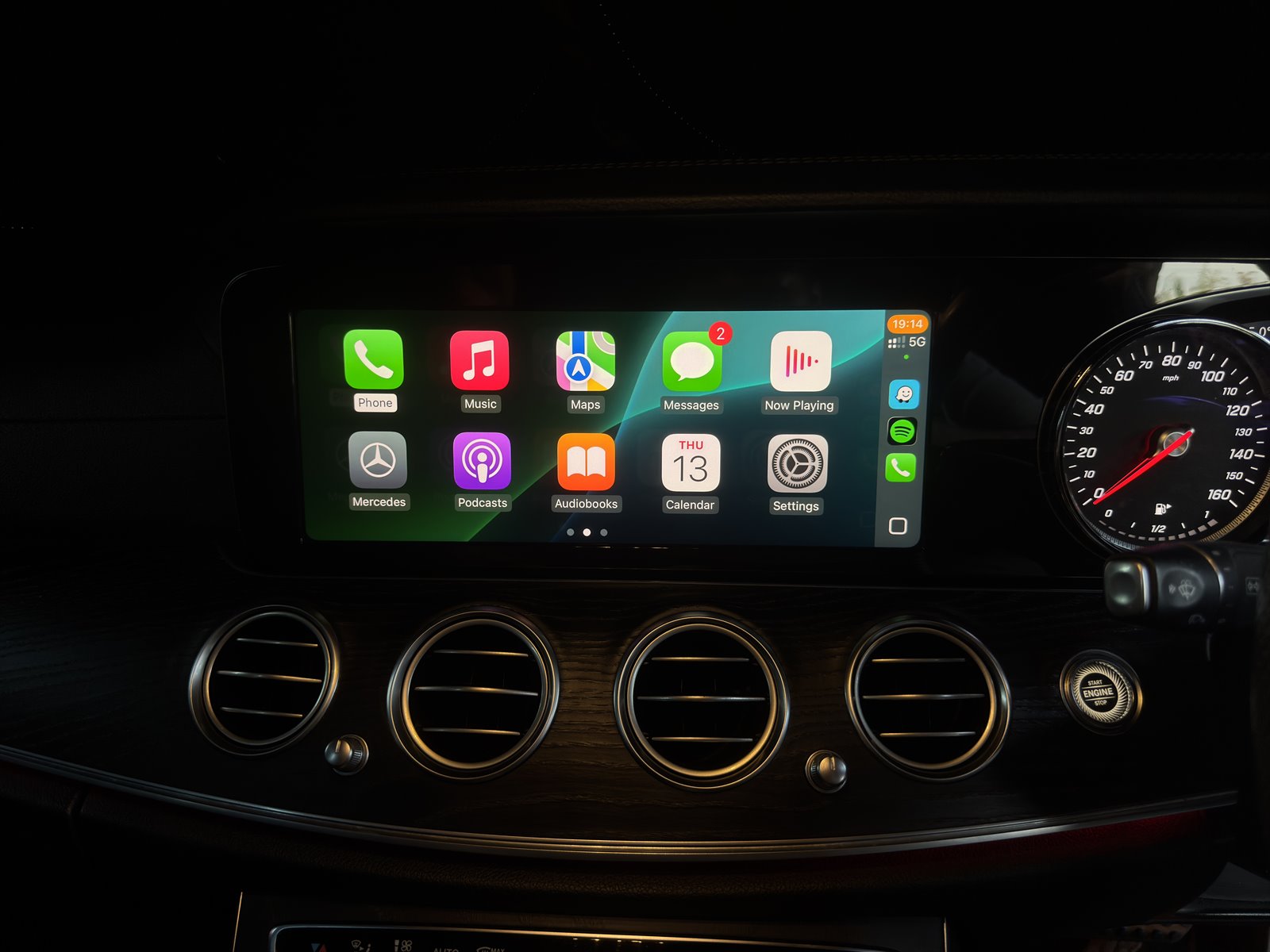
Apple CarPlay on the original display, with the factory smartphone menu shown alongside the completed result.
See the Mercedes resultIndividual results, not a compatibility promise. We check each vehicle before quoting.
Compatibility check
No head-unit knowledge needed. Choose what you know and send photos for an individual check.
Continue to the dedicated check for your make. BMW compatibility rules do not apply to MINI or Mercedes.
Optional, but useful if you know it.
You can leave this blank and send the full VIN privately on WhatsApp.
Images are visual clues only. The exact route still needs VIN and menu photos.
Send your details for an individual check.
Send the model, year if known, VIN privately when available and clear iDrive photos. OEM Motion will review whether Apple CarPlay is realistic for the exact car before quoting.
Send on WhatsAppHow it works
A clear compatibility-first route keeps the work professional: no public VIN sharing, no guesswork from a model badge, and no booking until the sensible route is reviewed.
Share model, year, full VIN privately and clear iDrive screen photos by WhatsApp.
OEM Motion checks the likely CarPlay, Android Auto, screen, coding or iDrive route.
You get a clear next step before any booking, parts route or appointment is discussed.
The work is completed around the agreed route, with factory menus and controls checked.
CarPlay, Android Auto, iDrive access, controls and visible proof checks are reviewed.
Quote clarity
Some BMWs only need activation, while others need a hardware or screen route. OEM Motion checks the exact setup first so the quote matches the car, not just the badge on the boot.
CCC, CIC, NBT and NBT EVO routes can be different. A VIN and clear menu photo help avoid guesswork.
Some cars can retain the existing screen; others are better suited to a larger retrofit display.
Each requested feature is checked against the car's modules, options and current software before quoting.
The quote can reflect fitting route, testing, travel and any aftercare needed for the exact job.
BMW blog and guides
Use the blog and guides to identify your BMW setup before you message. They keep the enquiry simple, show real proof by model and help avoid buying the wrong route.
Start here for plain-English guides, recent proof pages and the best next step for your BMW.
Learn which details matter for CarPlay, Android Auto, coding and retrofit checks.
Use menu and controller clues to understand whether your BMW may be CIC, NBT or NBT EVO.
Understand when a BMW needs activation, a screen upgrade, Android Auto support or a retrofit route.
Why OEM Motion?
Built for BMW owners who want modern phone integration without making the interior feel cheap or hacked together.
Switch between your new CarPlay interface and your factory BMW menu with a single button press where the setup supports it.
Installations are planned around plug-and-play routes where possible: no wire cutting, no dashboard drilling, and reversible hardware paths.
Looks and behaves like a factory-fitted option, helping maintain the premium feel of your BMW interior.
Not a faceless overseas seller. OEM Motion provides local technical support and professional installation services in Coventry.
Social proof
Real dashboard CarPlay proof, clean installs and model-specific checks, including BMW M140i, BMW 320d F30, BMW 420d F32, BMW 520d G30 and BMW 530d G30 proof.
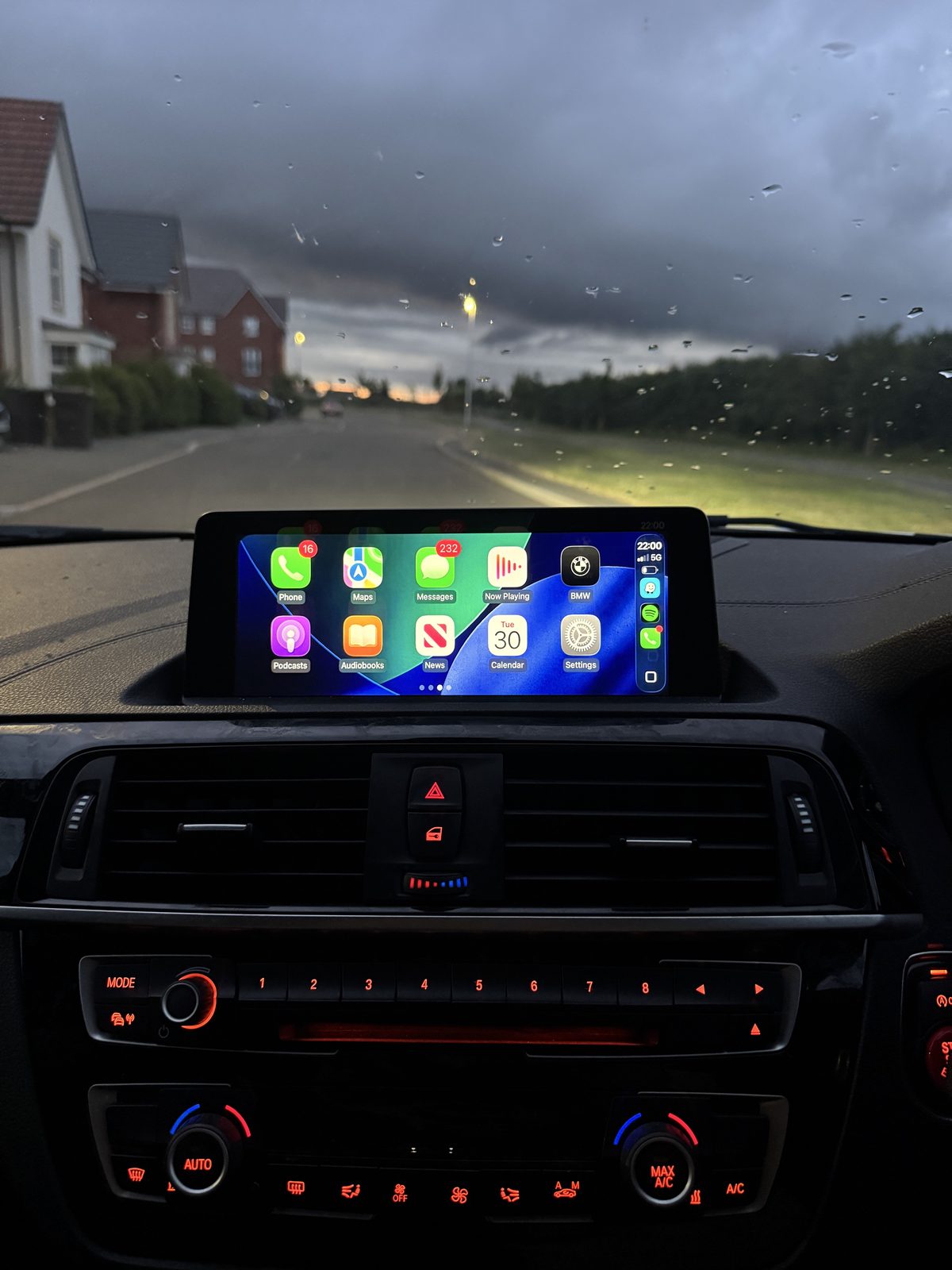
BMW M140i proof
CarPlay coding proof from a BMW M140i, showing the vehicle, original iDrive context, Apple CarPlay option and active CarPlay display after the route was checked.
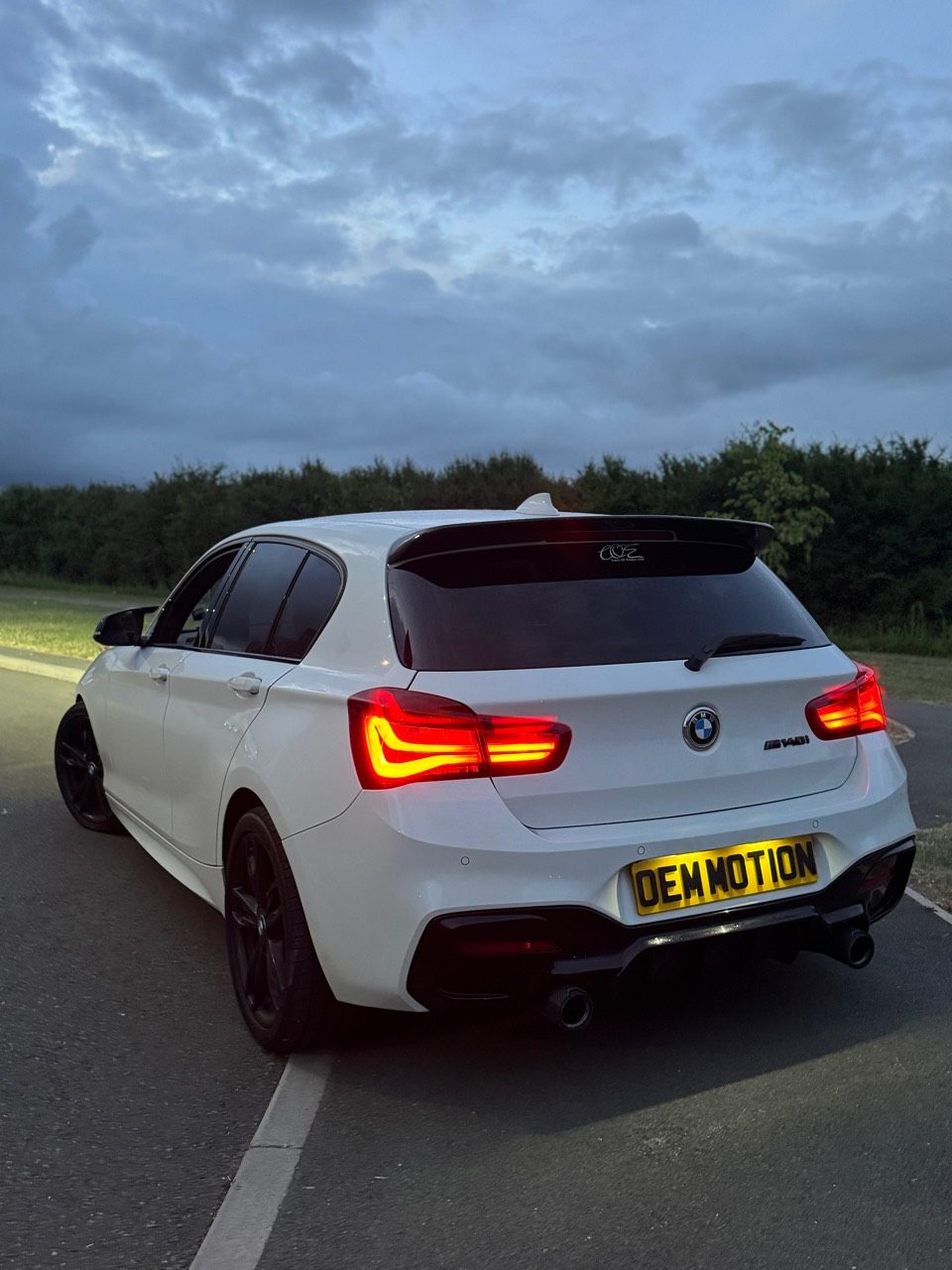 Vehicle checked
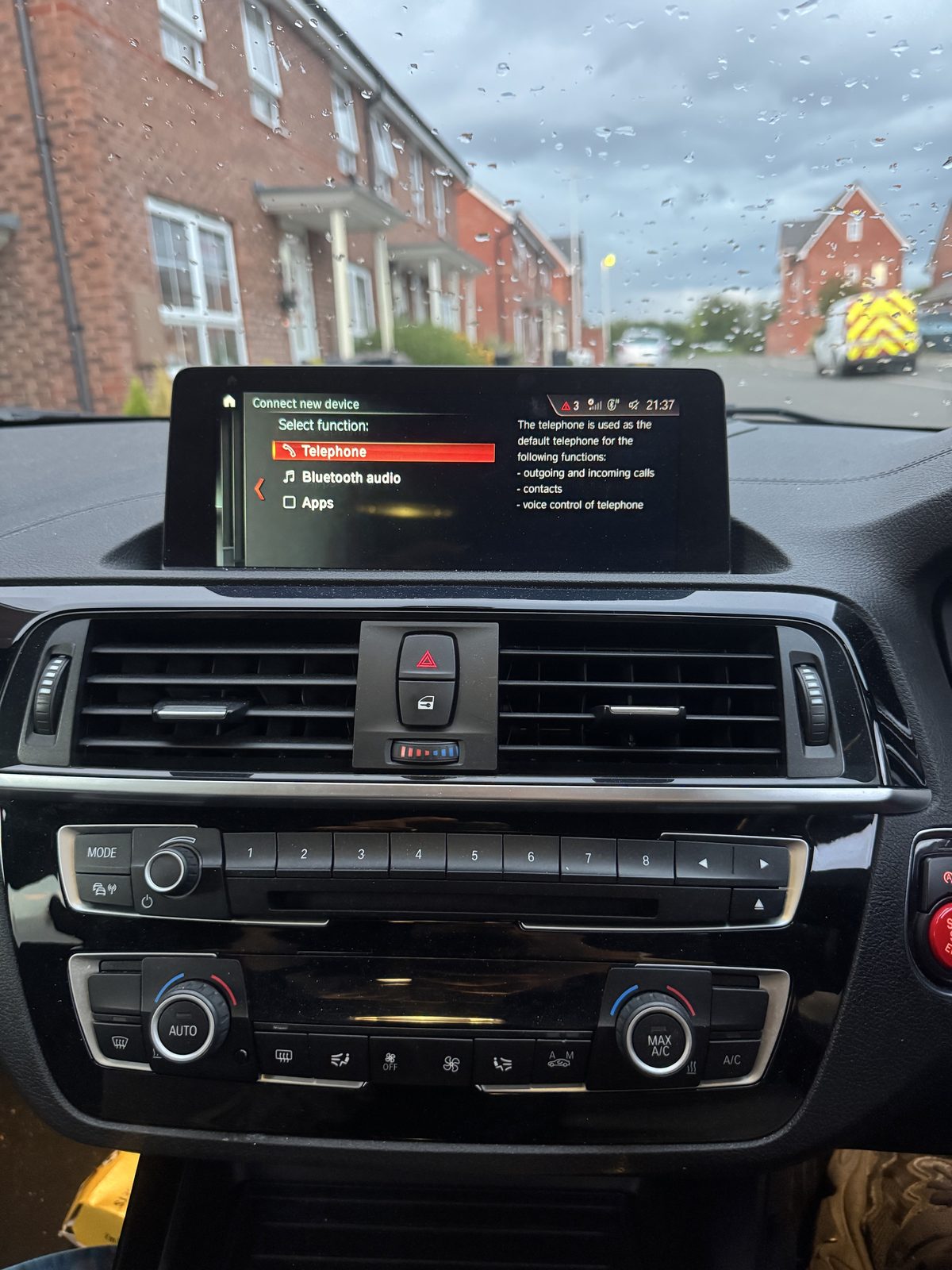 Before iDrive
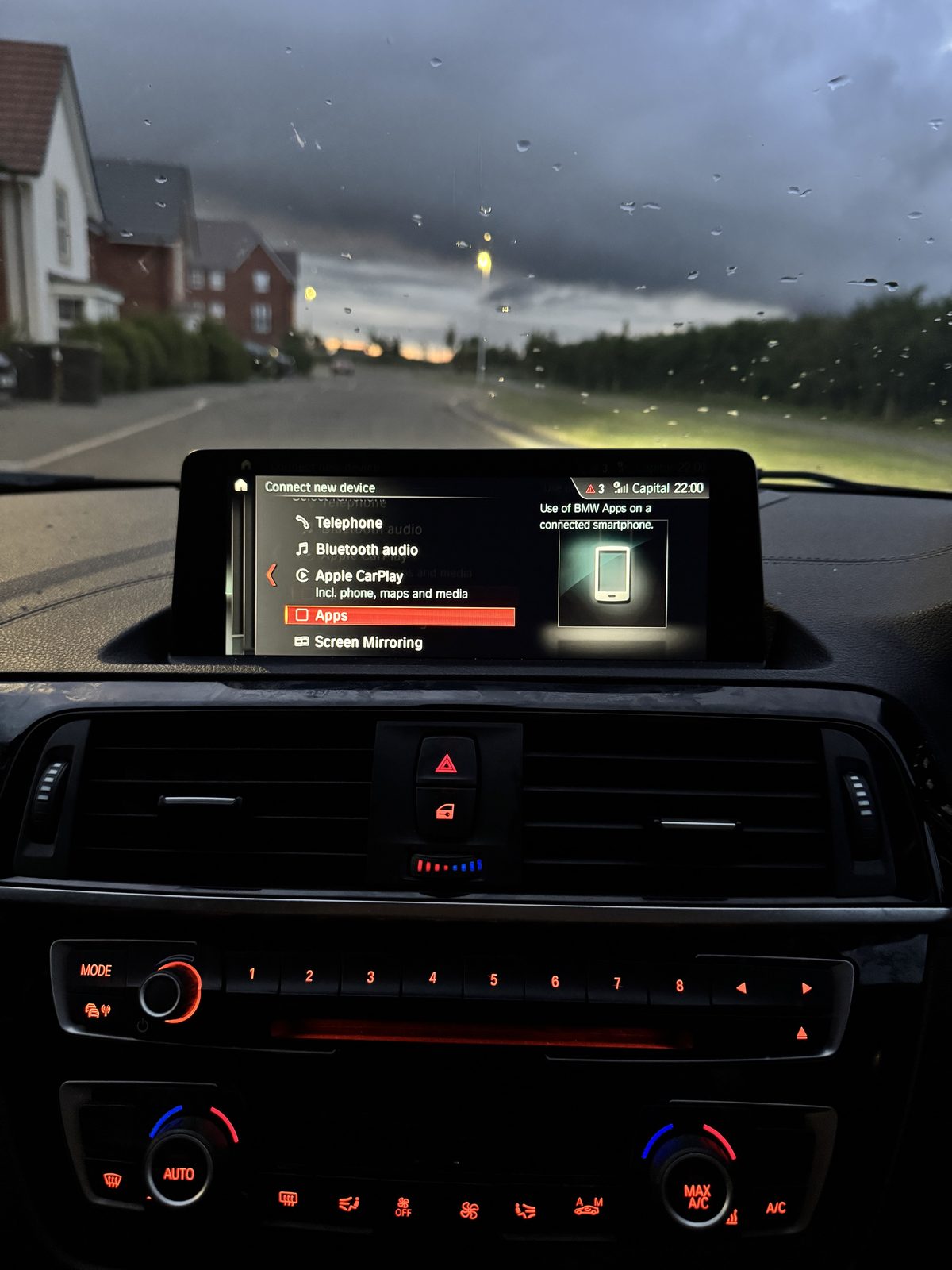 CarPlay option
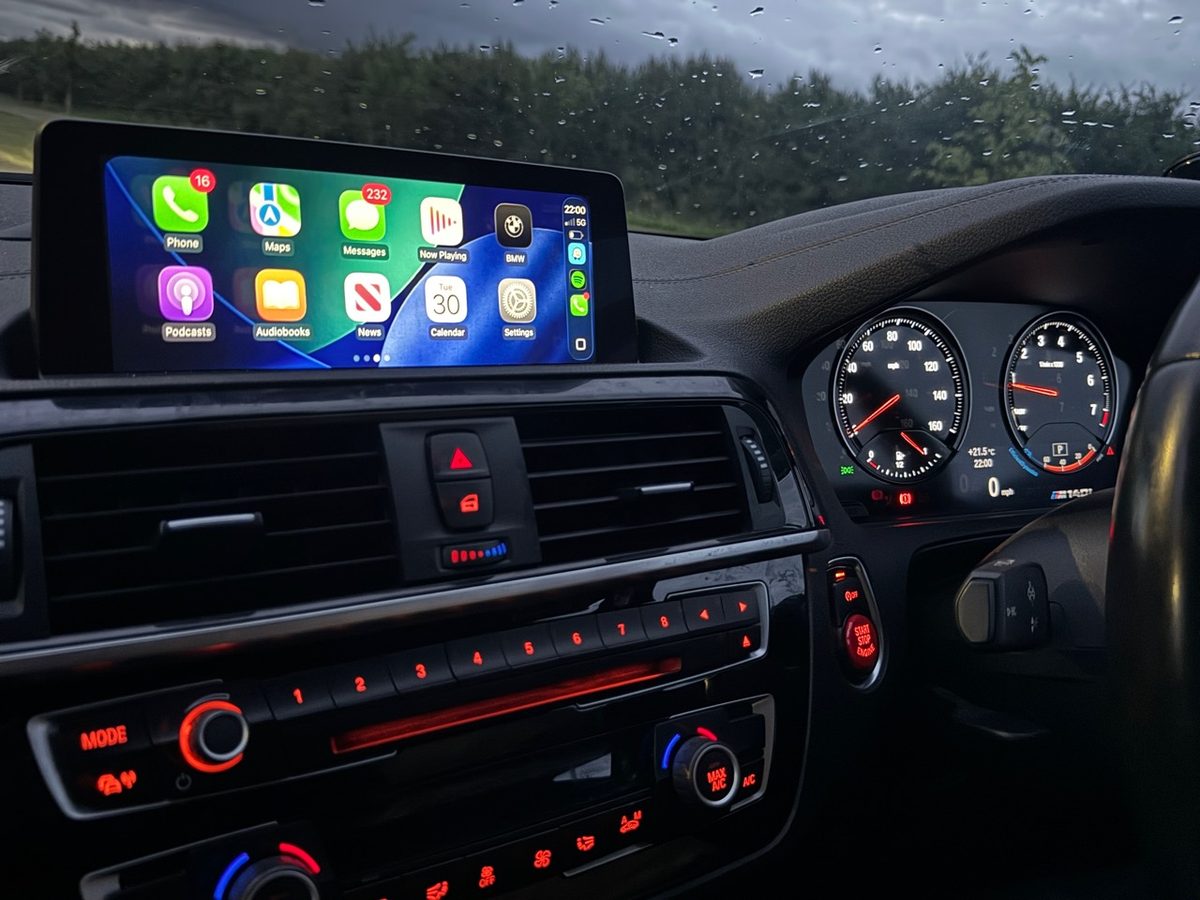 Dashboard result
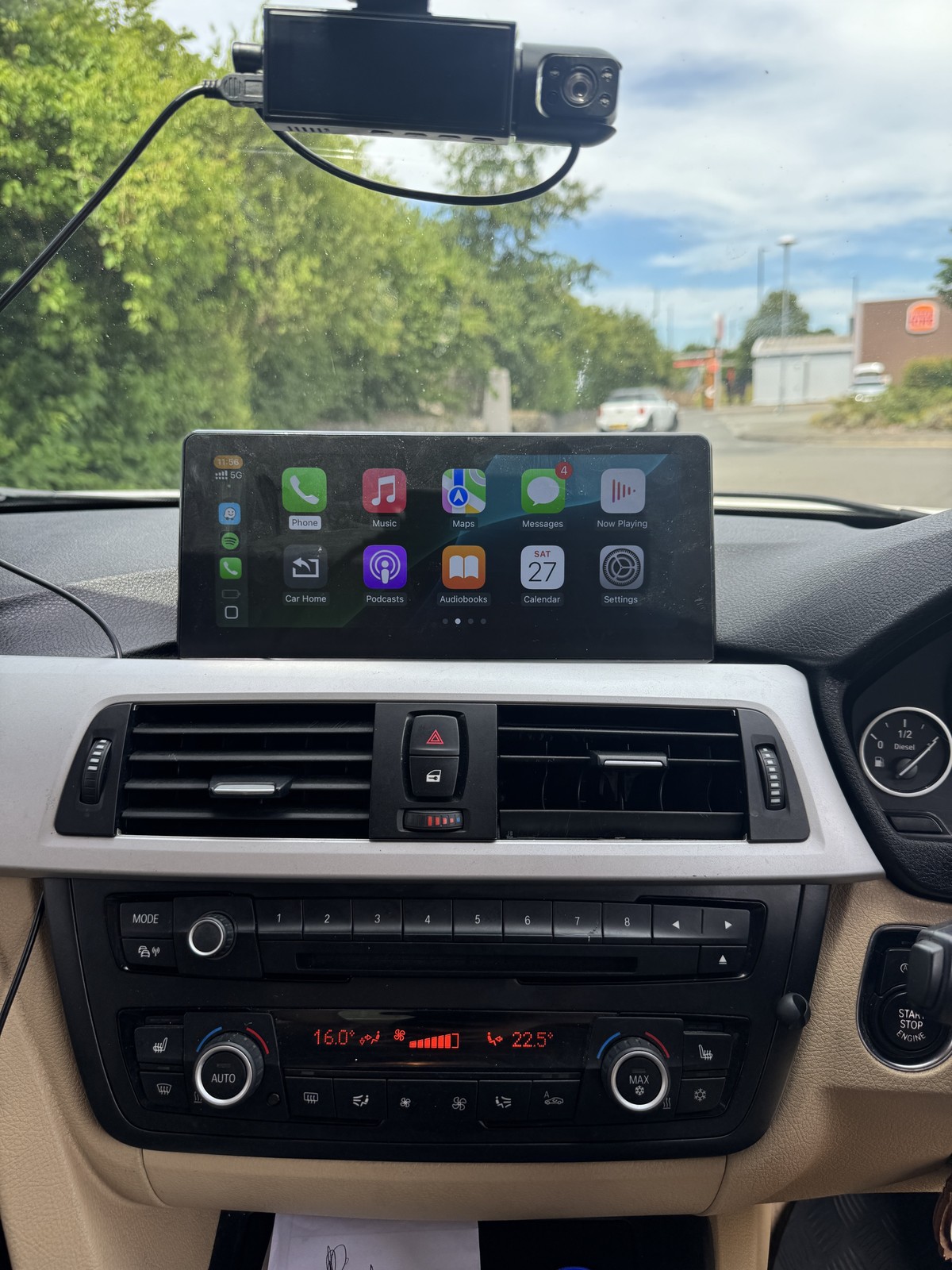
BMW 3 Series proof
Original 6.5-inch display upgraded to a 12.5-inch touchscreen with Apple CarPlay and Android Auto. Steering wheel controls, original BMW menu access and vehicle displays were retained after the compatibility route was checked.
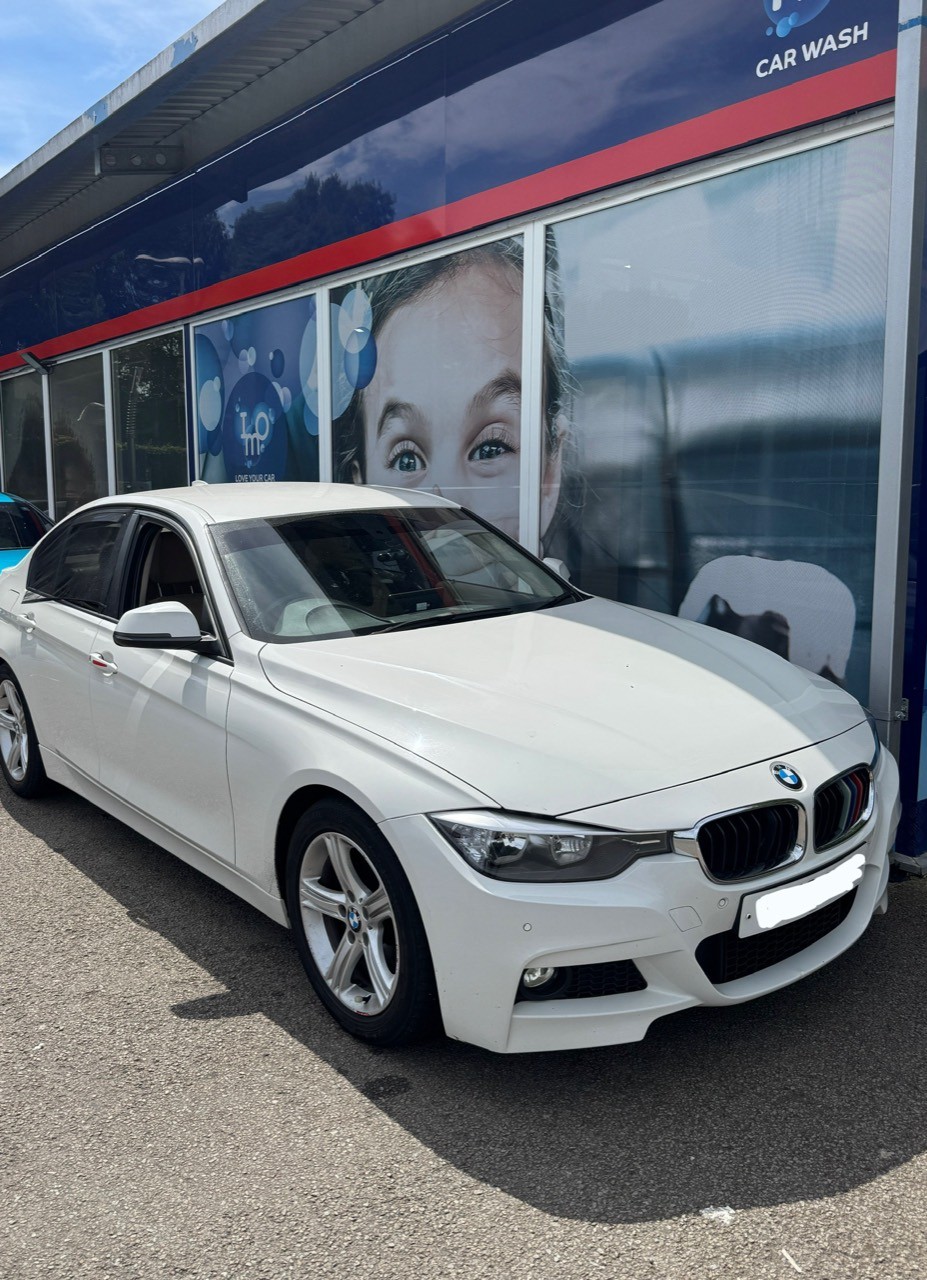 Vehicle checked
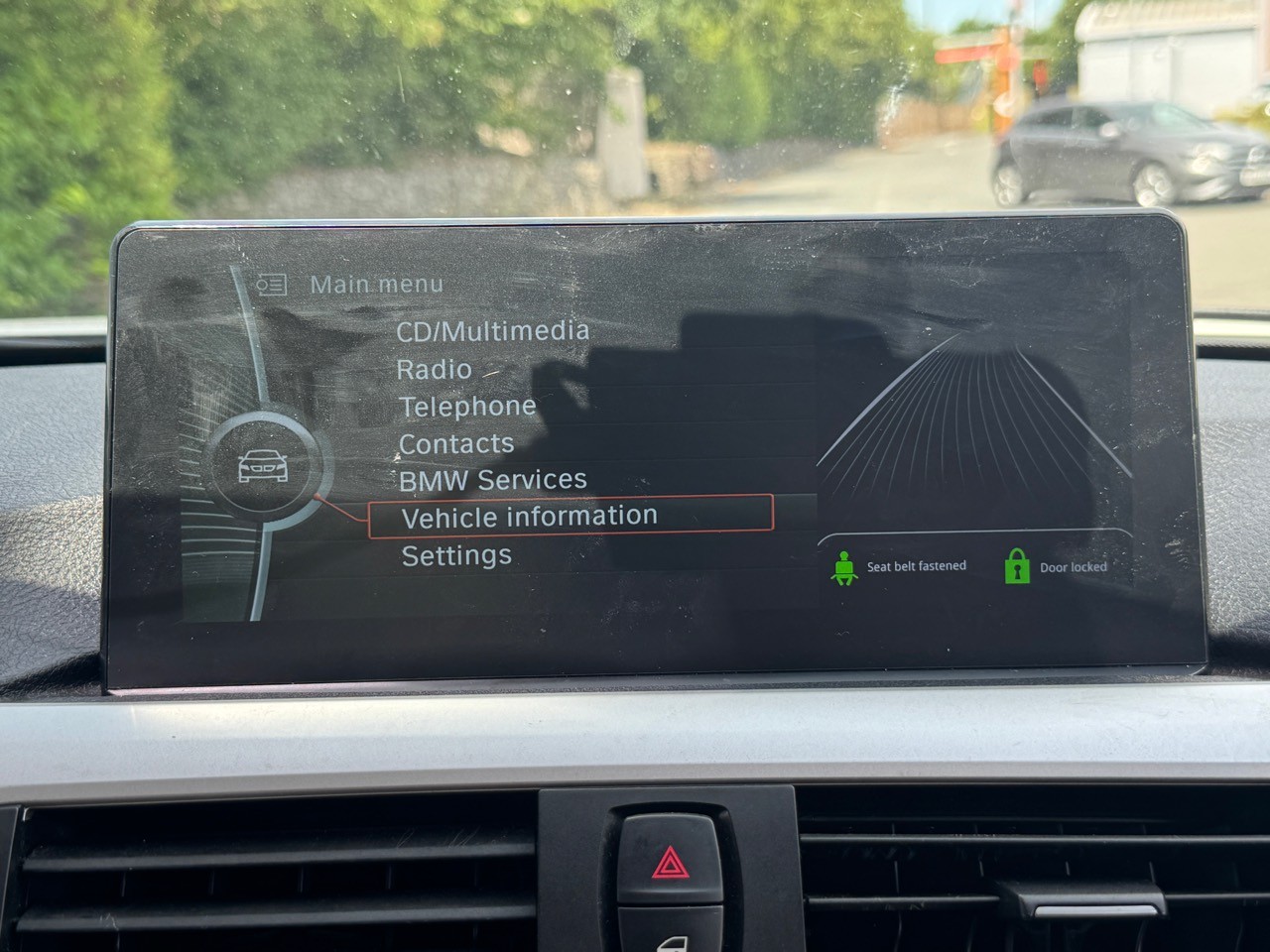 BMW menu retained
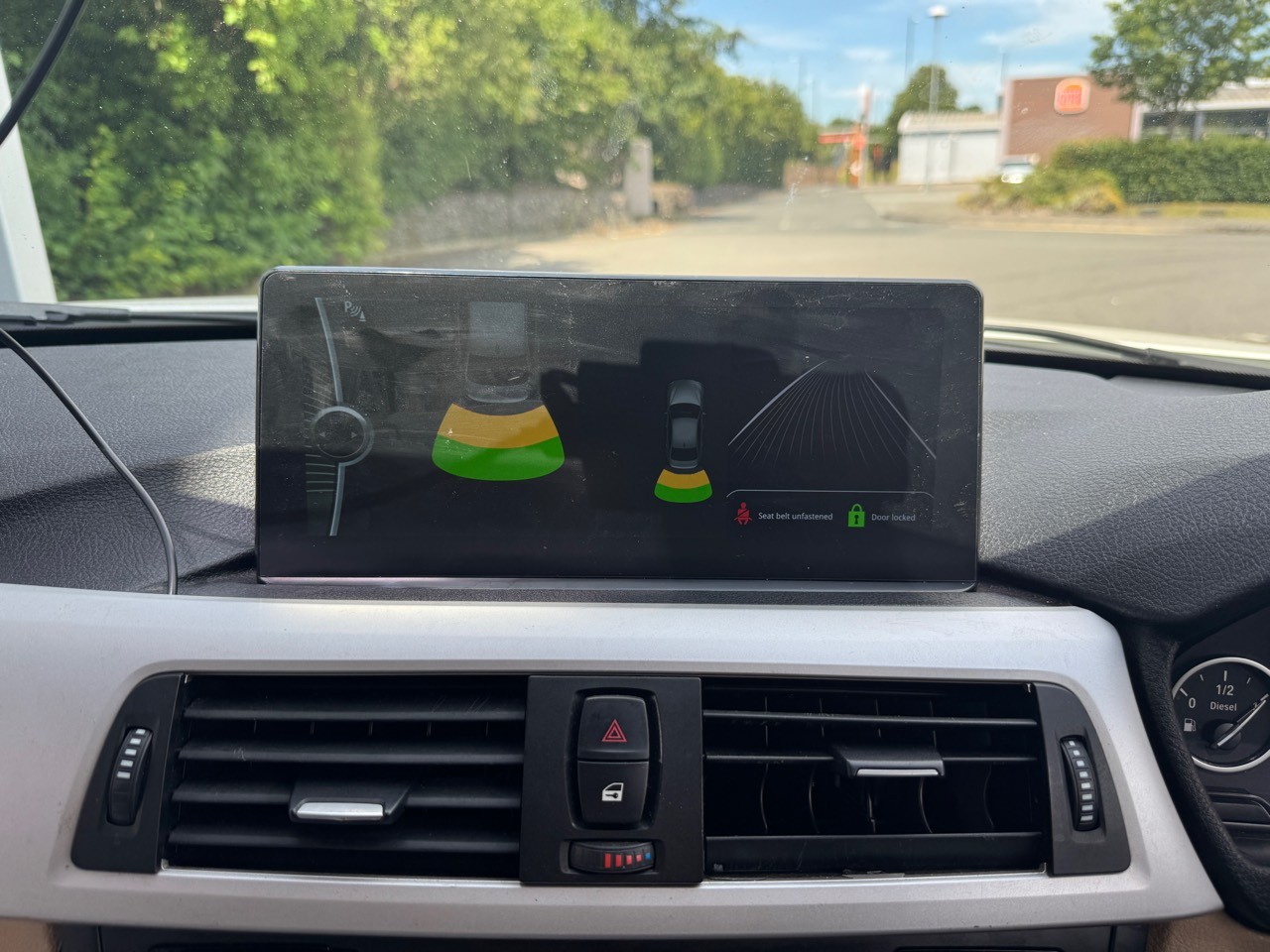 Parking display retained
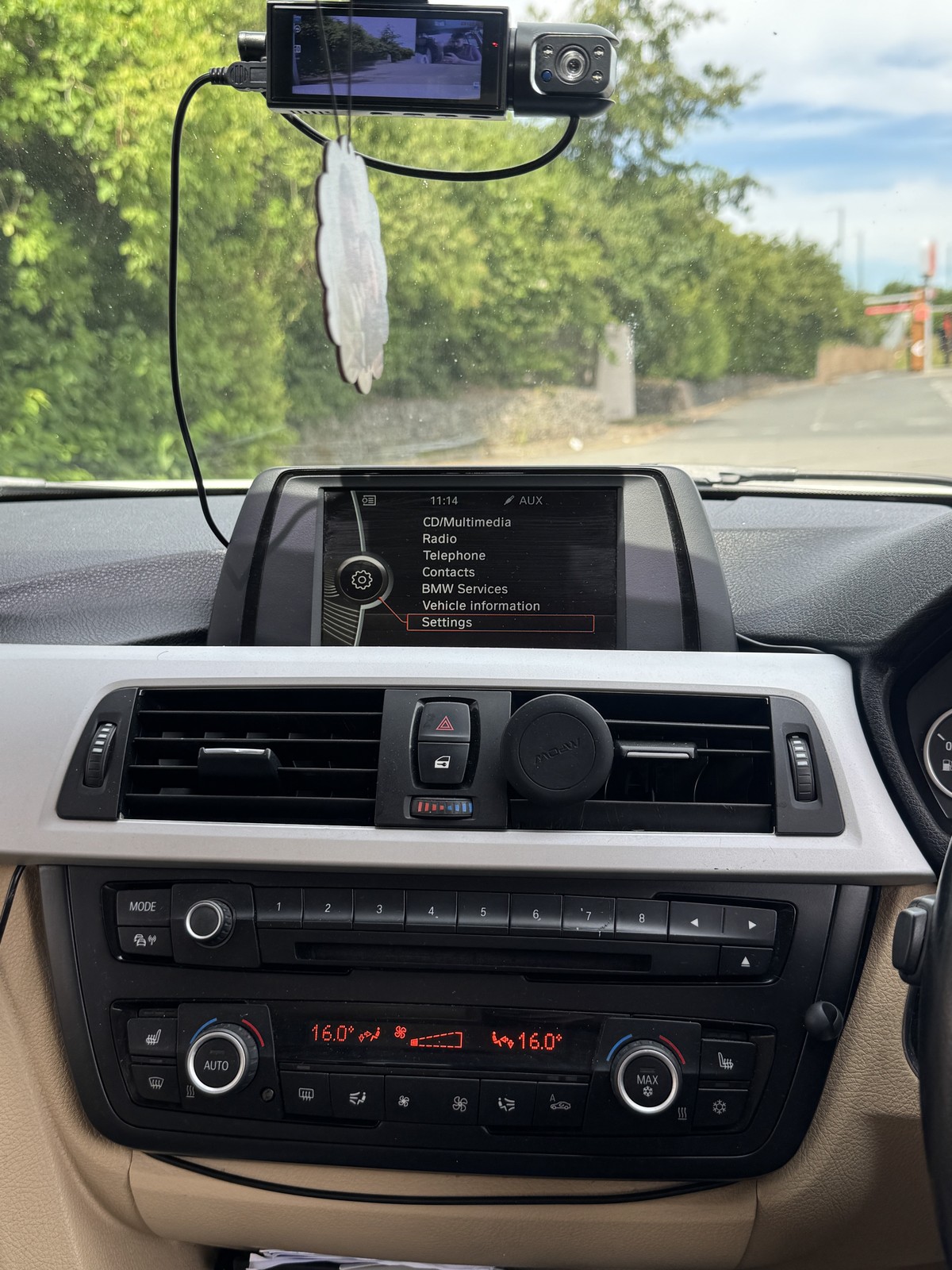 Original screen
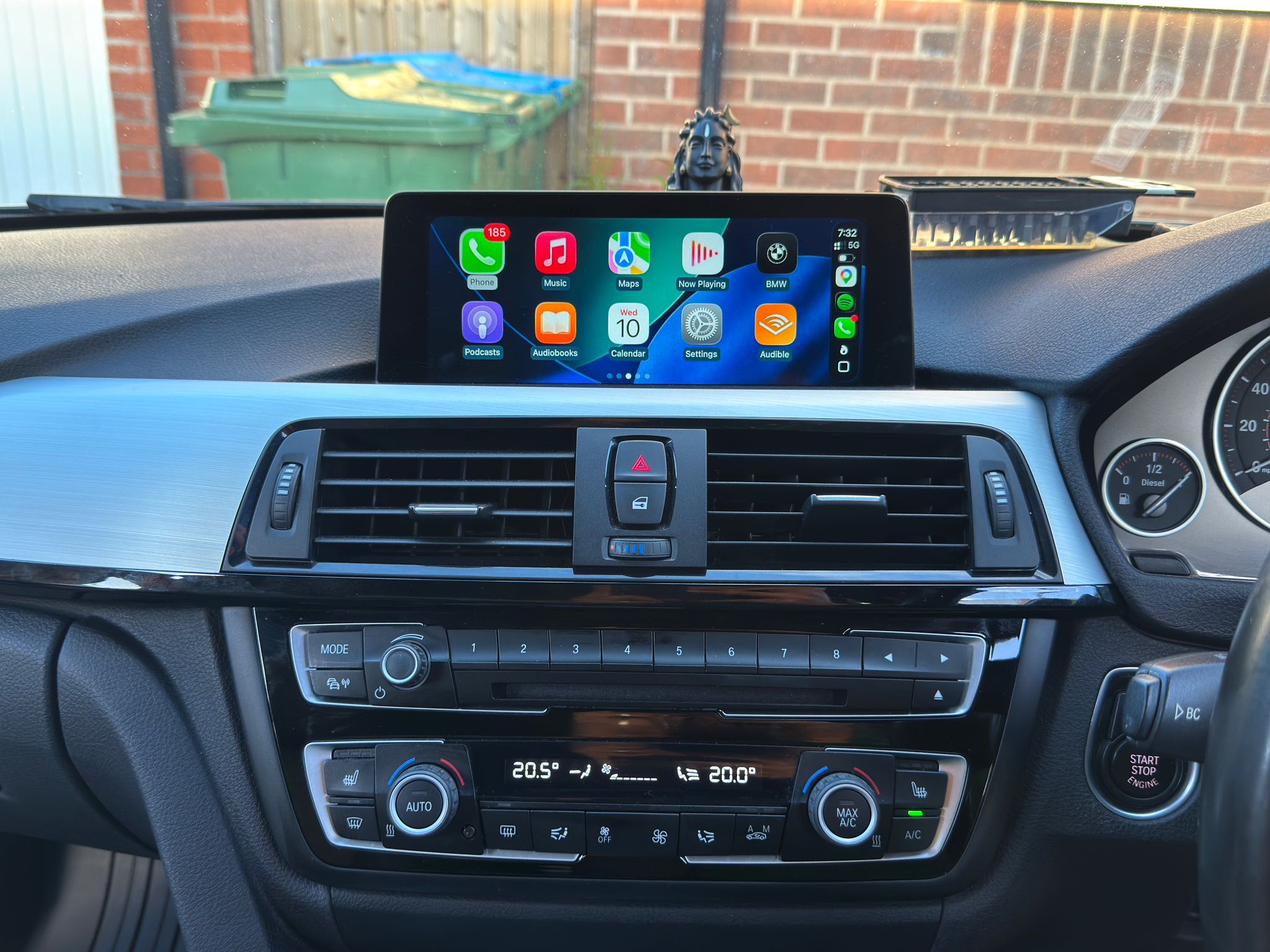
BMW 4 Series F32 proof
CarPlay activation proof with the vehicle checked first, the existing iDrive menu captured, and the Apple CarPlay option visible after activation. Private details stay hidden.
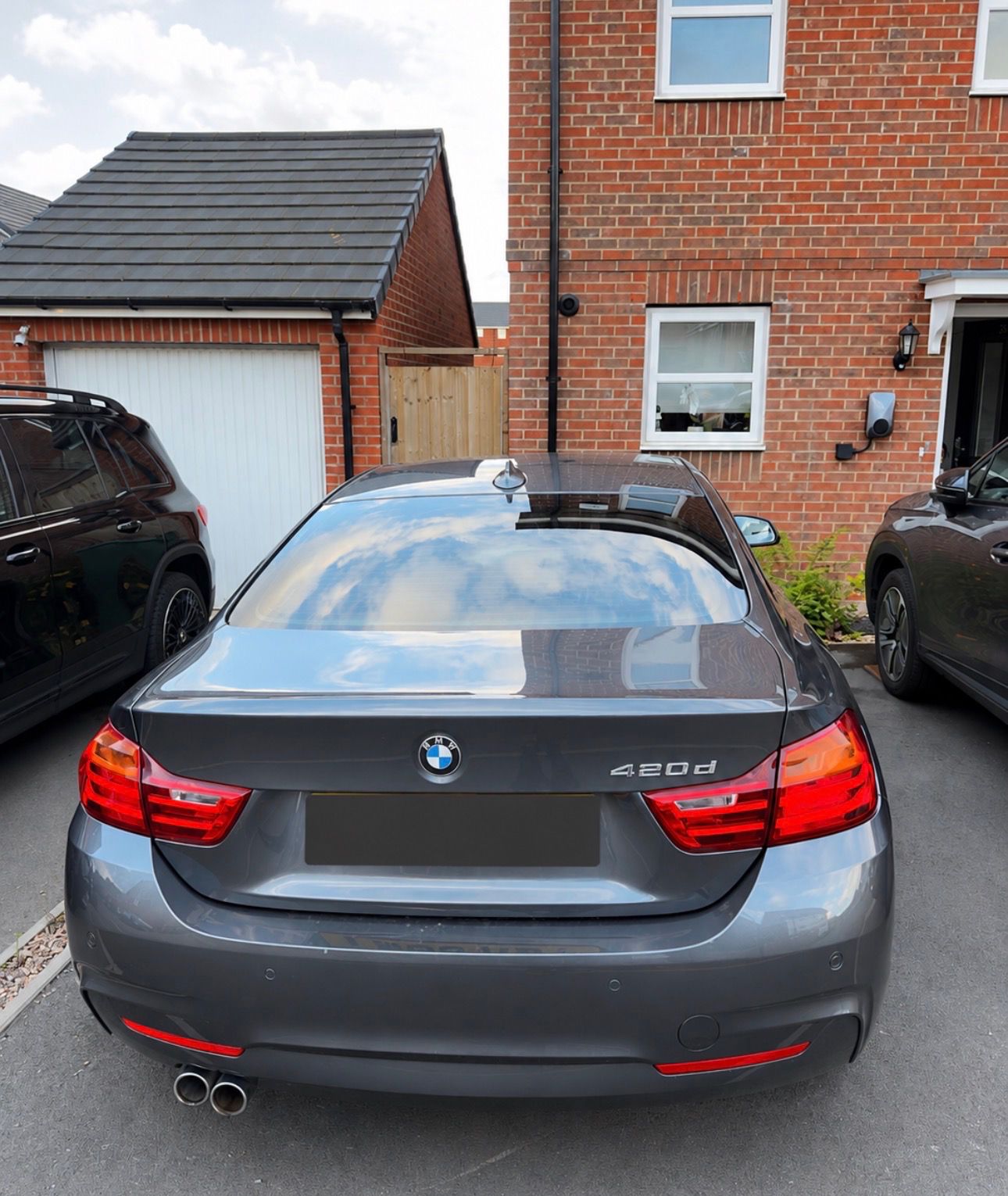 Vehicle checked
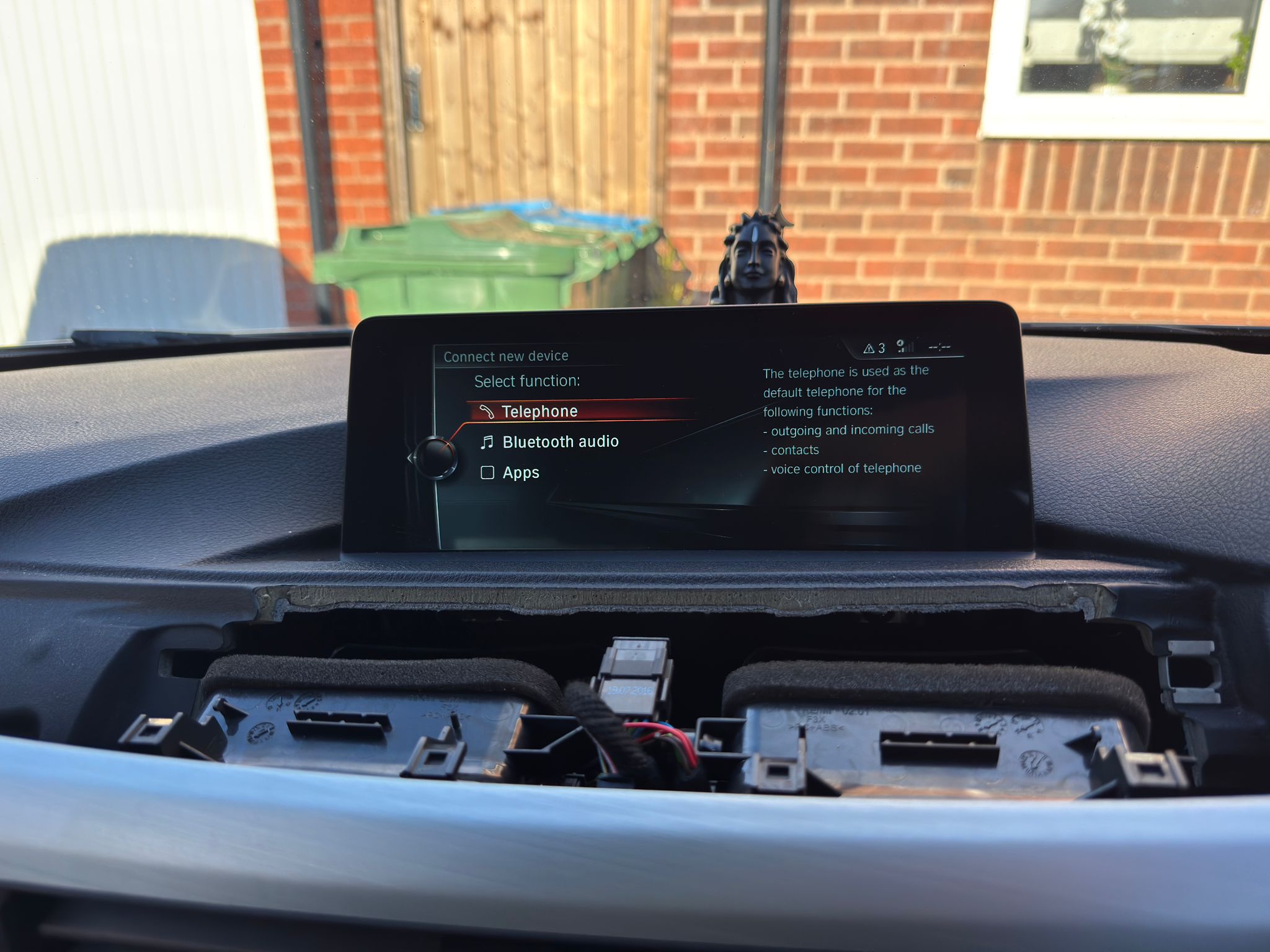 Before iDrive
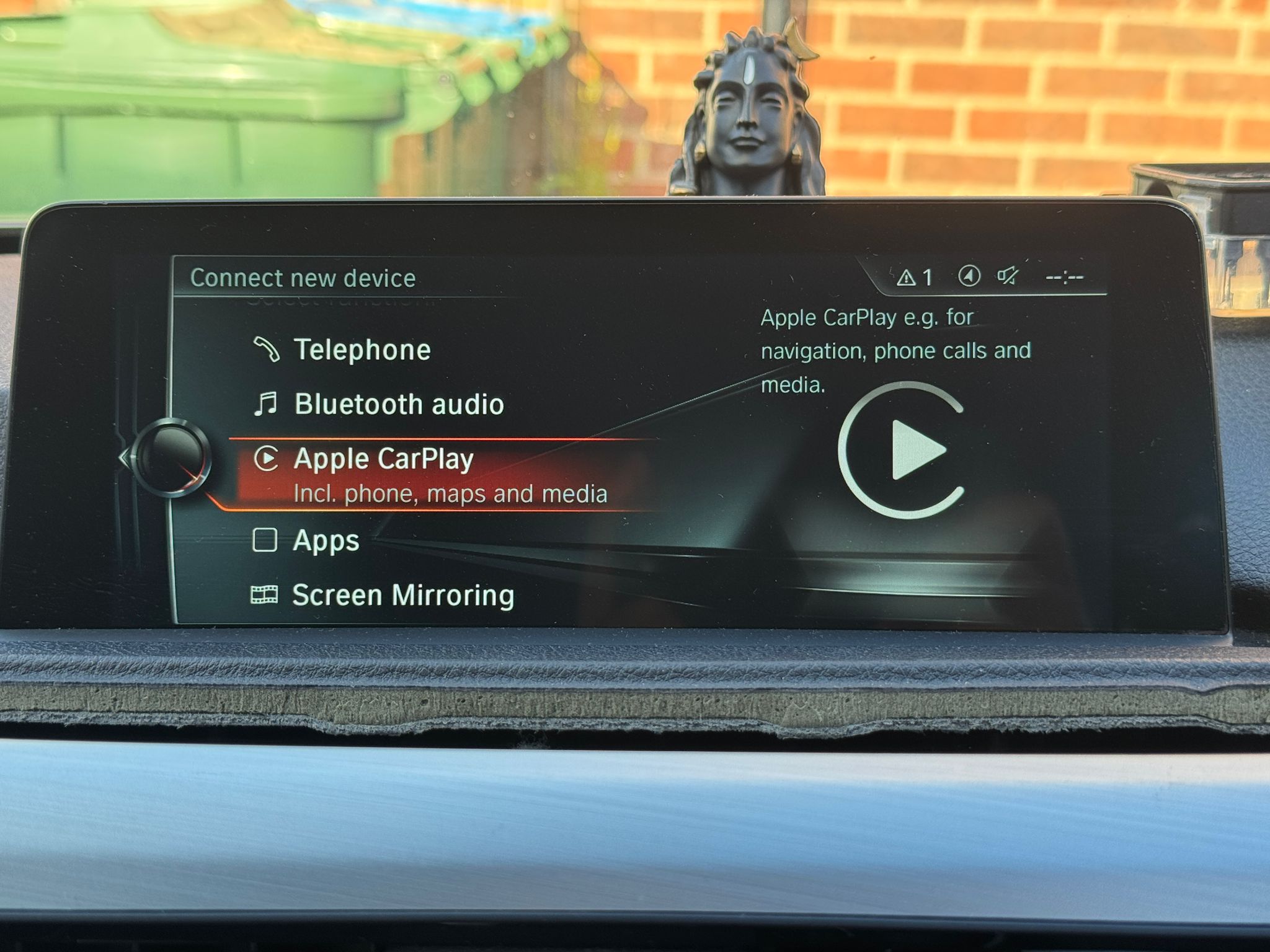 CarPlay enabled
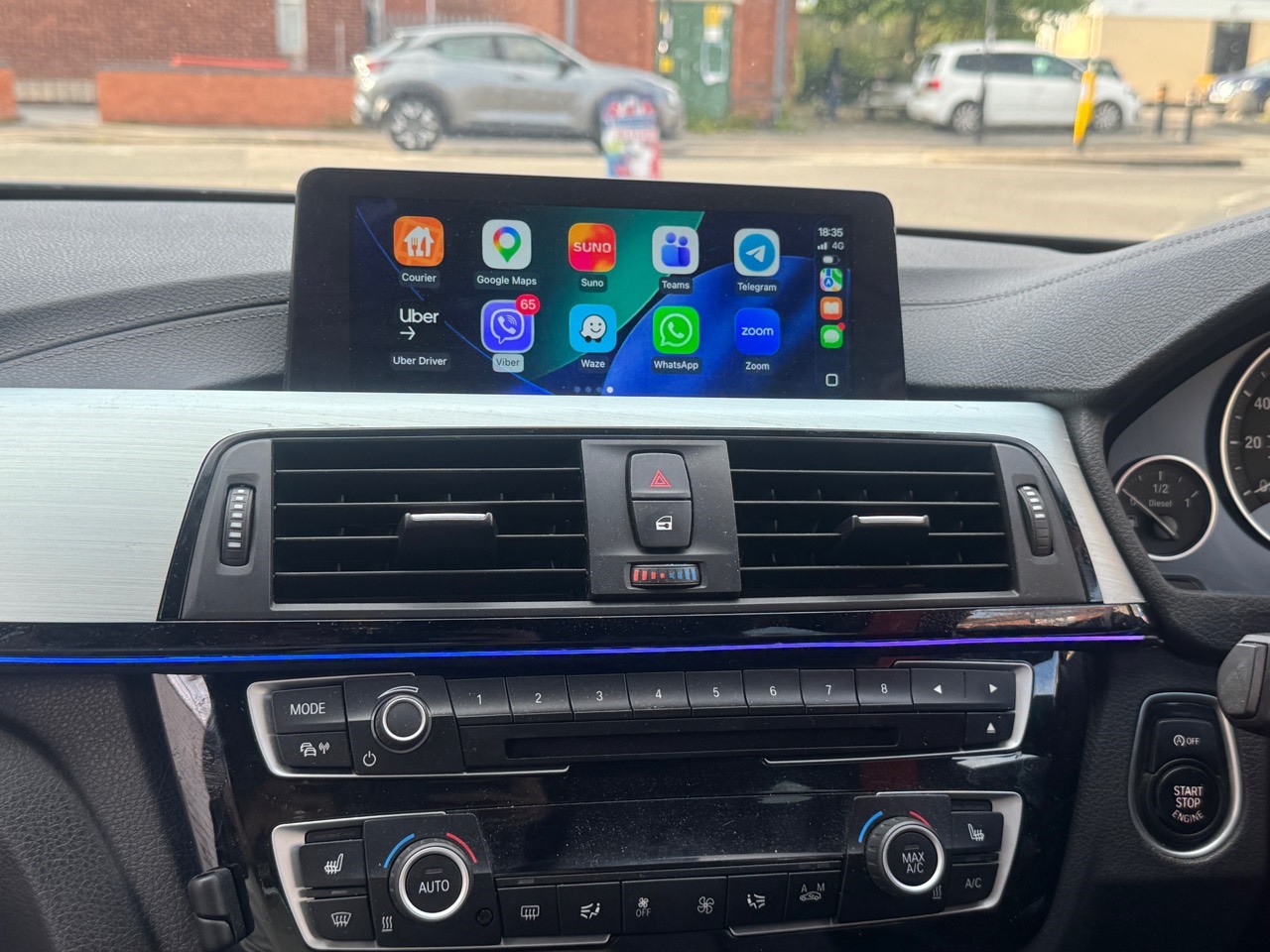 Active CarPlay
BMW 5 Series G30 proof
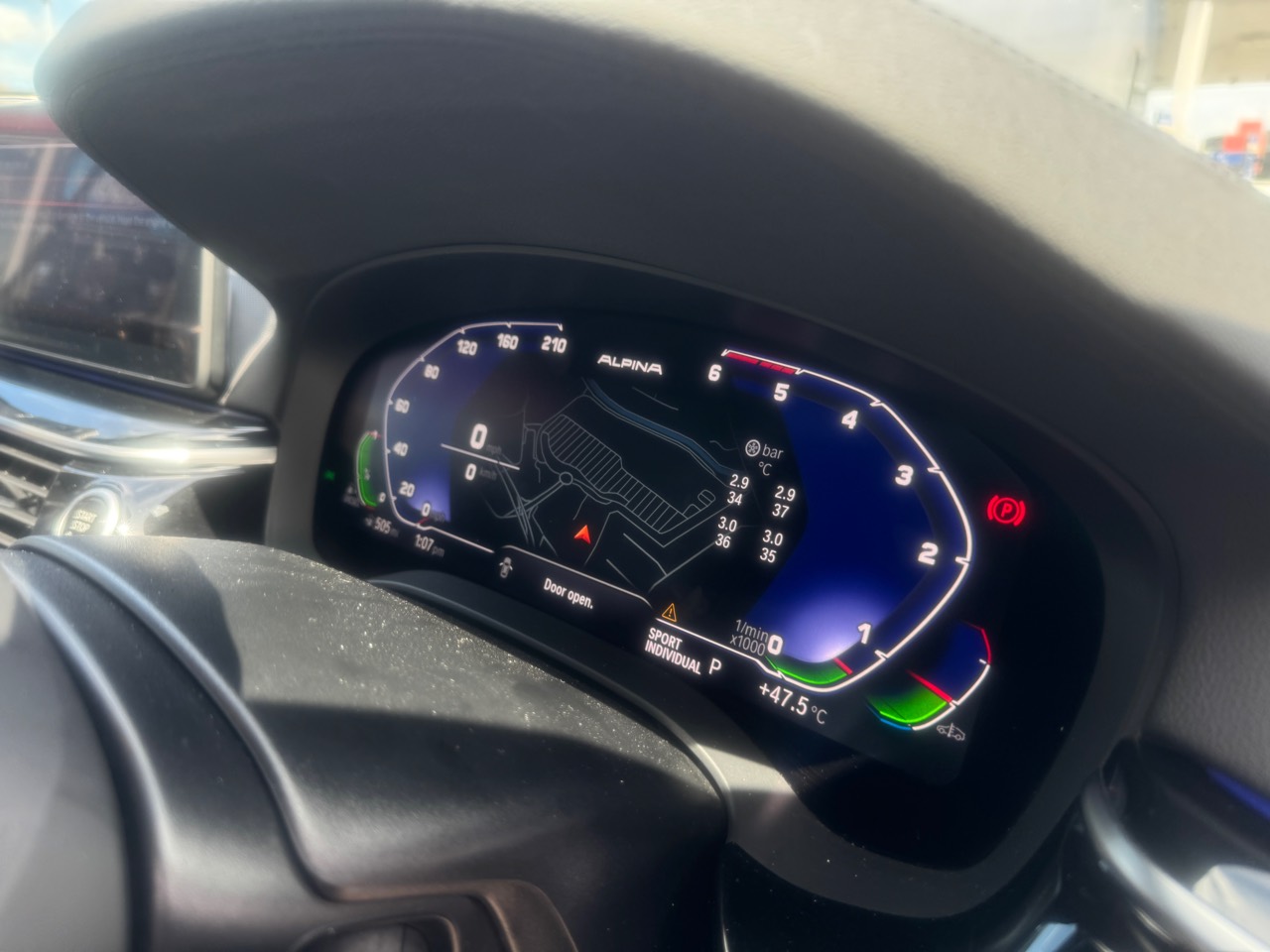
Feature-coding proof showing an Alpina-style digital dashboard display, tyre pressure and temperature data, M Sport start animation and ambient light colour unlock. Compatibility still depends on the exact modules and software.
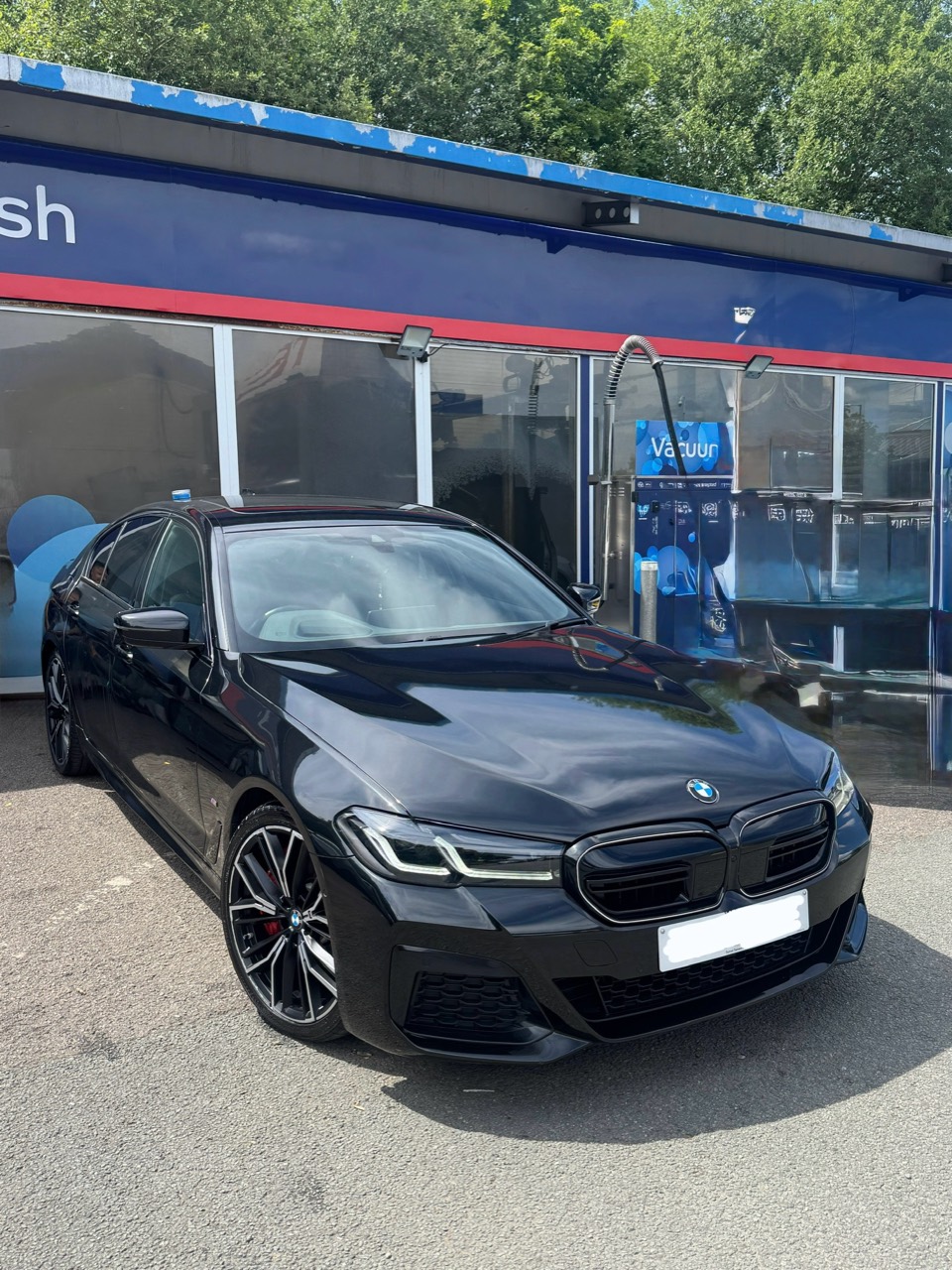 Vehicle checked
Digital cluster
Vehicle checked
Digital cluster
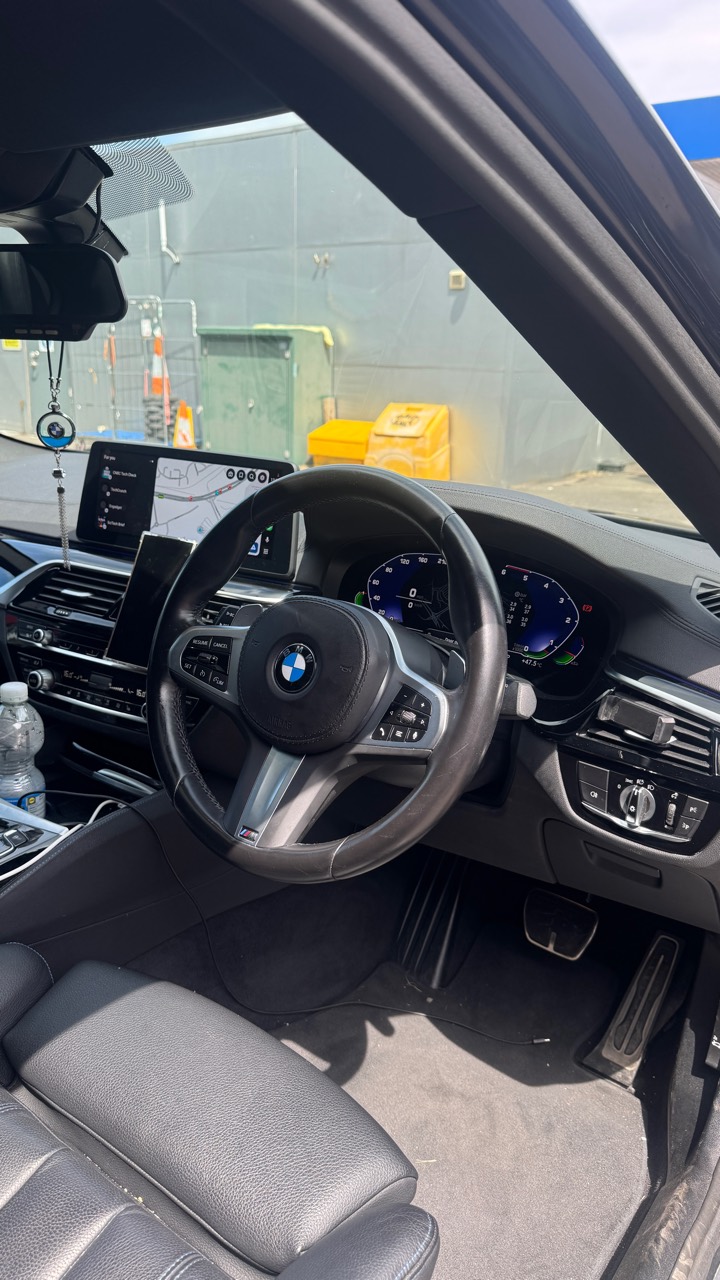 Interior context
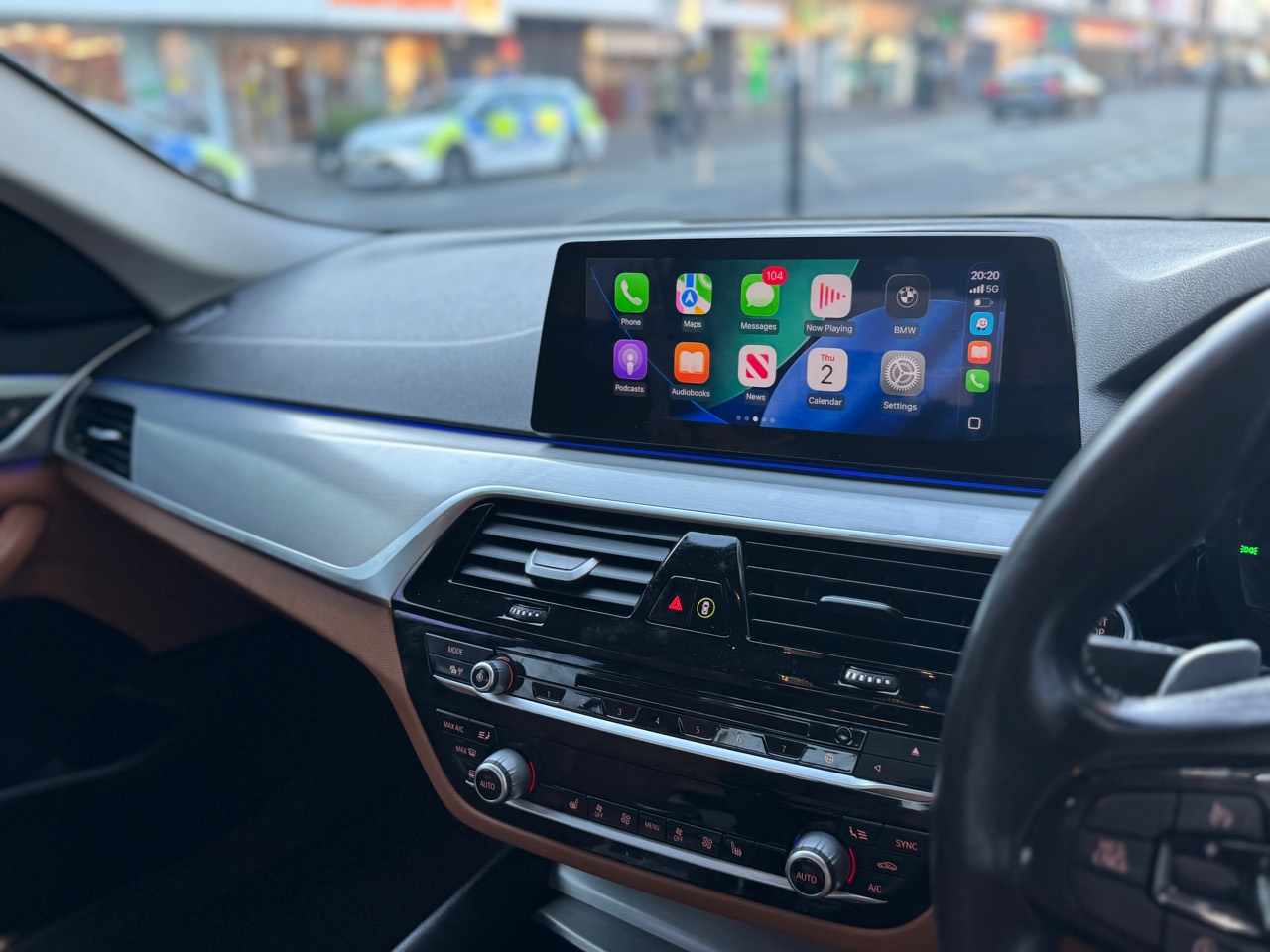
BMW 520d G30 proof
Mobile fitting in Birmingham with Apple CarPlay and screen mirroring support checked around the vehicle's original BMW menu, screen and controls.
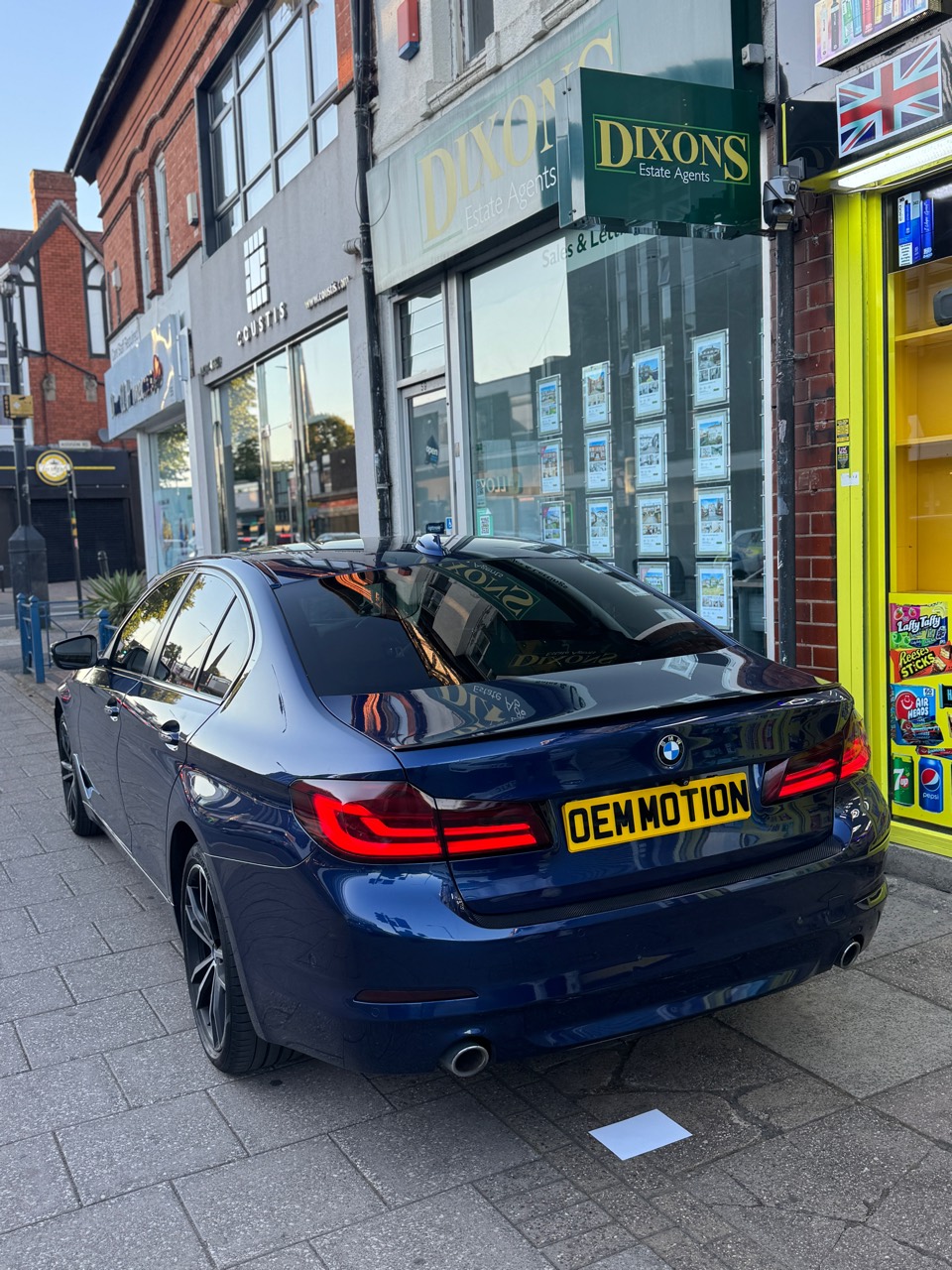 Vehicle checked
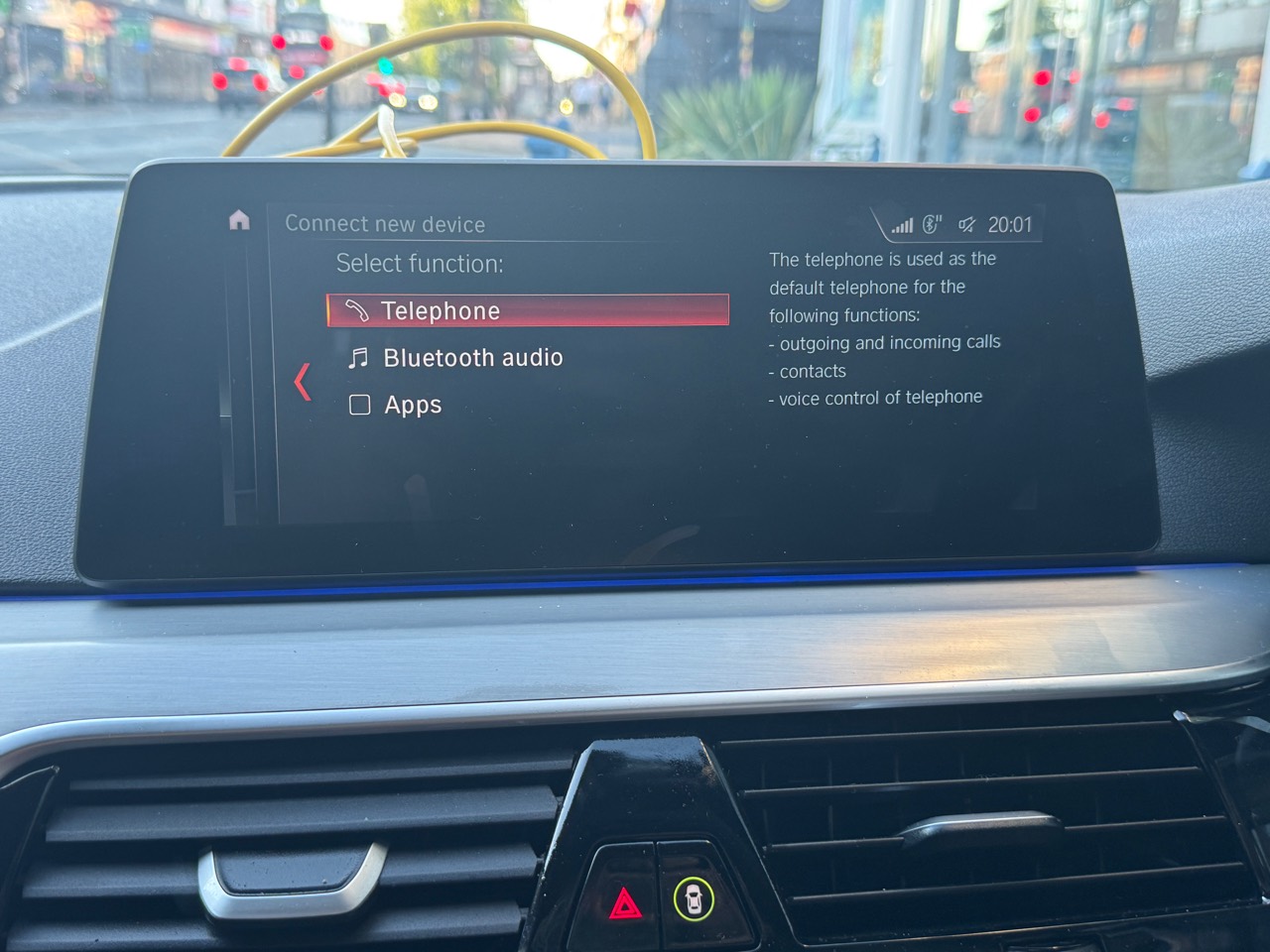 Before iDrive
CarPlay active
Before iDrive
CarPlay active
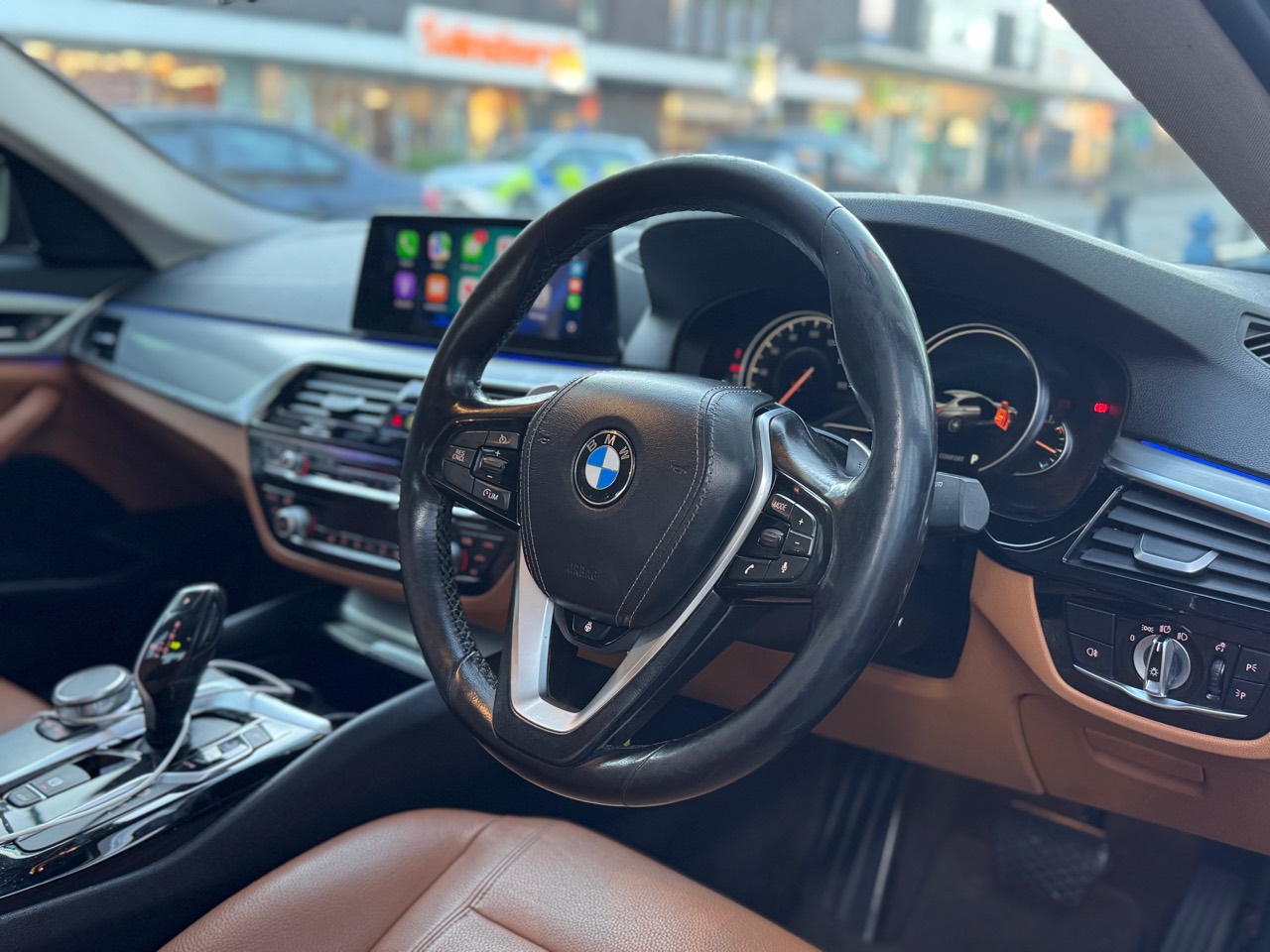 Interior result
Google review
“Exceptional service and very friendly staff.”
Google review
“Supply and fitted new head unit super quickly and with very fair pricing!”
Google review
“Knew what was up and fixed the boot loop.”
Services and products
Local fitting for Coventry and nearby Midlands customers, with national retrofit kit options prepared around compatibility checks.
Professional installation for compatible BMW CarPlay and Android Auto retrofit routes, with setup support before handover.
For owners outside the local area who want a kit selected around the correct BMW model, iDrive and VIN details.
Reverse cameras, dash cams, screen upgrades and selected coding features can be reviewed alongside your retrofit route.
Upgrade-path checks for compatible BMWs based on VIN, head unit, software, screen and controller setup.
Mercedes activation only
OEM Motion activates CarPlay on confirmed NTG5.1/NTG5s1, NTG5.2 and NTG5.5 systems only. The original Mercedes display, menus and compatible controls remain in place; no retrofit box or replacement screen is fitted.
FAQ
OEM Motion plans reversible, plug-and-play routes where possible. Warranty impact can depend on the car, warranty provider and work requested, so check your warranty terms if you are unsure.
On supported routes, steering wheel and iDrive controller integration is part of the goal. Compatibility is checked before quoting.
Many retrofit routes support wireless CarPlay. Send your model, VIN and iDrive photos so the exact route can be confirmed.
Timing depends on the vehicle and retrofit route. A typical booking is confirmed after the compatibility check and parts route are clear.
Get your quote
Tell us whether you have a BMW, MINI or Mercedes, then send the model, year, full VIN privately, system photos and the upgrade you want. OEM Motion will review the next step before any booking.