
Software or coding conflict
Some symptoms follow coding attempts, feature activation, failed updates or retrofit changes. These need careful review before more coding is attempted.
BMW F Series iDrive reboot issue
OEM Motion helps Coventry BMW owners review F Series iDrive restart loops, screen resets and head-unit symptoms before choosing a coding, software, retrofit or hardware route.
Common symptoms
On F Series BMWs, a reboot problem can show up in a few different ways. The pattern matters, because a screen that restarts after ignition is not always the same problem as a head unit that loops on the BMW logo.
Possible routes
BMW iDrive reboot faults can come from software, coding, retrofit conflicts, power supply, wiring, storage or a failing head unit. The first job is to understand the symptom and vehicle setup before spending money on parts.
Some symptoms follow coding attempts, feature activation, failed updates or retrofit changes. These need careful review before more coding is attempted.
Reboot loops, freezing, missing navigation or repeated start-up screens can point toward a head-unit route, but this should not be assumed from one photo.
Battery condition, voltage drops, water damage, wiring, amplifier or connected module issues can also make iDrive behave like the screen itself is faulty.
Real OEM Motion work
This complete 28-second before-and-after clip shows a 2016 BMW F20 116d with EntryNav: the system restarts before the software update, then the operating iDrive screen is shown afterwards.
This is one completed example. Reboot symptoms can have different software, power, wiring, storage or head-unit causes, so the correct route still depends on the individual car.
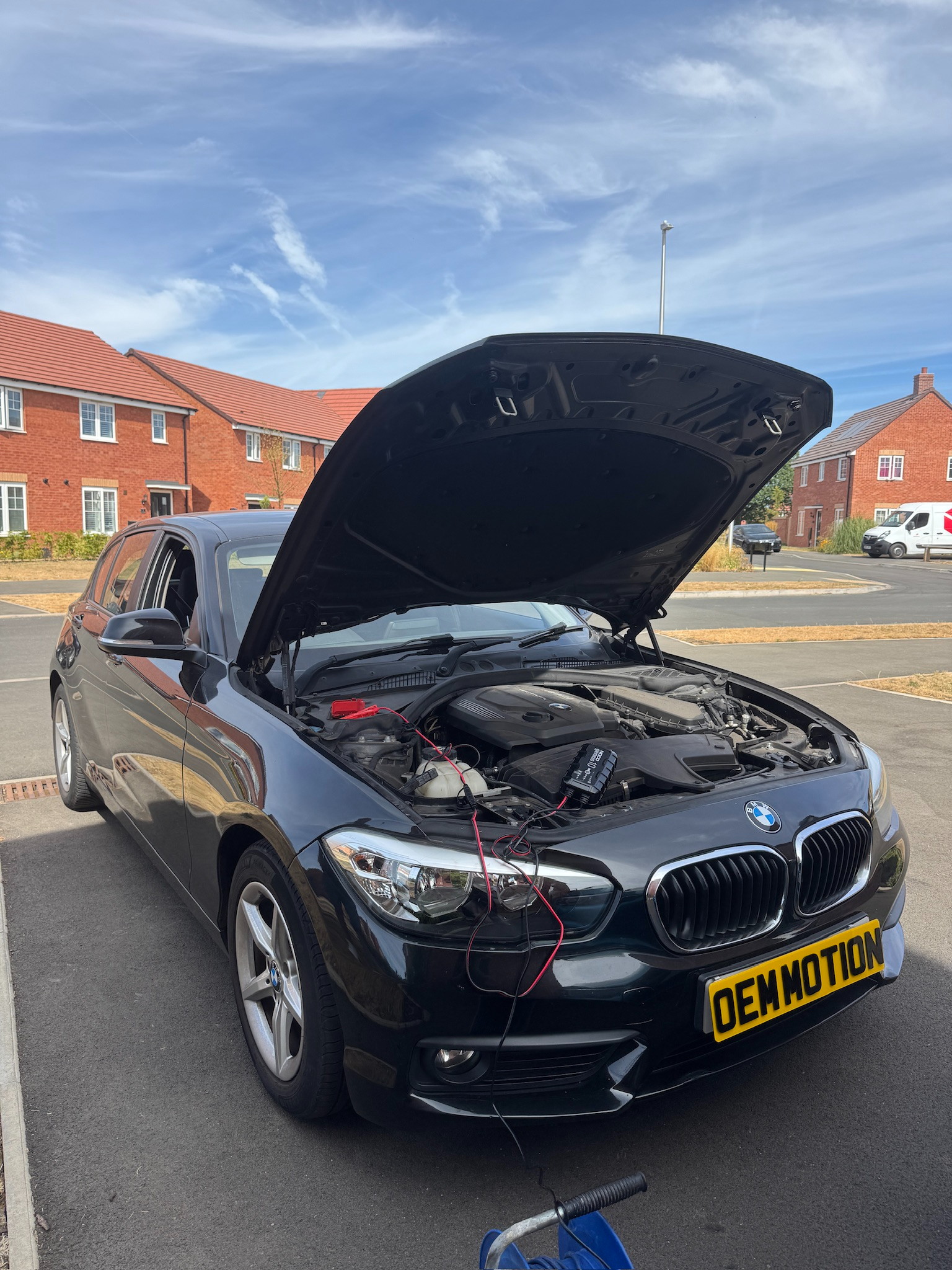
Completed BMW F20 job
The factory EntryNav system was repeatedly rebooting. OEM Motion updated the software on the existing head unit, resolved the reboot loop and kept the original unit in the car. For this customer, that avoided replacing the head unit.
Check process
The aim is to avoid a blind quote. A short message with the right details usually saves time and helps decide whether the car needs coding review, diagnostic direction, repair advice or an iDrive upgrade route.
Model, year, full VIN privately, and a short video of the exact reboot behaviour.
Menu photos and controller photos help narrow the installed iDrive/head-unit route.
Recent battery work, coding, retrofit work, updates or water damage can change the likely route.
You get a practical route before any booking, coding or parts direction is suggested.
What to send
For a useful reply, send enough evidence to show how the iDrive behaves. A short video is often better than a single photo because timing, start-up sequence and audio dropouts matter.
Boundaries
iDrive reboot issues can be software-related, hardware-related or caused by another module on the vehicle network. OEM Motion can help with checks and route planning, but the final route depends on the exact vehicle and evidence.
OEM Motion is an independent automotive retrofit and coding service. We are not affiliated with, endorsed by, or authorised by BMW, Apple, Google or their related companies. BMW, Apple CarPlay, Android Auto and other names are used only to describe vehicle systems, features and compatibility routes.
Reboot issue FAQ
Possible routes include software issues, coding or retrofit conflicts, head-unit faults, storage faults, power supply problems, wiring issues or a failed update. The exact cause needs checking.
Sometimes coding or software correction may be relevant, but not every reboot issue can be coded out. Hardware, power or module faults may need a different route.
Yes, but if the iDrive is unstable, the reboot issue should be reviewed first. A retrofit or activation route depends on the existing system being suitable.
Start locally
Send the car details and video first. OEM Motion will review the likely route before suggesting a booking, coding route or iDrive upgrade direction.