
Can every BMW 420d F32 have Apple CarPlay activated?
No. Apple CarPlay availability depends on the exact iDrive or head unit, software level, vehicle options and existing hardware. OEM Motion checks the BMW details before quoting or booking work.
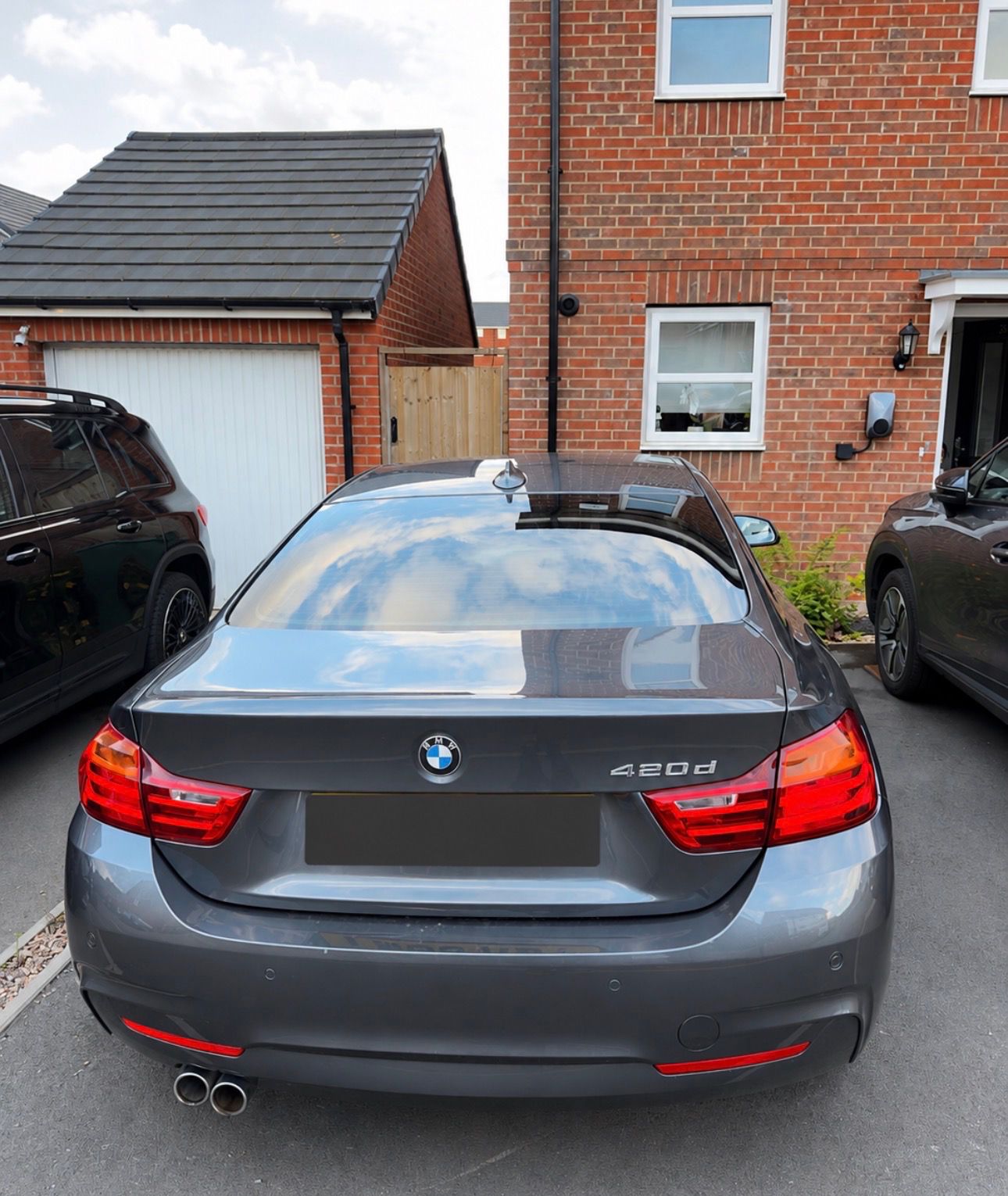
BMW 420d F32 proof
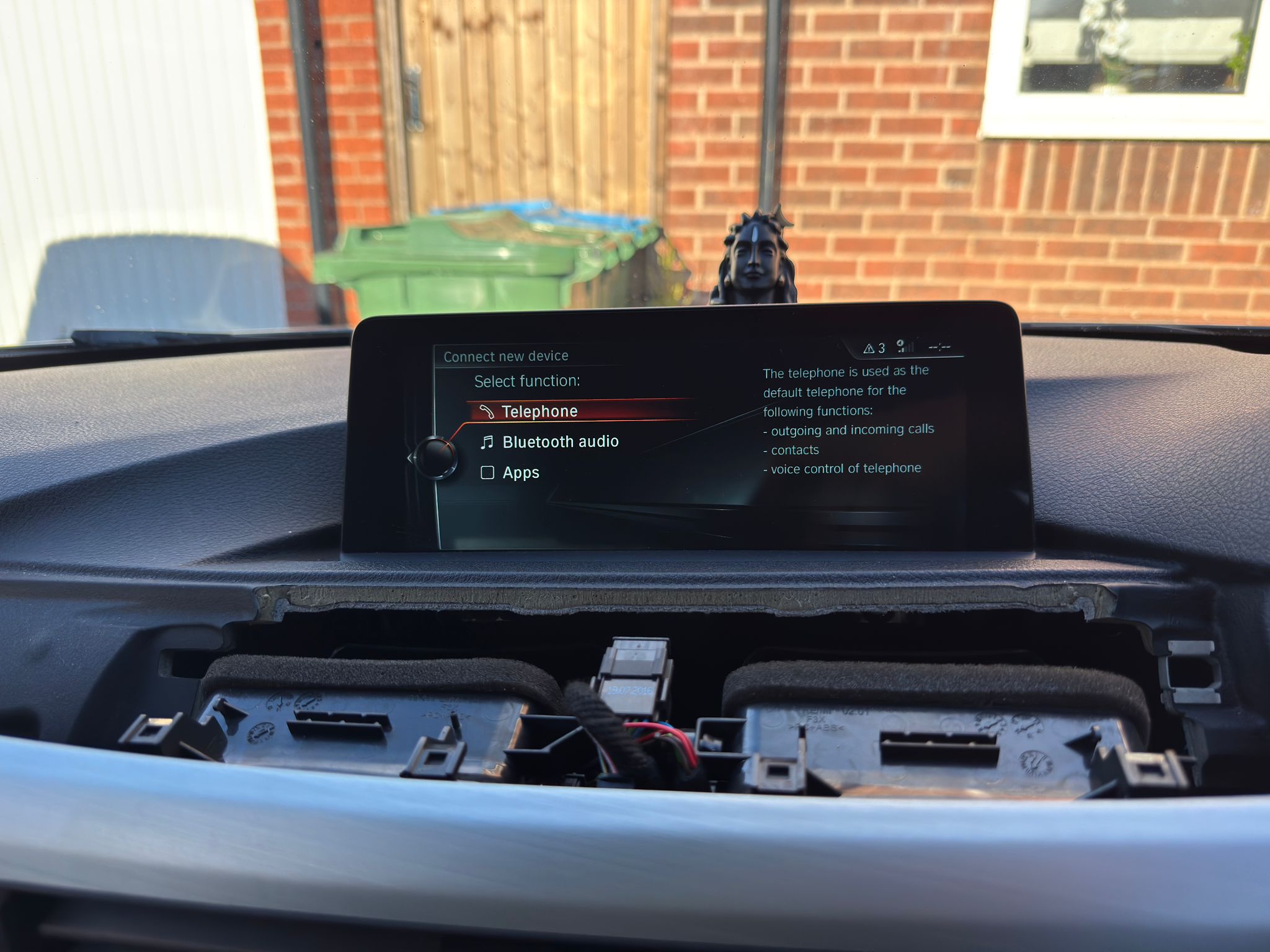
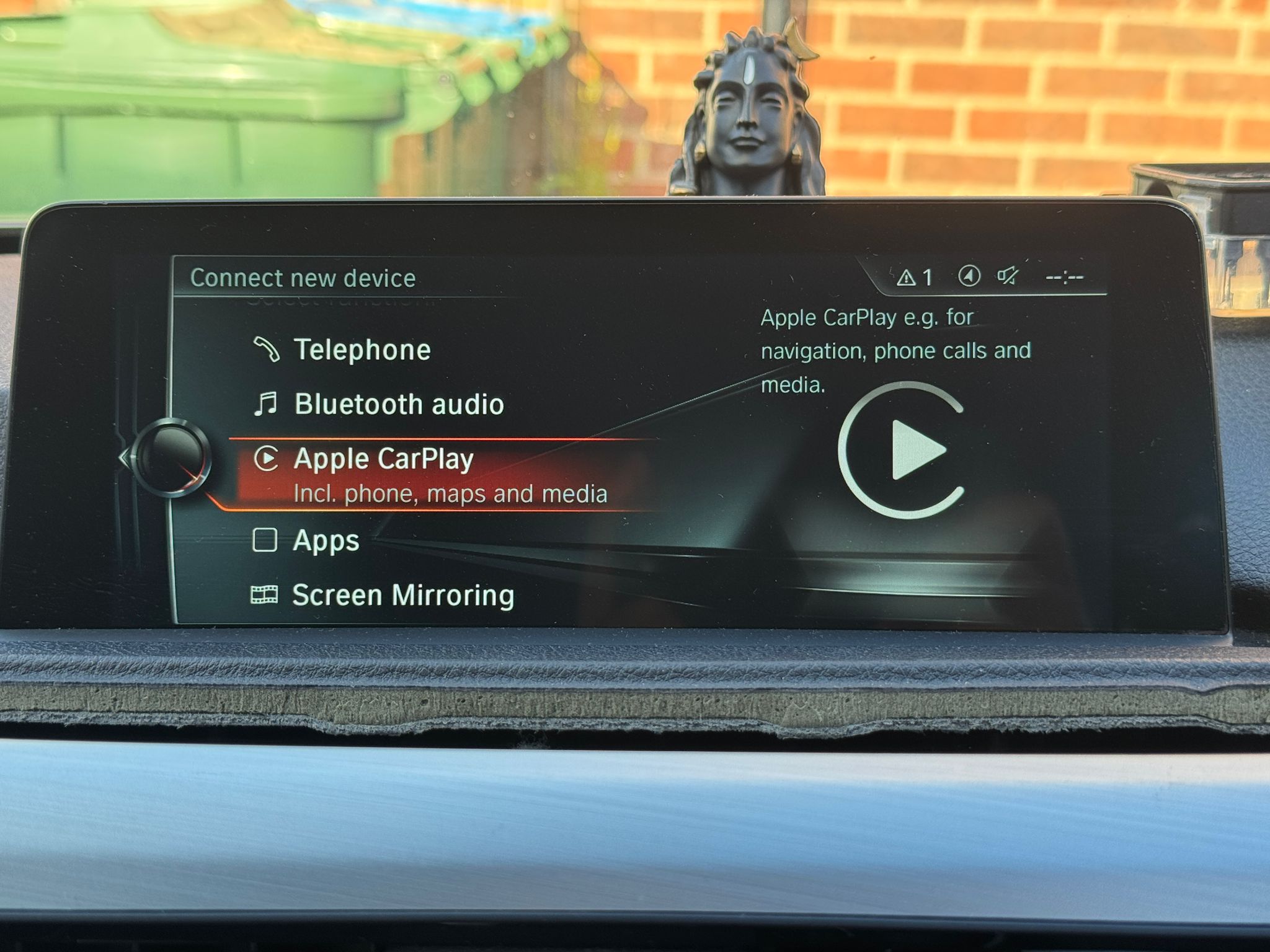
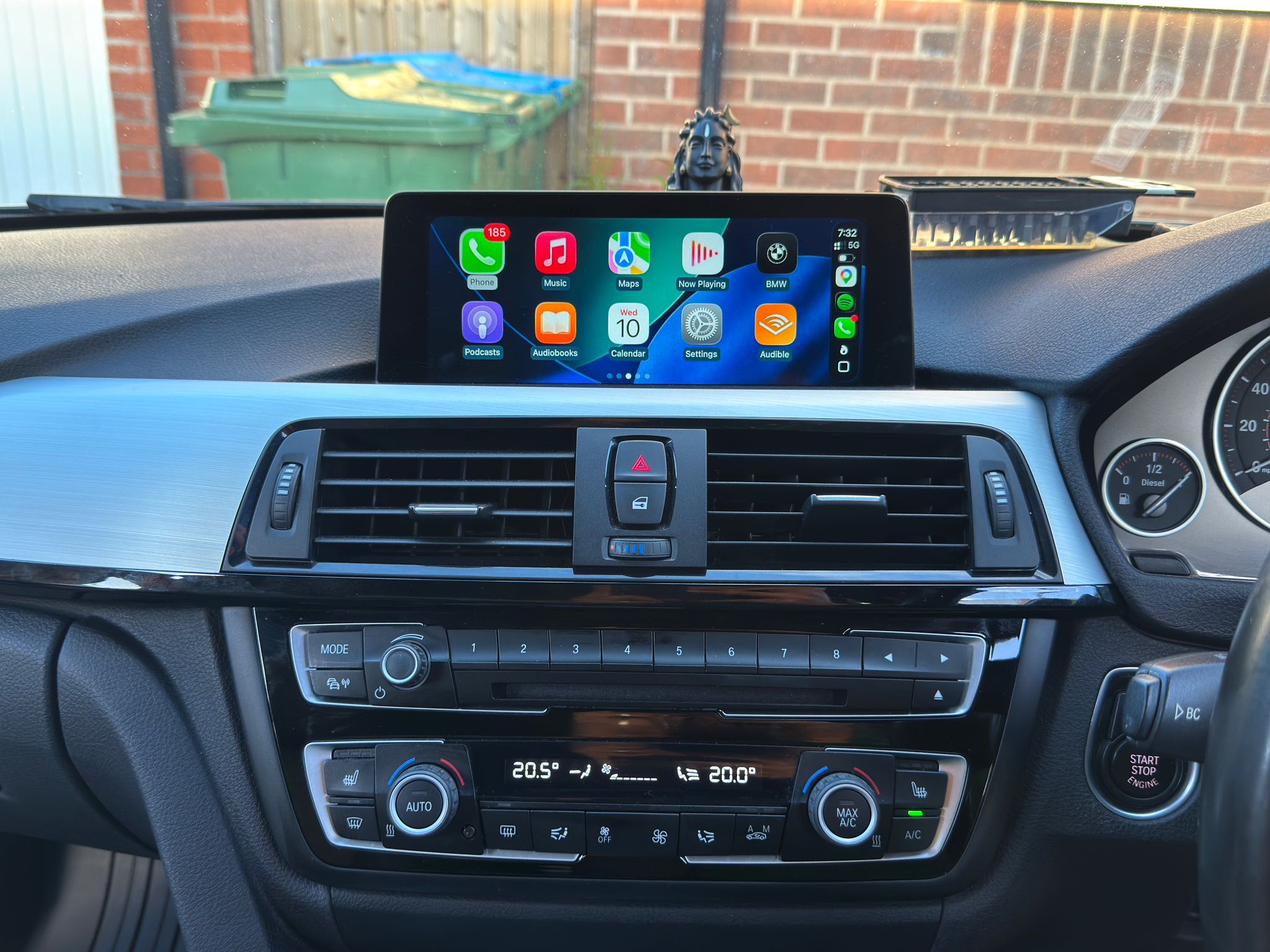
A privacy-safe proof page showing the before iDrive screen, Apple CarPlay option enabled, and active CarPlay running for maps, calls and media after a model-specific compatibility check.
The job
This BMW 420d F32 proof set shows the standard phone/Bluetooth-style iDrive menu before work, the Apple CarPlay option visible after activation, and CarPlay running on the BMW display.
Proof set
Careful claims
This page proves a completed BMW 420d F32 CarPlay activation route. It does not guarantee the same method, price or result for every BMW 4 Series or iDrive version.
OEM Motion is independent and is not affiliated with BMW, Apple or Google. Compatibility should be checked before buying parts or booking work.
BMW F32 CarPlay FAQ
No. Apple CarPlay availability depends on the exact iDrive or head unit, software level, vehicle options and existing hardware. OEM Motion checks the BMW details before quoting or booking work.
Send the BMW model, year, full VIN privately, a clear iDrive menu photo and what you want enabled. This avoids guessing from the badge or shape of the screen alone.
No. This page shows one completed BMW 420d F32 CarPlay activation route. The same method, price or result is not guaranteed for every BMW 4 Series or iDrive version.
Next step
For the fastest answer, send your BMW model, year, full VIN privately, iDrive screen and menu photos and the upgrade you want. OEM Motion will check the sensible route before any booking is discussed.