
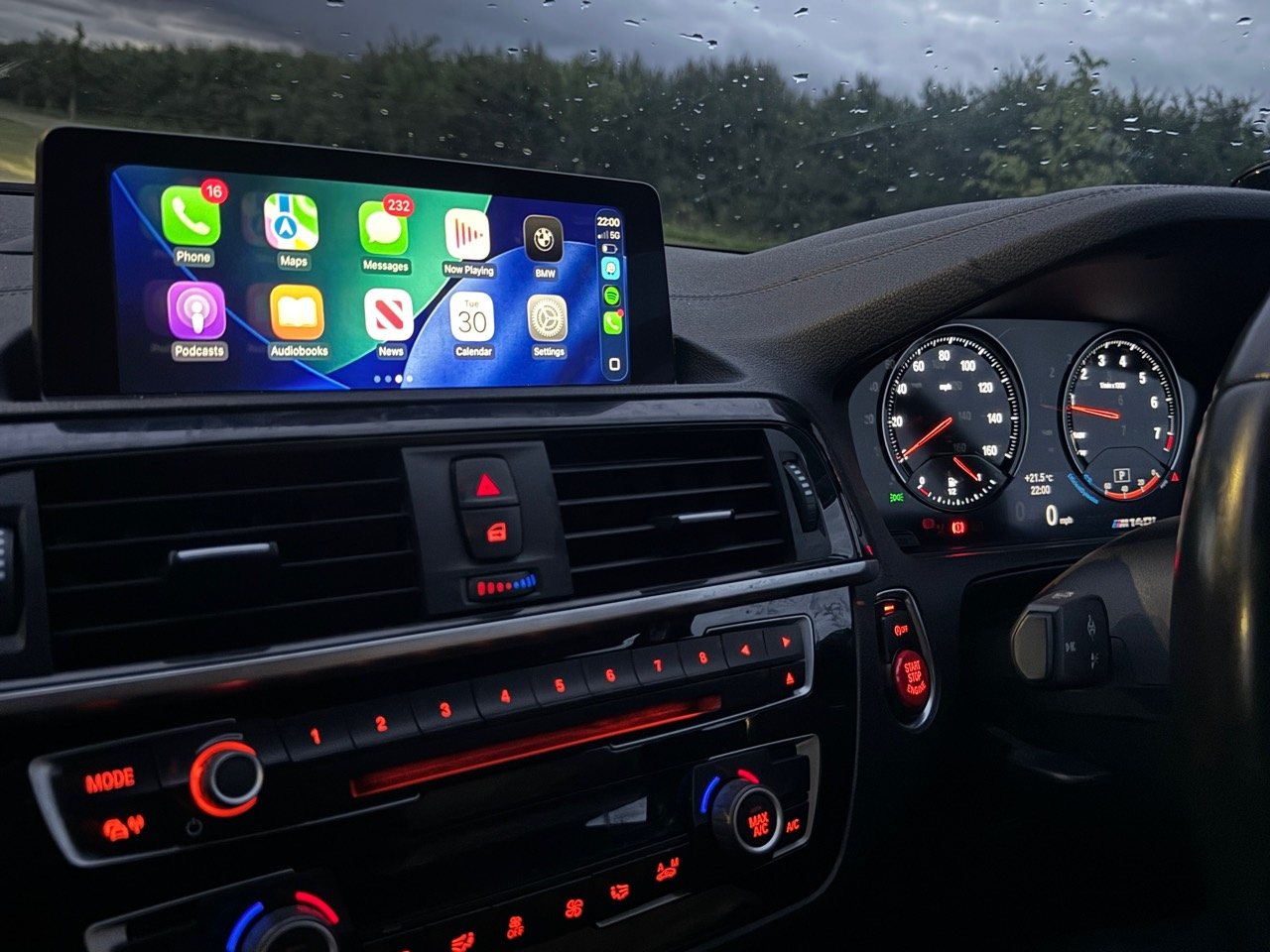
BMW Apple CarPlay activation FAQs
Clear answers about price, compatibility, coding, wireless use, warranty questions and support.
Read CarPlay FAQsBMW guides
Short guides for BMW owners who want Apple CarPlay, Android Auto, screen upgrades, coding or diagnostics without guessing the wrong route.
Start here
These pages are written for real enquiries: what photos to send, why iDrive matters, and when a screen upgrade is a better route than a simple activation.
Clear answers about price, compatibility, coding, wireless use, warranty questions and support.
Read CarPlay FAQs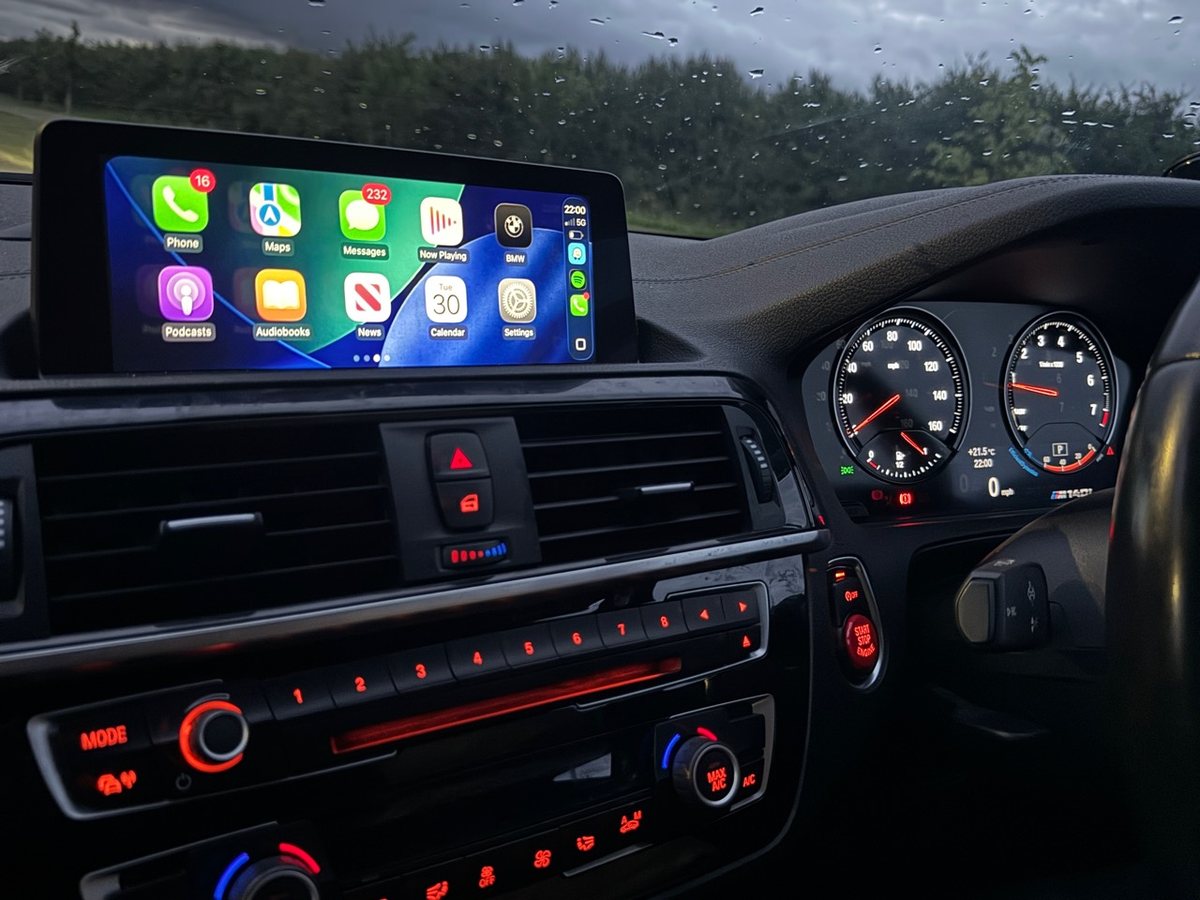
Model, year, iDrive, full VIN and photo checks explained before you buy or book.
Read compatibility guide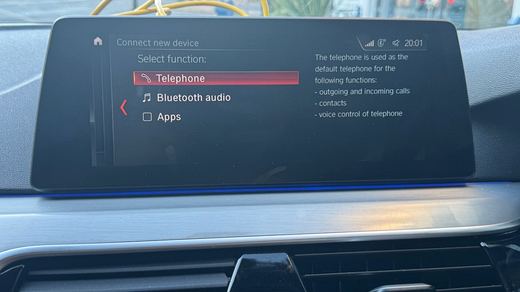
Use menu photos, controller clues and screen layout to narrow down CIC, NBT or NBT EVO.
Read iDrive guide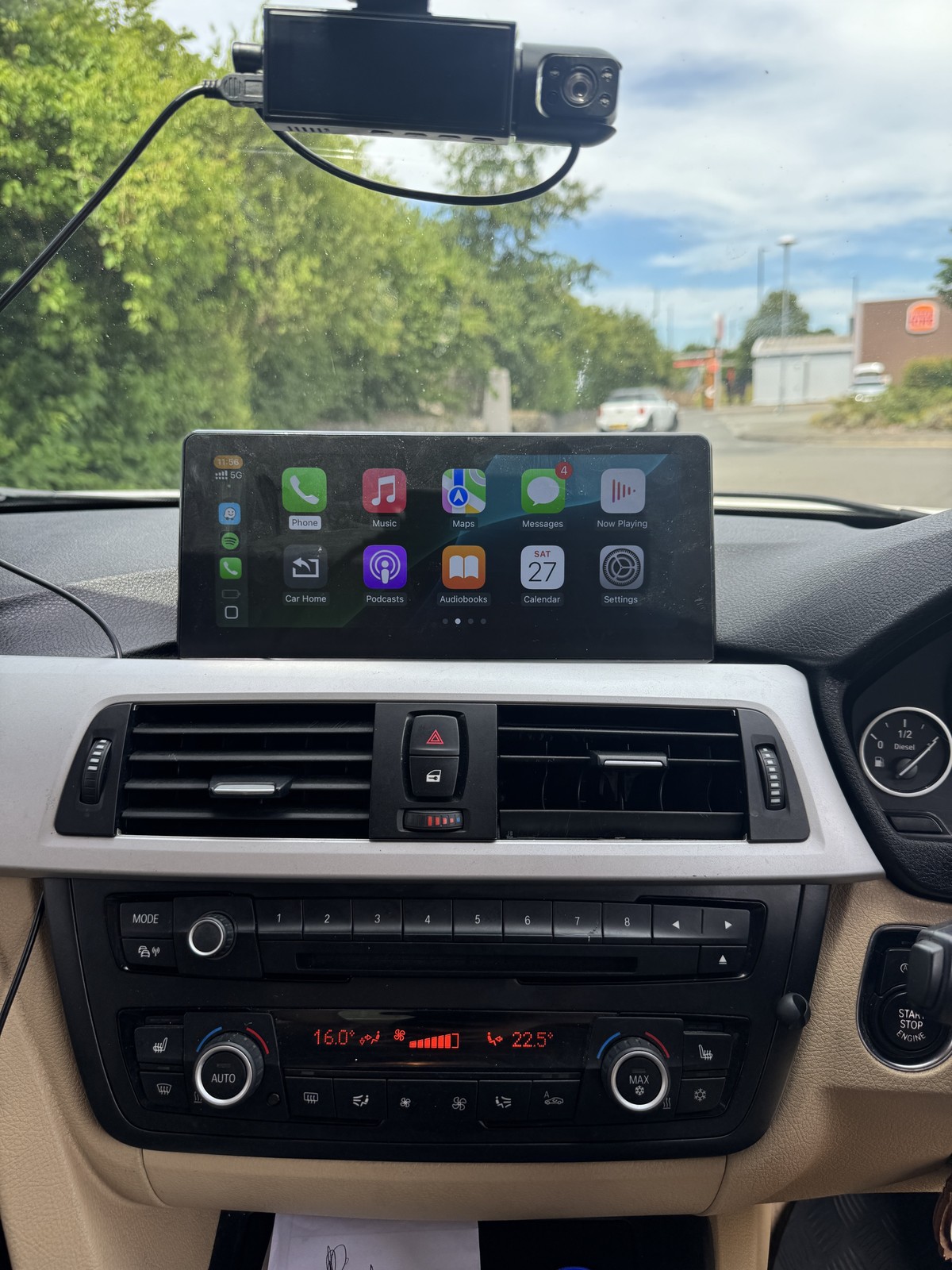
Understand activation, Android Auto, larger touchscreen and iDrive upgrade paths.
Read screen guide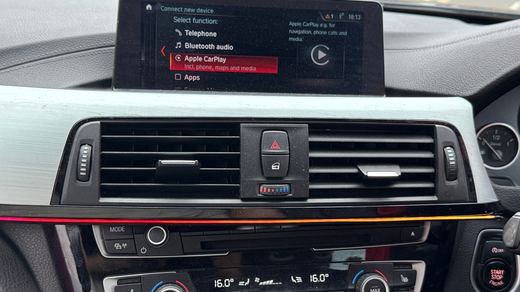
What to send when the screen restarts, freezes, loops on the BMW logo or drops audio.
Read reboot guideFast quote checklist
For the quickest useful answer, send these privately on WhatsApp. Do not post VINs, plates, Apple IDs, saved addresses or customer details publicly.