
Can OEM Motion check another BMW X4?
Yes. Send the model, year, full VIN privately and clear iDrive photos so the exact route can be checked before booking.
BMW X4 F26 case study
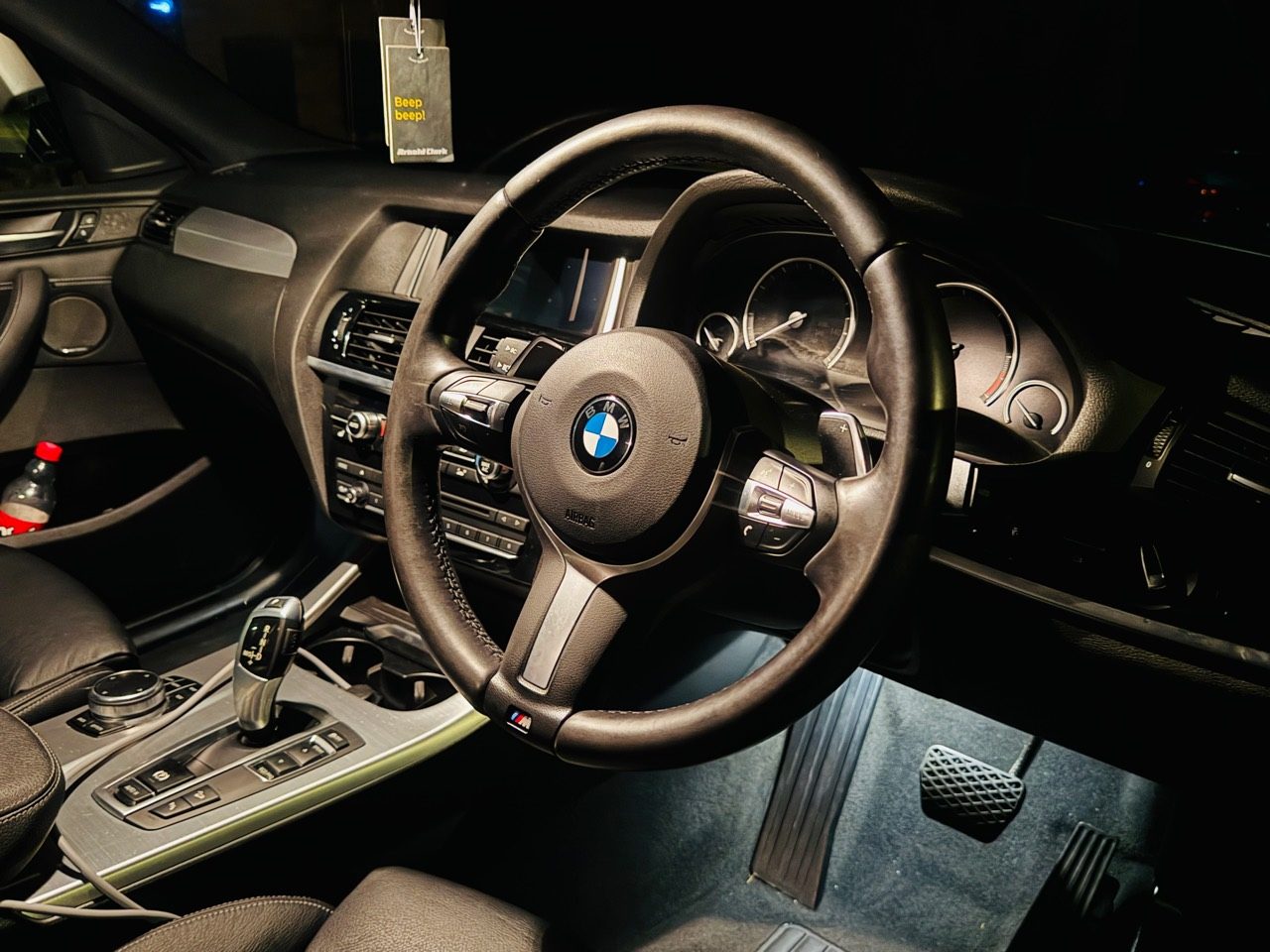
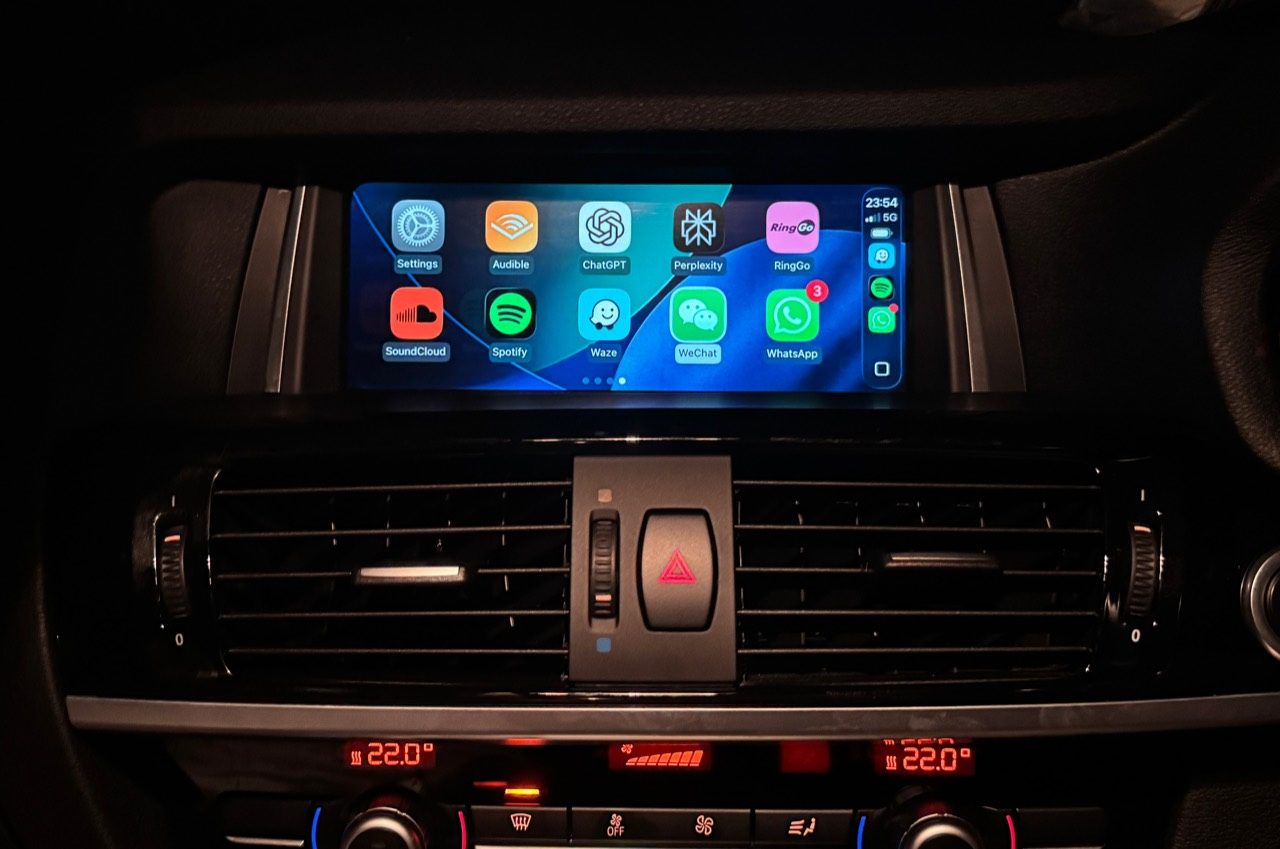
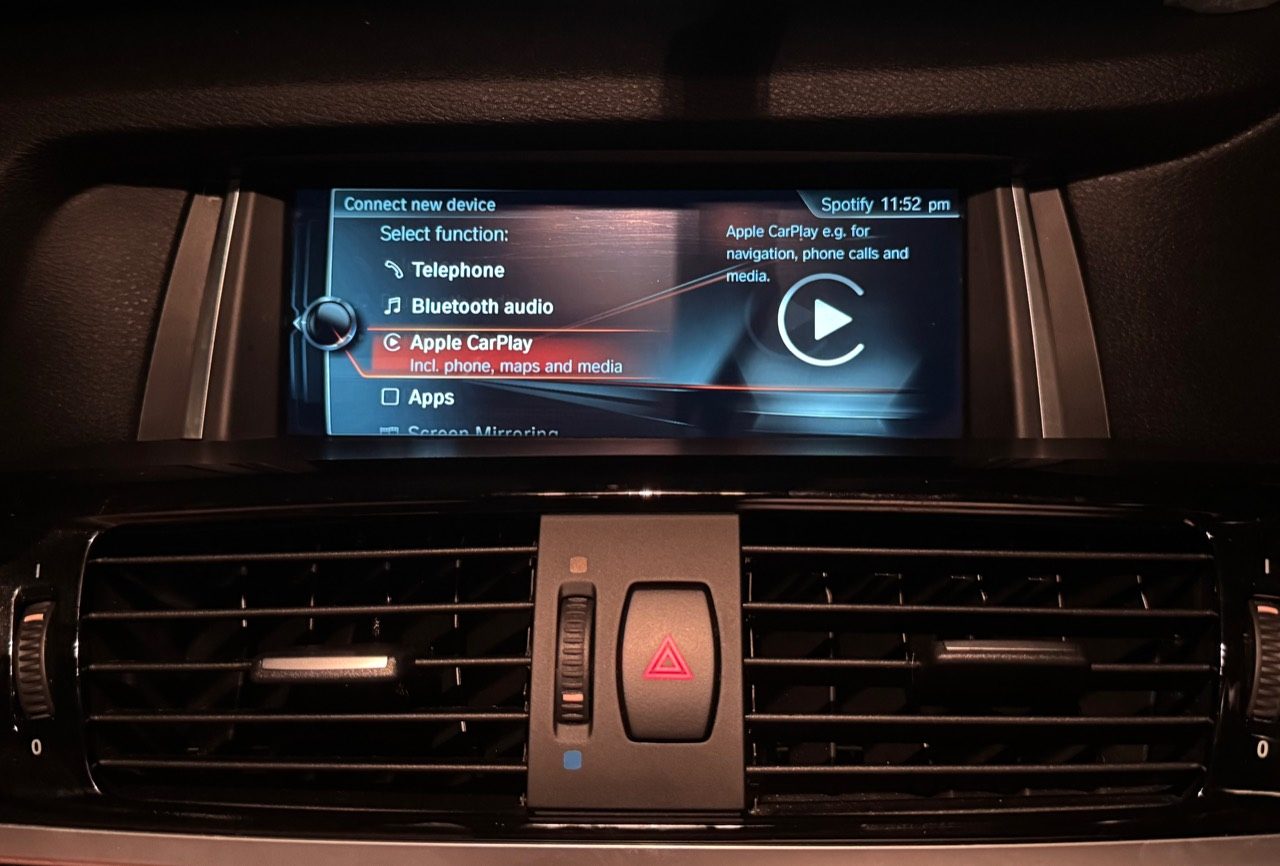
Proof from a Coventry BMW X4 job showing CarPlay working on the BMW display while the original iDrive system remains part of the route.
The result
This case study comes from the public Google Business Profile proof post for a 2018 BMW X4 F26. The job was presented as a compatibility-checked CarPlay activation, with the original BMW iDrive system retained.
Proof set
Careful claims
OEM Motion is independent and is not affiliated with BMW, Apple or Google. BMW and Apple CarPlay names are used only to describe the vehicle system and feature route.
FAQ
Yes. Send the model, year, full VIN privately and clear iDrive photos so the exact route can be checked before booking.
Supported routes are checked around retaining original BMW menu access and normal controls, but the exact behaviour is confirmed vehicle by vehicle.