BMW 5 Series CarPlay and coding Coventry

BMW 5 Series CarPlay, Android Auto and coding checks in Coventry.

OEM Motion helps BMW 5 Series owners check Apple CarPlay, Android Auto, iDrive upgrade and coding routes before buying parts or booking work. This page uses real BMW 520d G30 CarPlay and BMW 530d G30 coding proof.

BMW 5 Series compatibility checks CarPlay and Android Auto routes G30 coding proof available Coventry-based support
Message OEM Motion

What can be checked

5 Series routes depend on the exact iDrive, cluster and module setup.

BMW 5 Series cars can vary by generation, head unit, screen, software, digital cluster and installed options. OEM Motion checks the exact vehicle first, then confirms the sensible route for CarPlay, Android Auto, coding, diagnostics or iDrive upgrades.

  • Apple CarPlay and Android Auto route checks for compatible 5 Series cars.
  • Feature-coding checks for supported modules and software levels.
  • iDrive, screen, cluster and steering-control retention reviewed before quoting.
  • Privacy-safe proof shown from completed BMW 520d G30 CarPlay and BMW 530d G30 coding jobs.

Real 5 Series proof

BMW 520d and 530d G30 proof.

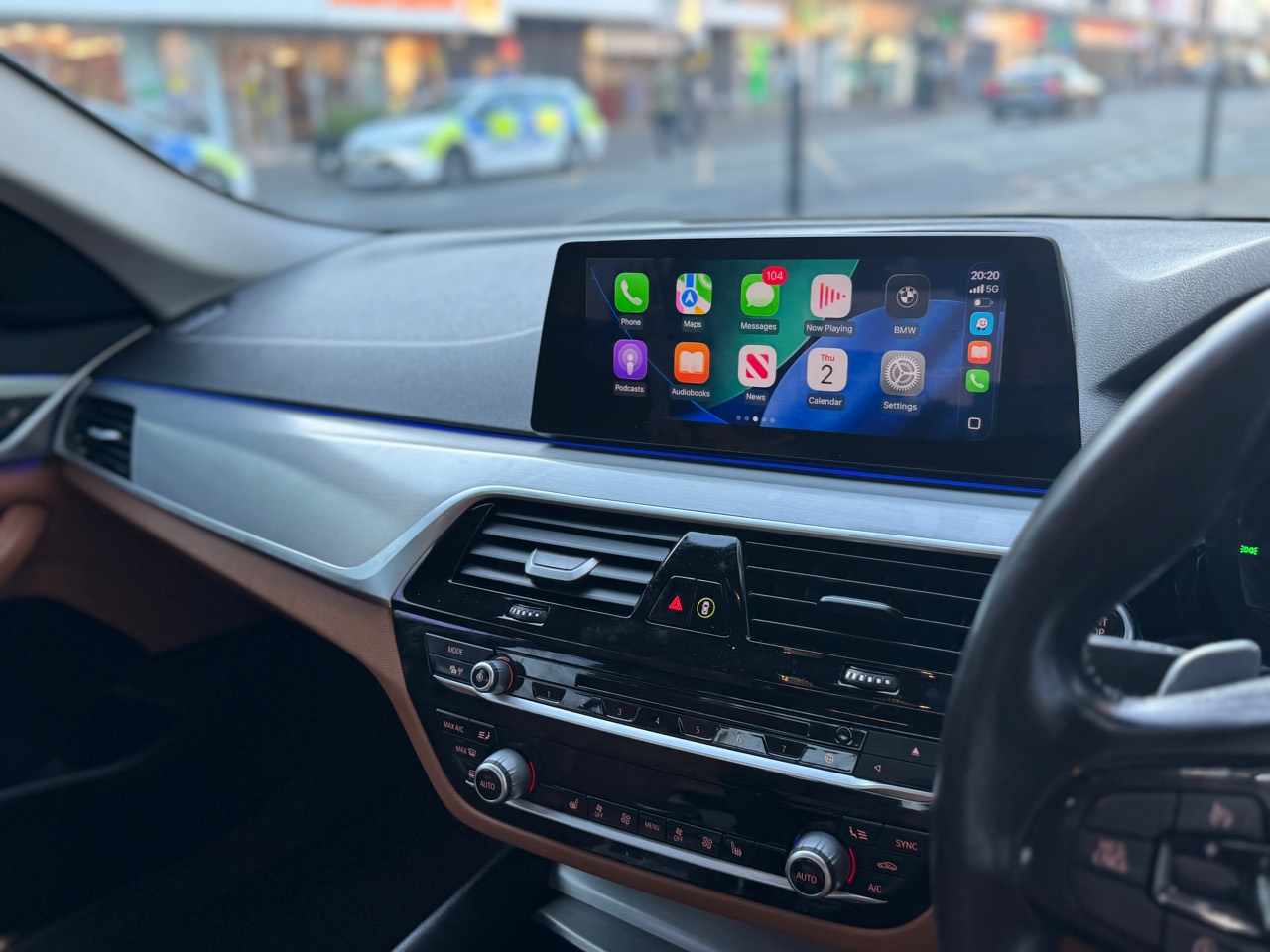
BMW 520d G30 Apple CarPlay active after mobile fitting in Birmingham
Result | BMW 520d G30 Apple CarPlay fitted in Birmingham
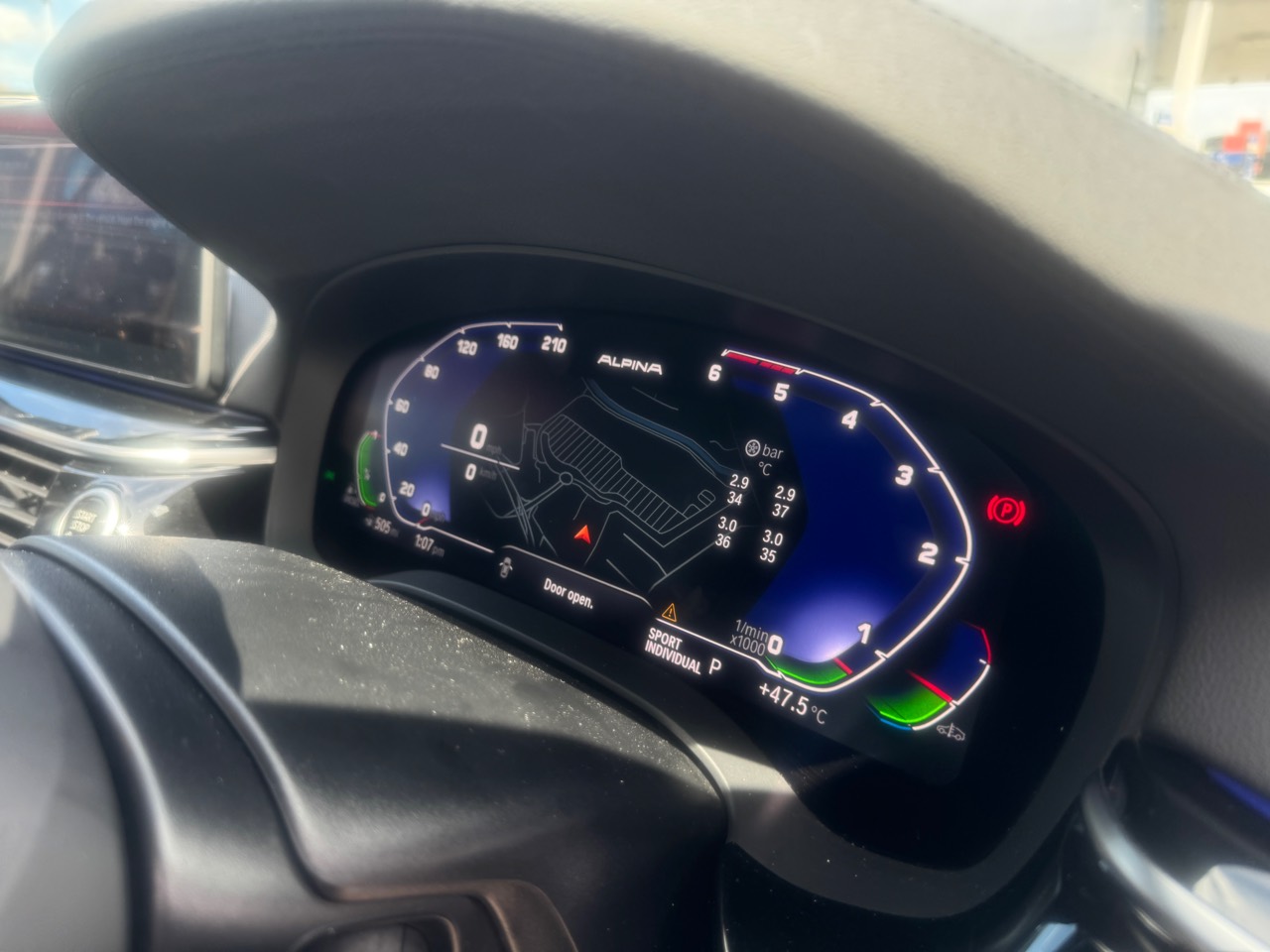
BMW 530d G30 digital cluster with Alpina-style dashboard and tyre pressure and tyre temperature display
Result | Alpina-style cluster with tyre data
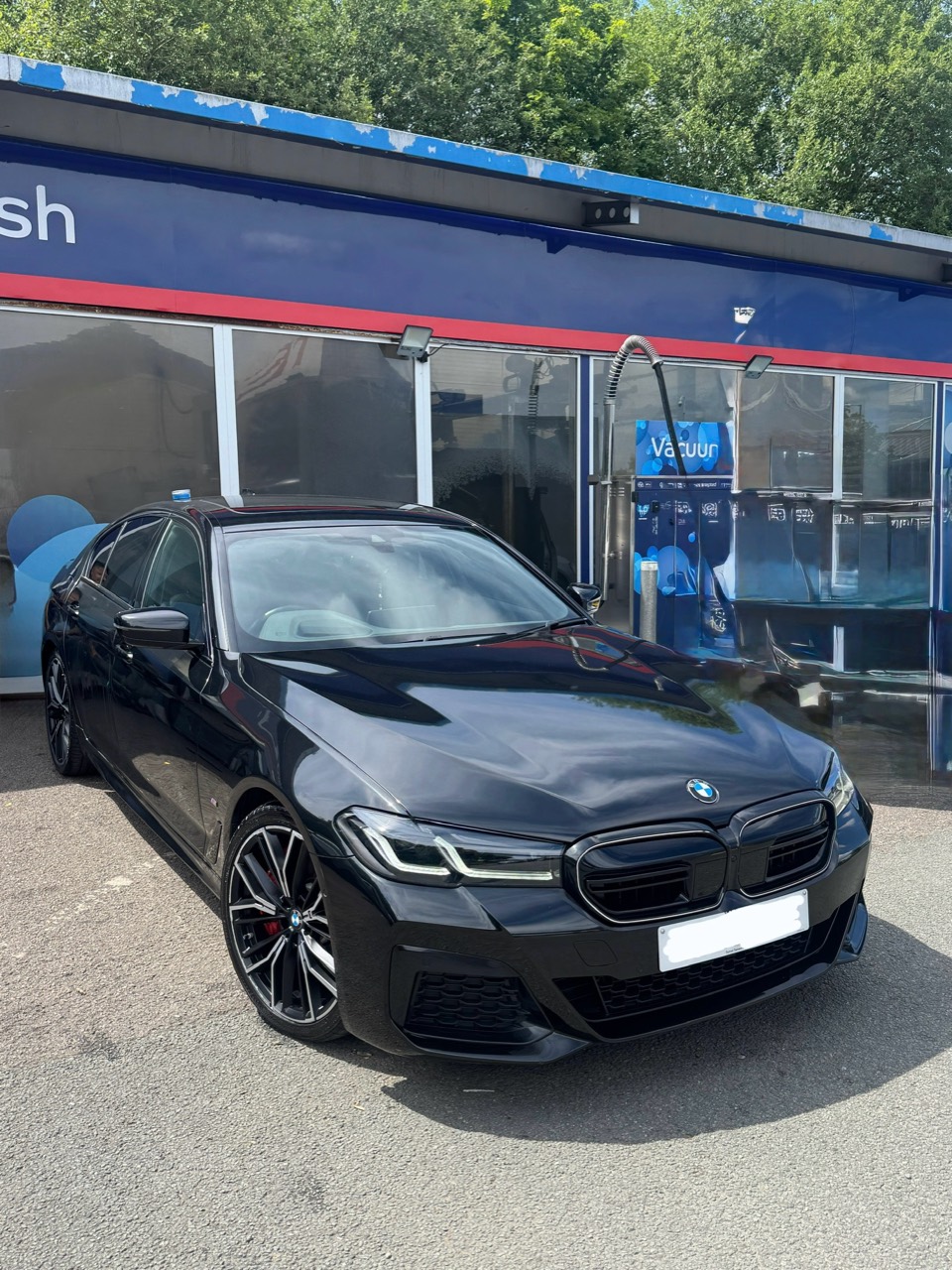
BMW 530d G30 exterior with registration hidden before coding work
Vehicle | BMW 530d G30 checked first
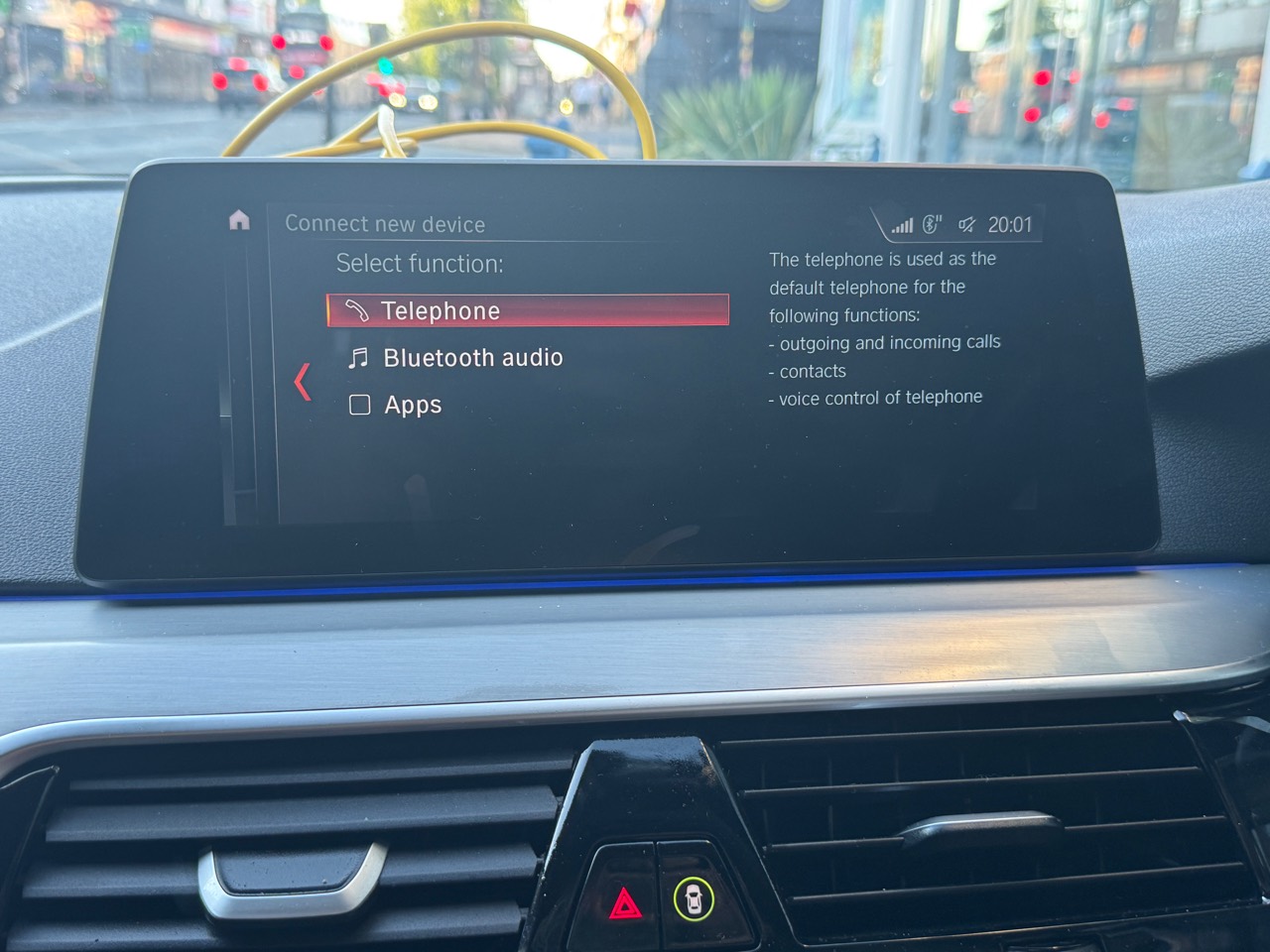
BMW 520d G30 original BMW menu before CarPlay fitting
Before | BMW 520d G30 original menu captured

Careful claims

Not every 5 Series uses the same route.

This page proves completed BMW 520d G30 and BMW 530d G30 routes, but it does not guarantee the same parts, coding, method, price or result for every BMW 5 Series or iDrive version.

OEM Motion is independent and is not affiliated with BMW, Apple, Google or Alpina. Compatibility should be checked before buying parts or booking work.

BMW 5 Series FAQ

Questions before planning a 5 Series upgrade.

Can every BMW 5 Series have CarPlay, Android Auto or the same coding features?

No. BMW 5 Series compatibility depends on the exact generation, head unit, iDrive version, software level, screen, cluster and control modules. OEM Motion checks the details before quoting or booking work.

Which BMW 5 Series details should I send first?

Send the BMW model, year, full VIN privately, clear iDrive or dashboard photos, and the upgrade or coding features you want checked.

Do the BMW G30 proof pages guarantee the same features on every 5 Series?

No. The BMW 520d G30 and 530d G30 proof pages show completed routes for specific vehicles. Other 5 Series cars can need different checks, coding support or hardware routes depending on the exact vehicle.

Next step

Send your BMW details for a compatibility check.

For the fastest answer, send your BMW model, year, full VIN privately, iDrive/dashboard photos and the upgrade you want. OEM Motion will check the sensible route before any booking is discussed.