
MINI infotainment help / Coventry
MINI iDrive reboot repair in Coventry
MINI screen keeps restarting, freezes on the logo or repeatedly goes black? OEM Motion reviews the fault and checks whether a head-unit firmware update is a suitable next step.
Recognising the fault
What is a MINI iDrive reboot loop?
A reboot loop means the infotainment system keeps trying to start again instead of staying usable. Owners may describe this as a MINI Connected screen restarting, a radio boot loop or an iDrive black-screen fault. The name alone does not identify the fitted head unit.
- The start-up logo returns repeatedly.
- The display switches between a menu and a black screen.
- Radio or music cuts out as the system restarts.
- Bluetooth or navigation becomes unavailable during the interruption.
- The menu works briefly, then stops responding or restarts.
A screen that stays black without restarting can have a different fault. Tell us whether the audio still works and whether the logo reappears. Record a short video only while safely parked.
Check the cause first
Why does a MINI screen keep restarting?
Software faults
A head-unit software error can interrupt normal operation. An appropriate firmware update may resolve a software-related fault, as it did on our documented F55 job.
Phone or connection triggers
Note whether the restart follows a Bluetooth call, music playback or connecting a device. MINI has published guidance for a specific NBT Evo software reset during Bluetooth use; it does not apply to every MINI.
Power-supply issues
Battery or charging problems are another possible cause to investigate. Recent battery work and other electrical symptoms are useful details to share before assuming the head unit has failed.
Head-unit hardware
An internal electronic or storage fault can also need investigation. An update cannot repair failed hardware. Not every system uses the same storage or has the same repair route.
These are possible explanations, not a diagnosis of your car. A matching symptom or model year does not confirm the cause.
What OEM Motion does
Assess the fault, then choose the right next step.
Understand what is happening
Send the MINI model, year, screen photos and a short fault video. Mention when it began, what triggers it and any recent battery, coding or retrofit work.
Review the installed system
We check the information supplied and explain what further assessment is needed before confirming an update route or a quote. A photo alone cannot rule out an electrical or hardware fault.
Update where appropriate
For a suitable software-related case, the work may be a head-unit firmware update to the appropriate available version for that vehicle. This is not a navigation map update or a universal USB download.
Check the result
We check the system's operation after the agreed work. If symptoms remain or suggest another fault, further investigation is needed rather than a promise that another update will fix it.
Our confirmed example is a 2015 MINI Hatch F55. Other MINI enquiries are assessed individually. We do not advertise a guaranteed software fix, a fixed saving or universal head-unit repair coverage.
Real OEM Motion work
2015 MINI Hatch F55: reboot issue resolved.
This MINI came in with an iDrive reboot issue. We updated the head-unit firmware to the latest version available for this car at the time of the job. The reboot issue was resolved, with the normal MINI menu shown after the update.
- VEHICLE
- 2015 MINI Hatch F55
- WORK
- iDrive firmware update
- RESULT
- Reboot issue resolved
Before: screen restarting
After: menus working
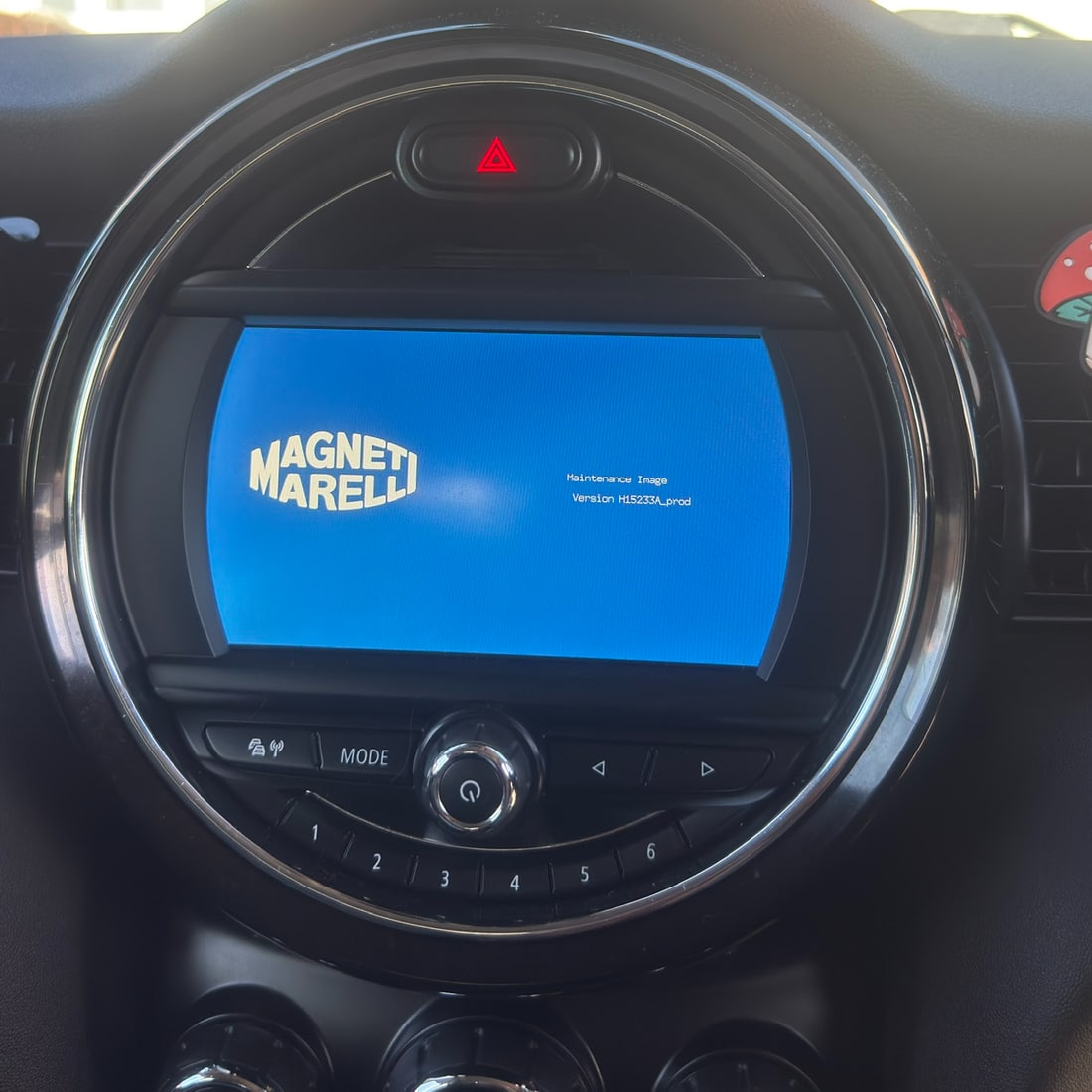
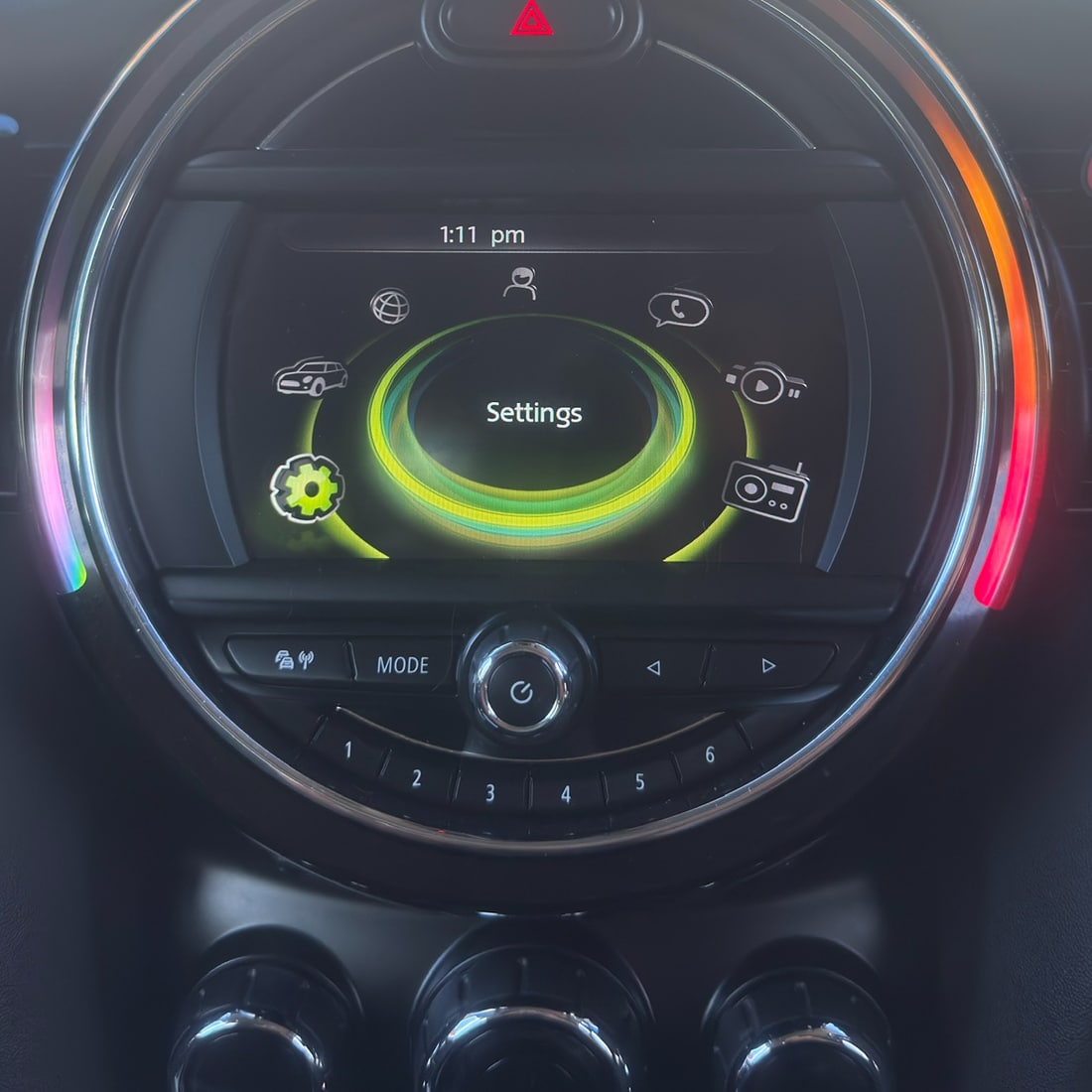
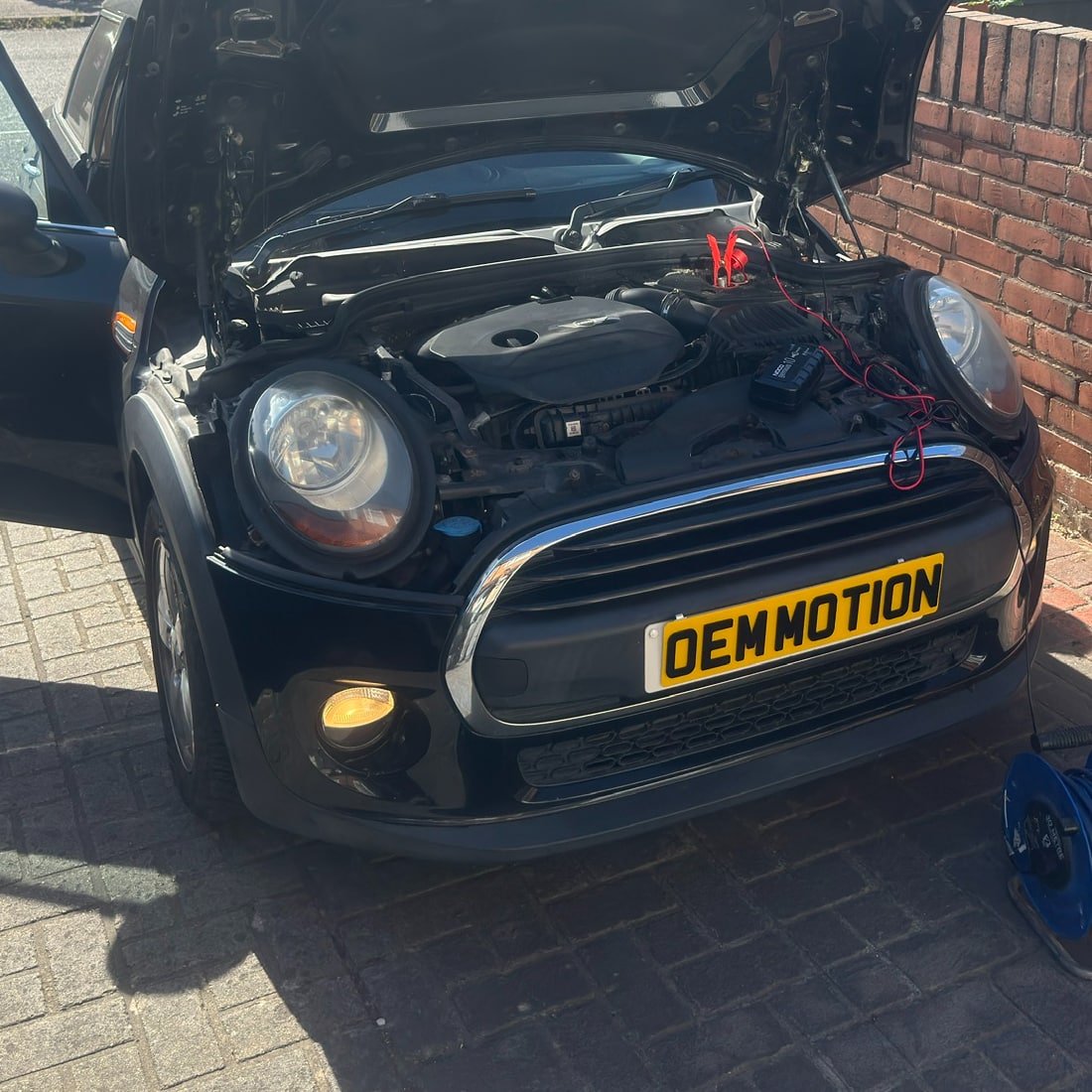
One completed job, not a guaranteed fix for every reboot fault. Software, hardware and power-related faults need individual checks.
Before booking
MINI reboot repair questions
Does my MINI need a new head unit?
Not necessarily. The original unit in our 2015 F55 worked after a firmware update. That result does not rule out a hardware fault in another car; the route depends on the individual assessment.
Will a reset fix a screen that keeps rebooting?
A restart and a firmware update are different things. If the fault keeps returning, repeated resets do not establish its cause. Follow the handbook for your exact vehicle rather than a reset procedure intended for another MINI generation.
Can you help with a MINI Cooper black screen?
Send the model, year and a video showing what the screen and audio do. A persistent blank display is not automatically the same as a reboot loop. We will explain whether the enquiry fits the work we can assess.
How much does a MINI firmware update cost?
The quote follows the vehicle and system review. We confirm the proposed work and price directly before a booking is agreed; the website does not take payment or reserve an appointment.
Where is the service available?
OEM Motion is based in Coventry. Any arrangements for nearby Midlands customers are confirmed directly before booking.
Your MINI
Tell us about the reboot fault.
Start with what you know. Photos and a parked video help us understand the symptom; send your VIN privately only if requested.
Technical reference and scope
MINI service bulletin SI M84 05 18 describes a particular Bluetooth-triggered software reset on specified NBT Evo/ID6-equipped cars. It supports checking the exact system, not assuming that every reboot has that cause. It does not establish the cause of the separate F55 job shown here.
OEM Motion is independent and is not affiliated with MINI or BMW.